Start with a map of your smart home
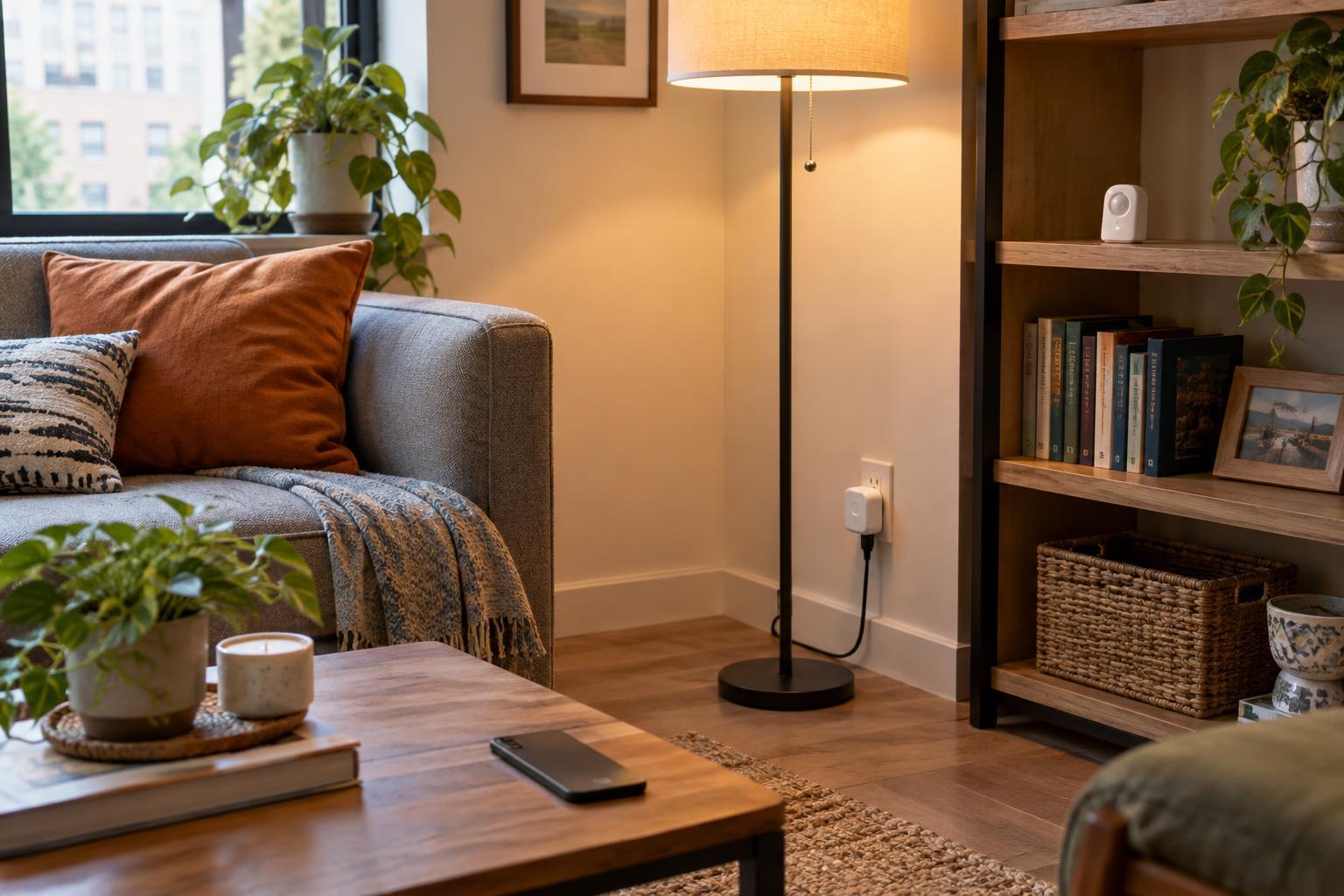
Connected home security is easier when you know what is connected. Walk through your home and list devices that use Wi-Fi or a hub: speakers, TVs, cameras, doorbells, plugs, lights, thermostats and appliances. Note the app and account used to control each one. Include devices in drawers or spare rooms; an unused camera that remains plugged in is still part of your home network.
For each device, ask what would matter if someone else gained access. A smart bulb may be inconvenient to control without permission. A camera may expose private spaces, while a smart lock can affect access to your home. This does not mean every device is unsafe. It helps you spend time on the devices whose settings and accounts deserve the closest attention.
Secure the accounts and network they rely on
Change any default password on a device, its companion app or its hub. Use a different, strong password for each important account; a password manager can make unique passwords easier to handle. If an app offers multifactor authentication, enable it, especially for cameras, locks and the account that manages several devices. Check whether old household members, guests or installers still have access, and remove access that is no longer needed.
Your router is a shared doorway for connected devices. Set a strong Wi-Fi password, use the strongest security mode supported by your router and devices, and change the router's administrator password if it still uses a default. Keep the router's software updated. A guest network, where available, can keep visitors and some smart devices separate from computers and phones. Separation is useful, but it does not replace secure device accounts or updates.
Review what each device can see and share
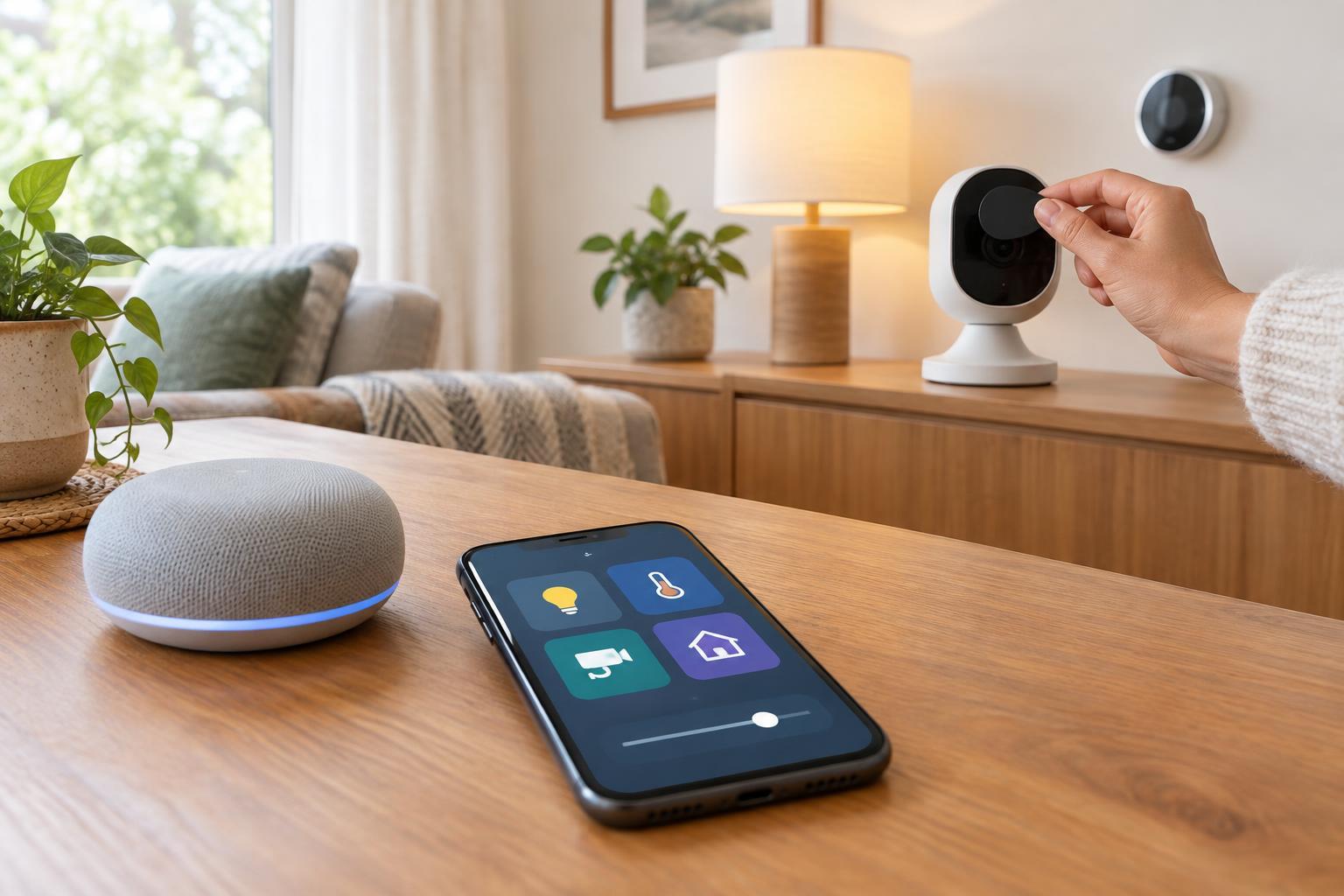
A device should have access only to what it needs for the features you use. Review app permissions for location, microphone, camera and contacts. Check who can view camera feeds or recordings, whether recordings are stored locally or in an online account, and how long they remain available. Settings vary by product, so look through both the device app and any linked account.
Disable features you do not use, such as remote access, voice purchasing or integrations with other services. Removing an integration may also remove a useful automation, so make changes one at a time and test the result. Place cameras with the people in your home in mind, and let visitors know when a device may record them. Privacy is partly a settings task and partly a household conversation.
Make updates a routine, not a one-time fix
Software updates can repair faults and improve security, but automatic updates are not available on every product. Turn them on where offered, then set a recurring reminder to check the router, hubs and devices that need manual attention. If a device stops receiving updates, consider whether its role is still appropriate. An unsupported decorative light is a different decision from an unsupported camera pointed at your front door.
Watch for ordinary signs that something has changed: an unfamiliar account in an app, a setting you did not alter or a device appearing in your router's connected-device list that you cannot identify. These signs do not prove a break-in, but they are reasons to investigate. If you suspect an account is compromised, change its password, end other sessions if the service allows it, and review linked devices and access permissions.
Choose and retire devices with security in mind
Before buying, look for clear information about how the device receives updates, whether its core functions require an online account, and which features continue to work if the internet is unavailable. Consider whether you need every connected feature on offer. A simpler device can mean fewer accounts, permissions and integrations to maintain. Product descriptions may not answer every question, so check the available setup and support information before relying on a feature.
When you sell, donate or recycle a device, remove it from your app and account, then follow its instructions for a factory reset. Check separately for stored recordings or removable storage. Changing your Wi-Fi password is not a substitute for clearing the device and revoking its account access. A short inventory, secure accounts and regular checks give you a manageable routine as devices enter and leave your home.