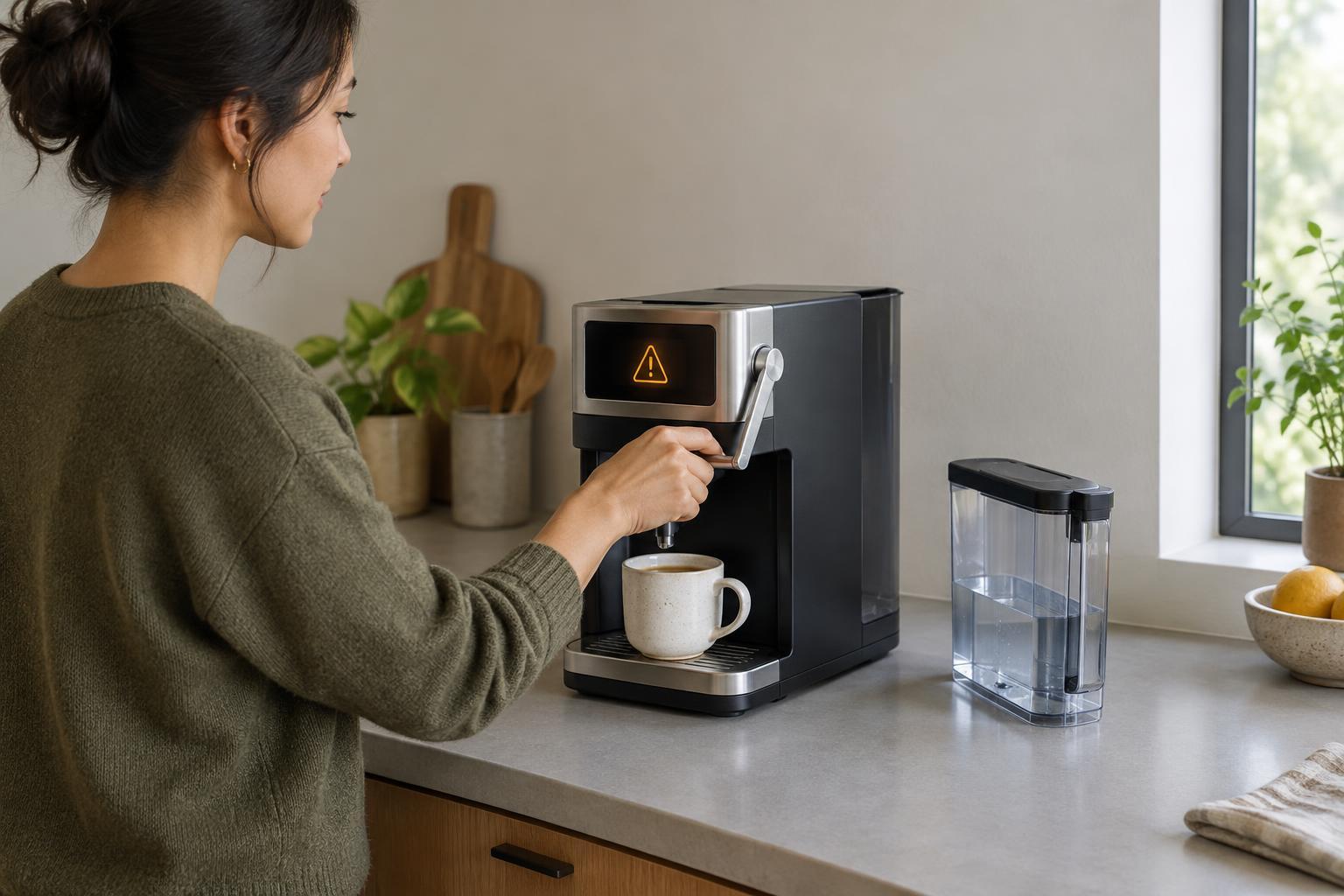
Start with the interrupted task
A connected doorbell can lose its internet connection. A robotic vacuum can become stuck under a chair. A ticket machine can run out of paper. These are different faults, but they raise the same design question: what happens to the person who was trying to get something done? Designing for graceful failure means answering that question before the product ships, rather than treating an error message as an afterthought.
Begin by describing the task in ordinary language: “I want to know who is at the door,” “I want the floor cleaned,” or “I need proof of my ticket purchase.” Then list what could interrupt it. Include predictable events such as low battery, poor connectivity, blocked movement, missing supplies and mistaken input. This exercise shifts attention from the faulty component to the effect on the user. A device may be operating exactly as programmed while still leaving someone confused or stranded.
Keep the useful part working when possible
Not every failure requires a complete stop. If a smart lamp loses its network connection, a physical switch may still be able to turn it on. If a writing app cannot sync, it may be able to keep a local draft until the connection returns. These are examples of reduced but useful operation: the product cannot deliver its full experience, yet it can still support the immediate task.
The right fallback depends on the risk. An entertainment feature can often continue with limited capability; a product that controls heat or moving parts may need to stop a particular action instead. Designers should identify which functions can safely continue, which should pause, and which require the user to confirm the next step. A fallback is only helpful if people can discover it. A manual control hidden behind an obscure setup process offers little reassurance when an app is unavailable.
Explain the problem without making people diagnose it
An error code may help a support team, but it rarely tells a person what to do next. A useful message answers three questions: what happened, what still works, and what action is available. For example, “The vacuum is stuck. Cleaning is paused. Move it to an open area and press Resume” is more actionable than “Navigation error.” When the cause is uncertain, say what the product has observed rather than presenting a guess as fact.
Feedback also needs to match the moment. A brief status light might be enough for a minor, temporary interruption. A failure that could erase unfinished work deserves a clear notice on the screen. Repeating alarms for a problem the user cannot immediately fix can create frustration without helping recovery. The aim is not to make every fault sound urgent; it is to give people enough information to decide whether to act now, wait, or use another route.
Make recovery a path, not a puzzle
Recovery should start from the state the person is actually in. If a payment fails, the interface should make it clear whether money was taken before inviting another attempt. If a device restarts during setup, it should indicate which steps were saved. Without that continuity, people may repeat actions unnecessarily or worry that their work has disappeared.
A simple recovery path can be designed as a sequence: show the current state, offer one reasonable next action, confirm the result, and provide an alternative if the first action fails. That alternative might be a physical control, an offline mode, a way to save progress, or a route to human support. Avoid sending people through the same instruction repeatedly. If “try again” has failed twice, a different option is more useful than a third identical prompt.
Test the awkward moments deliberately
A product demonstration usually shows the happy path. A failure-focused test does the opposite: interrupt a task and watch what happens. Disconnect the network while a draft is being saved. Let a battery run low partway through setup. Place an obstacle in a robot’s path. Ask someone unfamiliar with the product to explain what they think has happened and what they would do next. Their hesitation can reveal gaps that a technical checklist misses.
Test the recovery as well as the alert. Can the person resume without starting over? Do controls still mean what they appear to mean after the fault clears? Is there a clear indication that normal operation has returned? Graceful failure does not mean promising that nothing will break. It means making interruptions understandable, limiting their consequences where feasible, and helping people return to their original task with confidence.