Start with the door, not the app
A smart lock can replace an existing deadbolt or add a motorized control to the lock already on the door. Before comparing features, check the door’s thickness, the size of its existing holes and whether the bolt moves freely. A motor should not have to force a bolt into a misaligned strike plate. If the door sticks or needs a firm push to lock, fixing that fit first may prevent unreliable operation later.
Think about who uses the entrance. A household that regularly hosts visitors may value temporary access codes, while someone who rarely shares access may prefer a simpler lock. If you rent or live in a building with shared entry rules, confirm what changes to the door are permitted. Also check that the inside handle or thumbturn remains straightforward to use when leaving, including during a power or connectivity problem.
Compare the ways you can get in
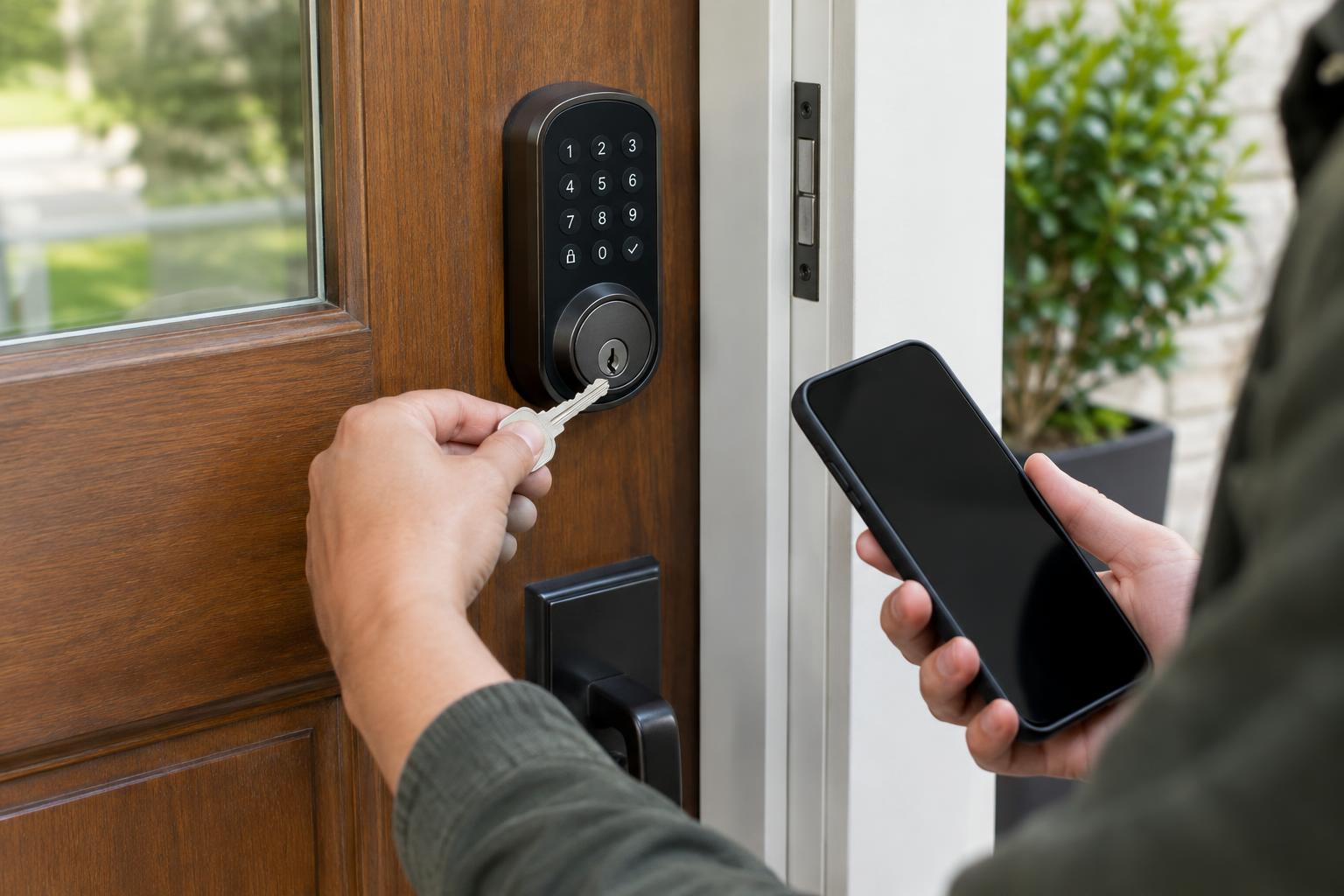
Keypads let people enter a code without carrying a phone or key. They can be useful for family members, guests or a trusted helper, especially if the lock supports separate codes that can be removed later. Consider whether the buttons are easy to use in poor light and whether the lock provides clear feedback when a code is accepted. A keypad is less convenient if household members are likely to forget their codes or share one code widely.
Phone-based entry can use a nearby wireless connection, an app command or, on some models, automatic unlocking as you approach. These options depend on the phone’s charge, settings and permissions; automatic features may not behave exactly as expected every time. Fingerprint readers and key fobs offer other ways in, but their usefulness depends on the reader’s placement and how well they work for the people using them. Choose an entry method that fits ordinary days, then plan for the day it fails.
Understand power and connectivity
Most residential smart locks run on replaceable batteries or a rechargeable pack. Battery life varies with the lock’s design, how often it operates, door alignment and wireless activity. A motor that strains against a poorly fitting door may use more power. Rather than relying on an advertised estimate alone, look for low-battery alerts that are hard to miss and a clear way to check charge in the app or on the lock.
Connectivity is a separate choice. A lock may work locally for codes or nearby phone access while requiring a compatible hub or network connection for control from elsewhere. Wi-Fi-enabled features can be convenient, but remote access adds account and network dependencies. Check exactly which functions still work if your internet service goes down, and whether a hub is required for the features you want. Compatibility with a smart home platform does not necessarily mean every lock feature will appear in that platform’s app.
Plan backup access before installation
Ask two practical questions: how will you enter if the lock’s batteries are empty, and how will you enter if your phone is unavailable? Some smart locks retain a conventional key cylinder. Others offer an external power contact that can briefly supply enough power to unlock, but the required power source and procedure vary by model. An external power option is not the same as having a spare key ready to use.
Check how the chosen lock behaves during an internet outage, a depleted battery and a mechanical fault. Keep any physical key somewhere accessible outside the locked home without leaving it in an obvious hiding place. If other people need access, make sure they know an entry method that does not depend on your phone. Testing these situations while the door is open is much easier than discovering the answers from the doorstep.
Choose controls you will actually maintain
Useful software features include separate user access, a record of lock activity and reminders when the door is left unlocked. Not every household needs all of them. Activity records may be helpful for checking whether someone arrived, but they also create information about people’s movements. Review who can see that information and remove guest access when it is no longer needed.
Before buying, look at the manufacturer’s instructions for battery replacement, software updates and what happens when you change phones or lose account access. Use a strong, unique account password and enable additional account protection if offered. A good smart lock is not simply the one with the longest feature list: it is one that fits the door, gives each user a practical way in and has a backup plan the household understands.