Treating the typical user as everyone
Design teams often build around a person they can easily picture: someone with a recent phone, reliable internet, good eyesight and time to learn a new interface. That shortcut can make a product feel simple in a demonstration while making ordinary tasks difficult for people outside that picture. A home energy app, for example, may show useful settings only through tiny icons or color-coded charts. The information is present, but not equally usable.
The better question is not whether a feature works for an imagined average person. It is who might struggle to reach the same outcome, and under what conditions. Test essential tasks with varied devices, connection speeds and accessibility settings. Offer text labels alongside color, clear language alongside icons, and a way to complete important tasks without a long sequence of taps. Inclusive design is not a promise that one interface will suit everyone; it is a practice of finding and removing avoidable barriers.
Calling a choice informed when it is hard to understand
A consent screen can technically offer a choice while steering people toward one answer. If a smart speaker asks for broad data access with a bright “continue” button and hides the limited option behind several menus, the decision may reflect the screen’s design more than the person’s preference. The same problem appears when settings use vague phrases such as “improve your experience” without explaining what information is collected or how a feature changes.
Make the immediate consequence of each option clear at the point of choice. Use comparable button styles, explain what will still work if someone declines, and make it easy to revisit the decision later. Teams should also ask whether they need the information at all. Collecting less can reduce the impact of mistakes, not just shorten a privacy notice. A useful design test is whether someone in a hurry could still understand the choice they are making.
Automating decisions without a workable escape route
Automation can remove routine effort. A thermostat can follow a schedule, and a navigation app can suggest a faster route. Problems arise when the system’s guess becomes difficult to question. A thermostat that repeatedly restores an unwanted setting may leave a household fighting its own controls. A route suggestion may be reasonable on a map but unsuitable for someone who needs a particular type of access along the way.
For established products, a practical safeguard is to show what the system is doing, let people change it, and make those changes stick when appropriate. Explain important limits in everyday terms rather than implying the system always knows best. For prototypes involving more consequential decisions, a polished demonstration is not enough evidence that the approach will work across varied real-life situations. Before expanding its role, teams need ways to spot errors, hear objections and decide when a human should remain in control.
Measuring success too narrowly
A design can meet its headline goal and still shift costs onto someone else. A shopping app might reduce the time needed to place an order while making returns confusing. A delivery robot prototype might complete a route while forcing pedestrians to step around it. Neither outcome is fully described by a single measure such as speed or task completion.
During design reviews, map the experience beyond the main user and the ideal journey. Consider bystanders, support staff, people handling failures and anyone who must share the surrounding space. Pair convenience measures with questions about errors, interruptions, unwanted contact and the effort needed to recover when something goes wrong. Invite feedback that can contradict the original goal rather than asking only whether people like a new feature. A complaint that sounds unrelated to the product’s core function may reveal a cost the team forgot to count.
Forgetting what happens after launch
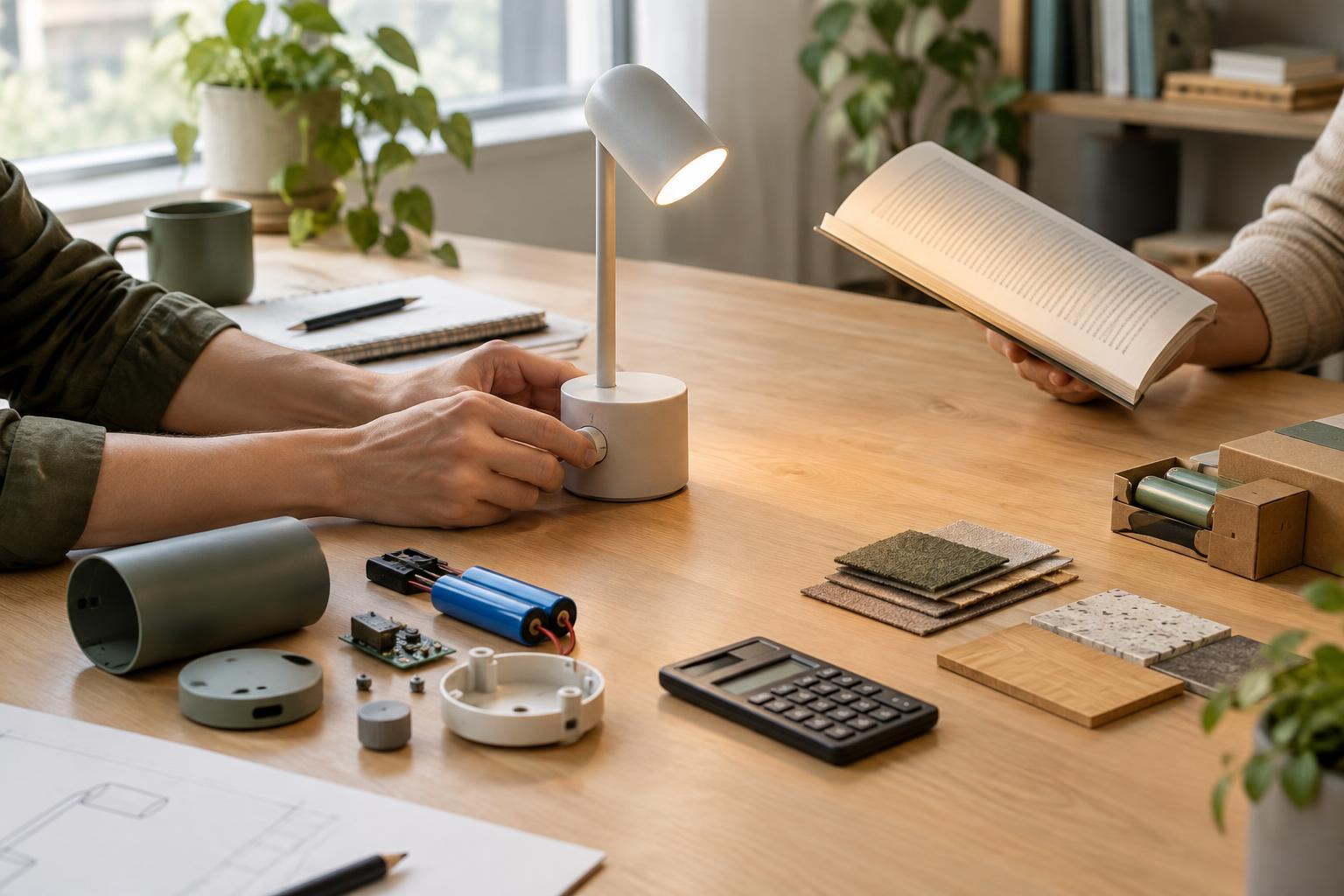
Ethical design does not end when a device ships. A connected lamp may be easy to set up but difficult to use if its companion app is no longer available. A product that cannot be repaired or reset for a new owner can create frustration and unnecessary waste. Even a well-designed update can remove a control that people relied on, especially if the change arrives without a clear explanation.
Plan for maintenance, handoffs and endings while the product is still being designed. Make account deletion and device reset understandable. Where feasible, keep basic functions available without an ongoing connection, and explain what depends on software support. Give people a way to report problems and show how the team will evaluate them. Future scenarios can inspire ambitious products, but the everyday responsibilities are more concrete: help people understand a technology, retain meaningful control over it and recover when its design falls short.