Design for people, not a single body
Ergonomics is the practice of shaping products around how people use them. It considers more than whether an object fits in a hand or a chair supports a back. A good design also accounts for what users can see, how far they must reach, how much force a task takes and what happens when they repeat that task. A door handle that is easy to grasp once, for example, may still be frustrating when someone is carrying bags.
There is no universal user. Hands vary in size and strength; people may sit, stand or use mobility aids; and the same person’s needs can change with fatigue or an injury. Designing only around a middle-of-the-range body measurement can leave many people with a poor experience. Adjustable parts, multiple ways to operate a control and enough clearance for different postures can make a product more useful without making it complicated.
Fit starts with context
Fit describes the relationship between a product and the body using it. On headphones, it might mean the pressure of the headband and the position of the ear cups. On a kitchen tool, it might mean whether the handle suits a variety of hands while the working end stays stable. Fit also depends on context: a control that feels fine at a desk may be harder to operate outdoors, in gloves or while moving.
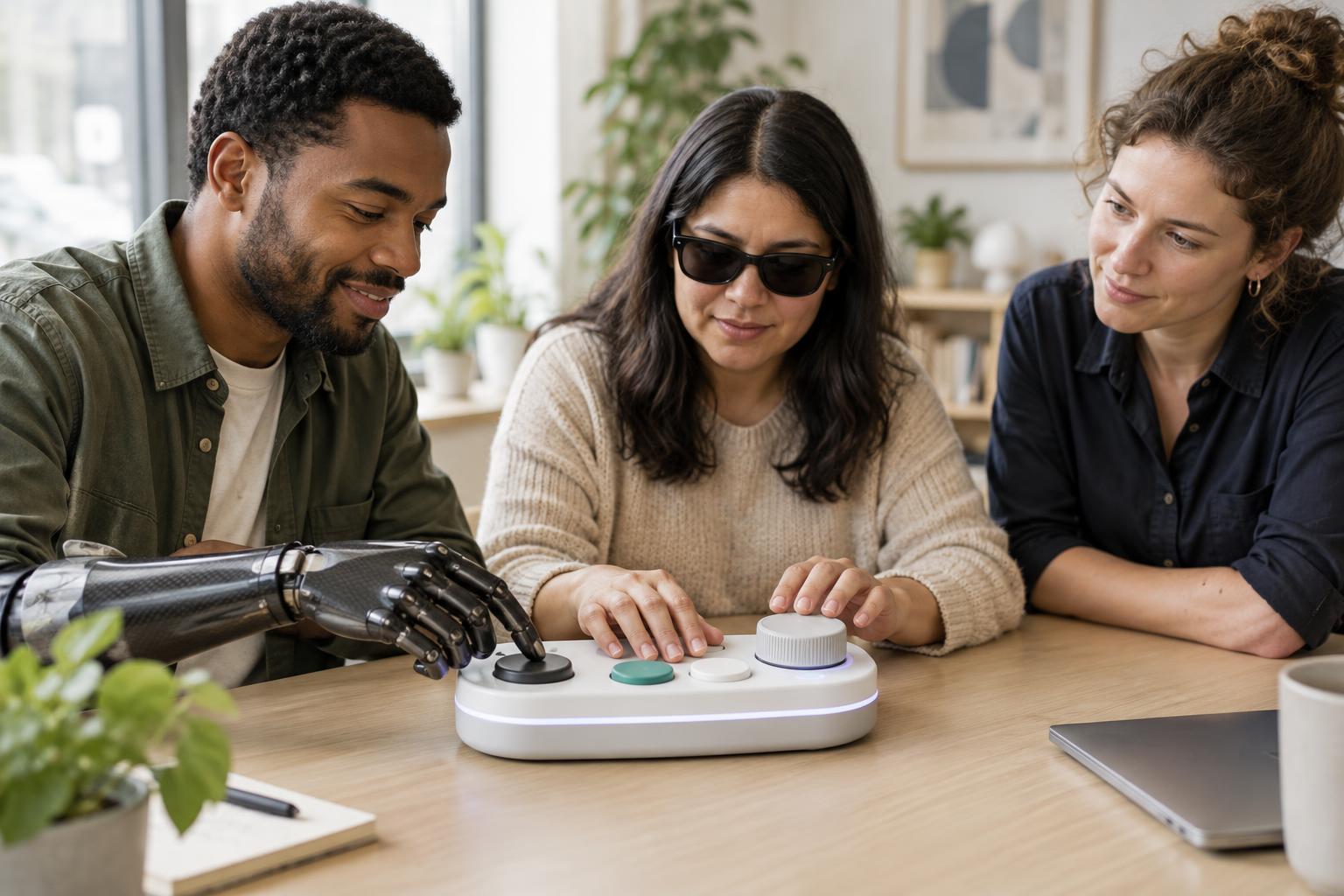
Designers can begin by watching where a product touches the body and where users change position to accommodate it. Do people tilt their wrists to press a button? Must they lean forward to read a display? Those movements are clues, not automatic proof that the design is harmful. A practical response is to try different sizes, angles or adjustment ranges, then ask a varied group of users to perform realistic tasks rather than simply rate how the object feels at first touch.
Reach should make the next action easy
A reachable control is not necessarily an easy control. The important question is whether someone can use it from a comfortable position while maintaining a stable hold on the product. On a handheld device, frequently used buttons should be accessible without forcing an awkward grip. On a countertop appliance, controls should be visible and operable without reaching across a hot or moving area.
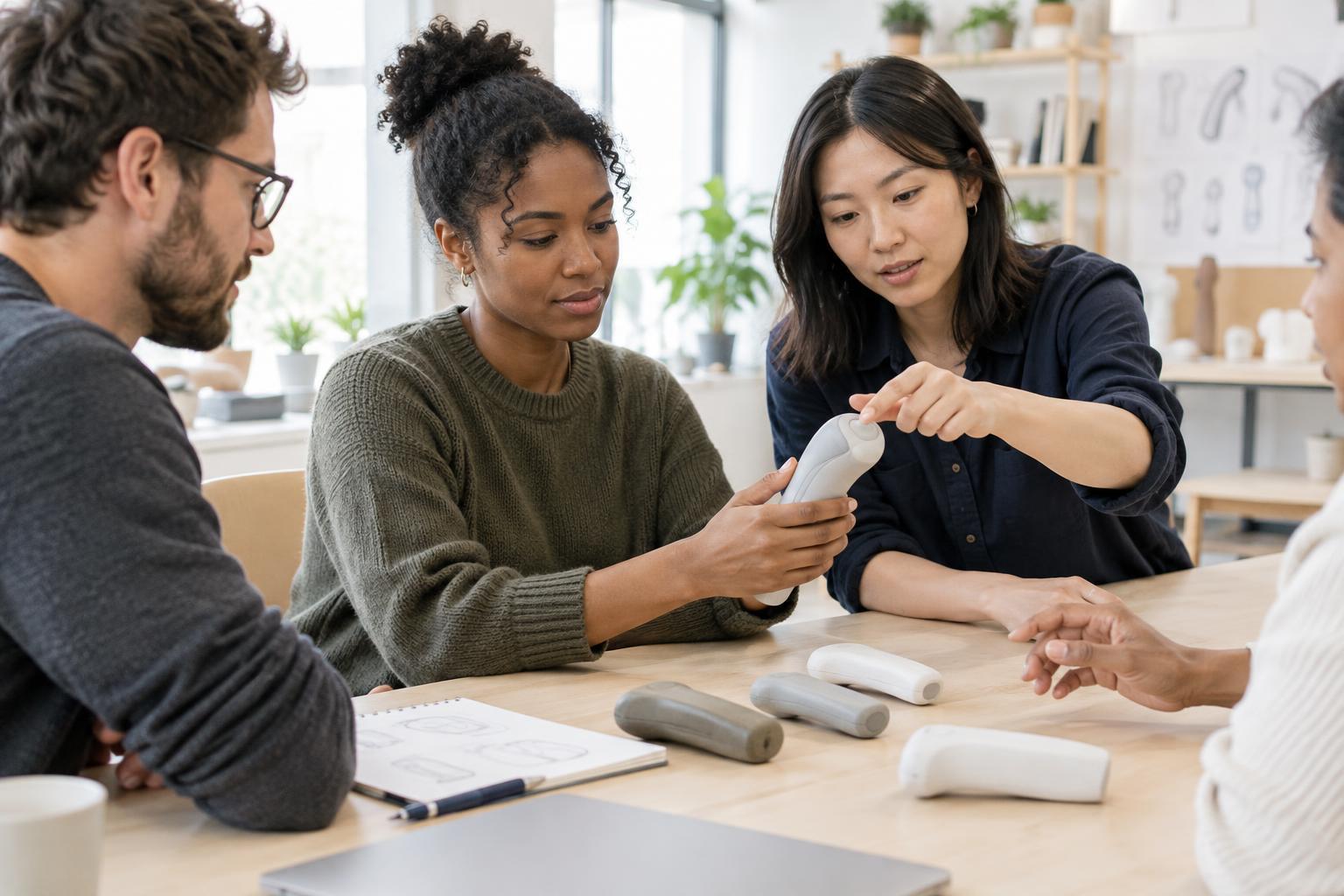
Frequency and importance help determine placement. A control used many times during a task deserves more convenient access than one used only during setup. Clear spacing matters too: tightly packed buttons can be difficult to distinguish by touch, while controls placed too far apart may slow a task or require a second hand. Prototypes made from cardboard, foam or simple 3D-printed parts can help a team compare layouts before committing to a finished shape.
Grip balances security and effort
Grip design is a trade-off. A surface needs enough friction to feel secure, but aggressive texture can be unpleasant during prolonged use or difficult to clean. A thick handle may allow some people to hold a tool with less finger curl, yet become cumbersome for smaller hands. Weight and balance matter alongside shape: a light object can still feel tiring if its mass sits far from the hand.
The task should guide the grip. A precision tool may need a place for fingers to steer small movements, while a device carried for longer periods may benefit from a broader area that distributes pressure. Designers can test whether users can pick up, rotate and set down a product without repositioning their hands repeatedly. They should also check how a grip works when hands are damp, when gloves are expected or when a user has limited dexterity.
Comfort is something to test over time
First impressions can miss problems that appear after repeated use. A mouse might feel comfortable during a brief demonstration but make its buttons tiring to press through a long session. A wearable might stay in place while someone stands still yet shift during ordinary movement. Testing should therefore include the actual sequence of actions, not just the product at rest. Observations, user feedback and simple task comparisons can reveal issues that appearance alone cannot.
Established ergonomic practice relies on iteration: make a version, observe its use and change what causes difficulty. Newer concepts, such as products that automatically change shape or resistance for each user, may offer more adaptability, but they also introduce questions about reliability, cost and control. Whether a design is simple or experimental, the goal remains the same: help more people use it with less unnecessary effort.