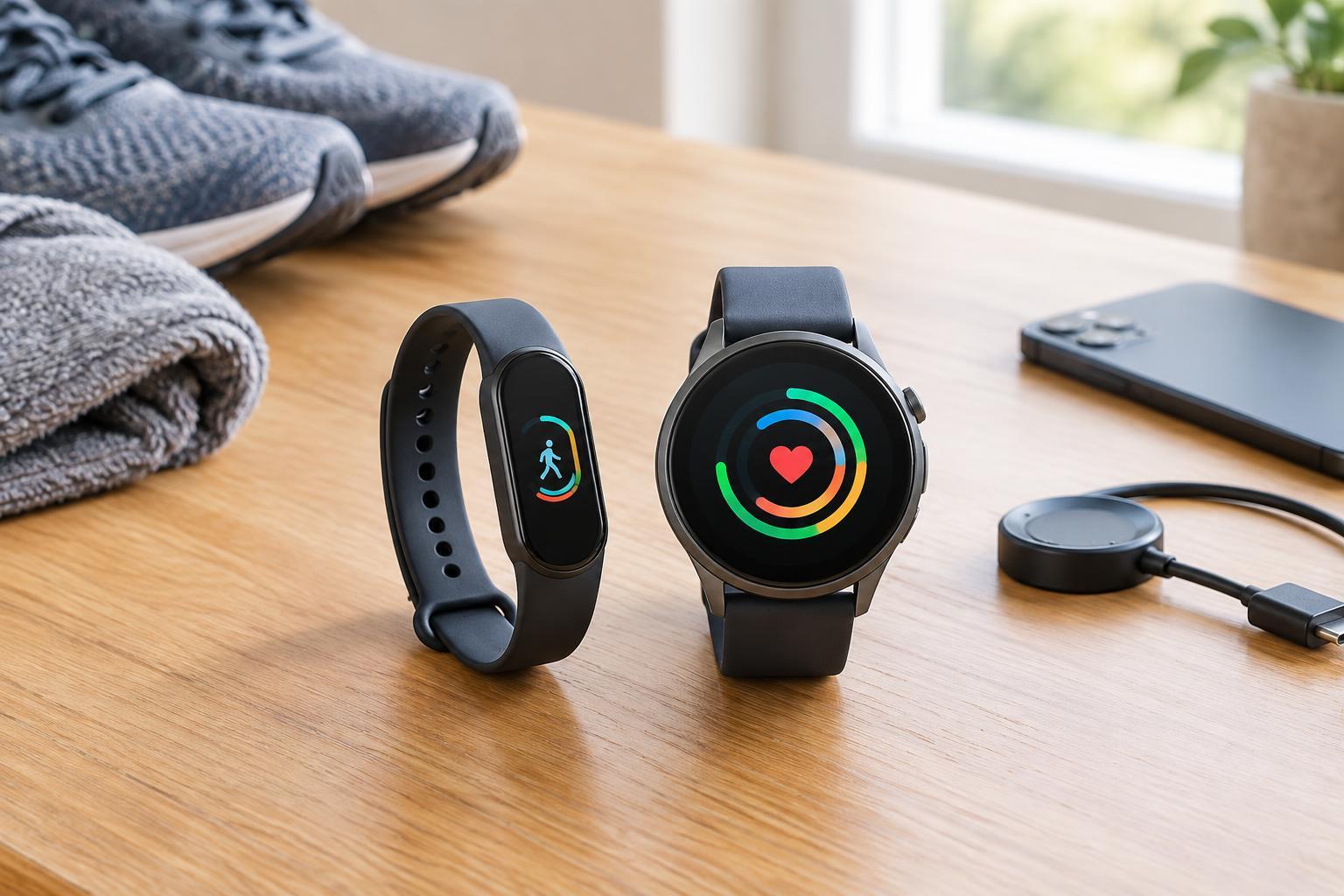
Start with the job you want your wrist device to do
Fitness trackers and smartwatches overlap more than their names suggest. Both may record activity, estimate sleep and display alerts from a connected phone. The useful distinction is usually one of emphasis: a fitness tracker puts activity and health-related trends first, while a smartwatch offers a broader set of wrist-based tools, such as apps, messaging controls and navigation prompts. Features vary by model, so the label on the box is less important than the tasks you expect to perform.
Before comparing devices, picture an ordinary week. Do you want a quiet reminder to move and a record of your walks? Or do you regularly reach for your phone to check directions, respond to messages or manage a calendar? Write down three things you would use most days. A device that does those things comfortably is likely to be more valuable than one with a longer feature list you rarely open.
What fitness features are worth checking?
For many people, basic activity tracking is enough. Step counts can provide a consistent way to notice whether your routine is changing, while workout modes make it easier to find a run, ride or swim in your activity history. If you exercise outdoors, check how the device records routes: some have built-in GPS, while others depend on a nearby phone. If you swim, look for an explicit water-resistance rating and guidance on its limits rather than assuming that any wearable is suitable for the pool.
Sleep estimates and heart-rate trends can also be useful for spotting patterns, but they are not definitive measurements of health. A device may interpret stillness as sleep, and readings can be affected by fit or movement. Treat these features as prompts for reflection, not diagnoses. Likewise, an estimated calorie total is better viewed as a rough comparison between your own activities than as a precise number.
When does a smartwatch earn its extra screen space?
A smartwatch makes more sense if you want to do small phone tasks without taking out your phone. Glancing at a turn, pausing music, checking an appointment or deciding whether a message needs attention can be convenient when your hands are busy. Some models support calls, replies, payments or apps, but those capabilities depend on the watch, your phone and sometimes your service plan. Check the specific combination you intend to use before buying.
More functions do not automatically mean less distraction. A watch that vibrates for every email and app alert can interrupt you more often than a phone left in a bag. If notifications are part of your reason for buying one, plan to allow only the few that matter. You can also ask whether you need to act from your wrist or merely see that something arrived. A tracker with simple alerts may cover the second need without offering a full app experience.
The everyday trade-offs: charging, comfort and compatibility
Battery life can shape whether you actually wear a device. A larger display, frequent location tracking and always-on features generally demand more power. If you want to track sleep, consider when you would charge the device without missing the part of the day you care about. Published battery estimates are a starting point, but your settings and usage may change the result.
Comfort matters just as much as software. A device that feels bulky in bed or awkward during a workout may end up on a shelf. Consider case size, strap material, screen readability and how easily you can operate it while moving. Then check phone compatibility and app support. A feature is only useful if it works with your phone and presents the information in a way you can understand. If you expect to keep years of activity history, look at whether the app lets you review or export your data.
Choose for your habits, not an imagined future routine
A fitness tracker is a strong starting point if your priorities are activity logs, gentle reminders and a relatively simple wrist experience. A smartwatch is more compelling if fitness is only one part of what you want and you would regularly use directions, communication or other phone-connected tools. Neither category guarantees a particular sensor, app or battery performance; compare the exact models on your shortlist.
It also helps to consider what happens to your data. Review which information the companion app collects, what can be shared with other services and which permissions you can turn off. You do not need every available measurement to build a useful routine. Choose the smallest set of features you will genuinely use, set it up to minimize unwanted interruptions and give yourself time to learn whether wearing it makes everyday life easier.