Start with a problem, not a shopping list
A renter-friendly smart home starts with one everyday task you would like to make easier. Perhaps you want a lamp to turn on before you get home, a fan to switch off at bedtime or a reminder that a window was left open. These are manageable projects because they can often be handled with devices that plug into an outlet, use batteries or sit on a shelf. None requires changing the building’s wiring.
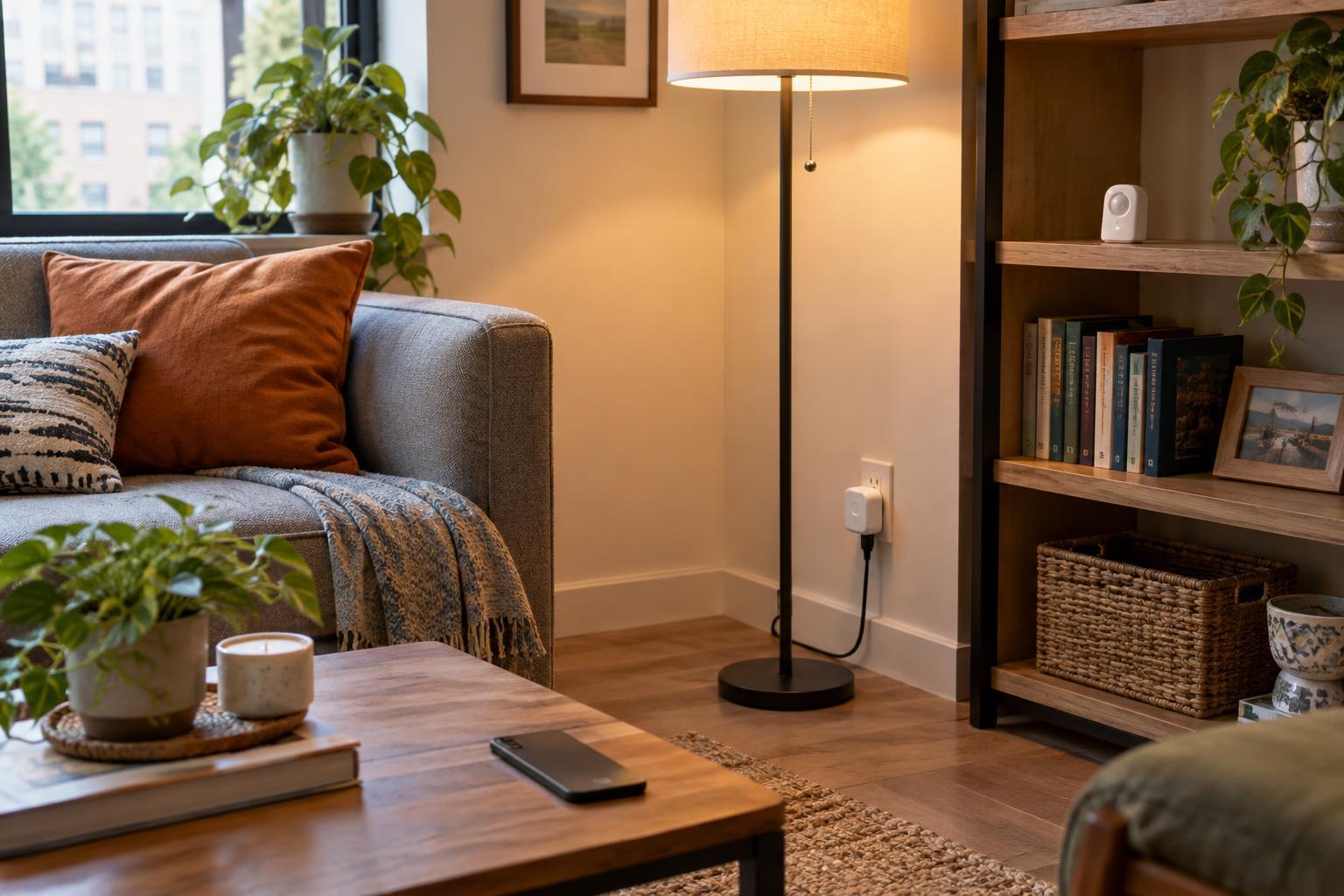
Pick one task and test it before adding more devices. For example, put a table lamp on a smart plug and set a schedule. Once that works reliably, you can decide whether a wireless button or motion sensor would make it more useful. Starting small helps you discover whether an app, voice control or a simple physical switch actually suits your routine. It also keeps a failed internet connection or confusing setup from affecting the whole home.
Choose devices that can leave with you
Smart plugs are a practical first purchase for lamps and some small appliances. Check the plug’s rated load and the appliance’s instructions before pairing them. A device that generates heat or must be attended while running is a poor candidate for an automatic schedule. For lighting, smart bulbs can add dimming and color without replacing a wall switch, but they need steady power: if someone switches the fixture off, the bulb may stop responding until power is restored.
Battery-powered motion, contact and temperature sensors can add useful context. A contact sensor might tell you whether a window is open; a motion sensor could turn on a plug-in light in a hallway. Position them where they can be removed easily. Removable mounting strips may work on some surfaces, but paint and finishes vary, so test an inconspicuous spot and follow the adhesive’s removal instructions. Freestanding stands and shelf placement avoid adhesives altogether.
Be more cautious with doorbells, locks, thermostats and anything attached to shared building equipment. Even products marketed as easy to install can affect access, existing hardware or building systems. Check your lease and ask the property manager before altering fixtures. If permission is uncertain, a portable alternative, such as an indoor camera aimed only at your own space, may be simpler—provided everyone in the home understands where it is and when it operates.
Make compatibility a decision you make early
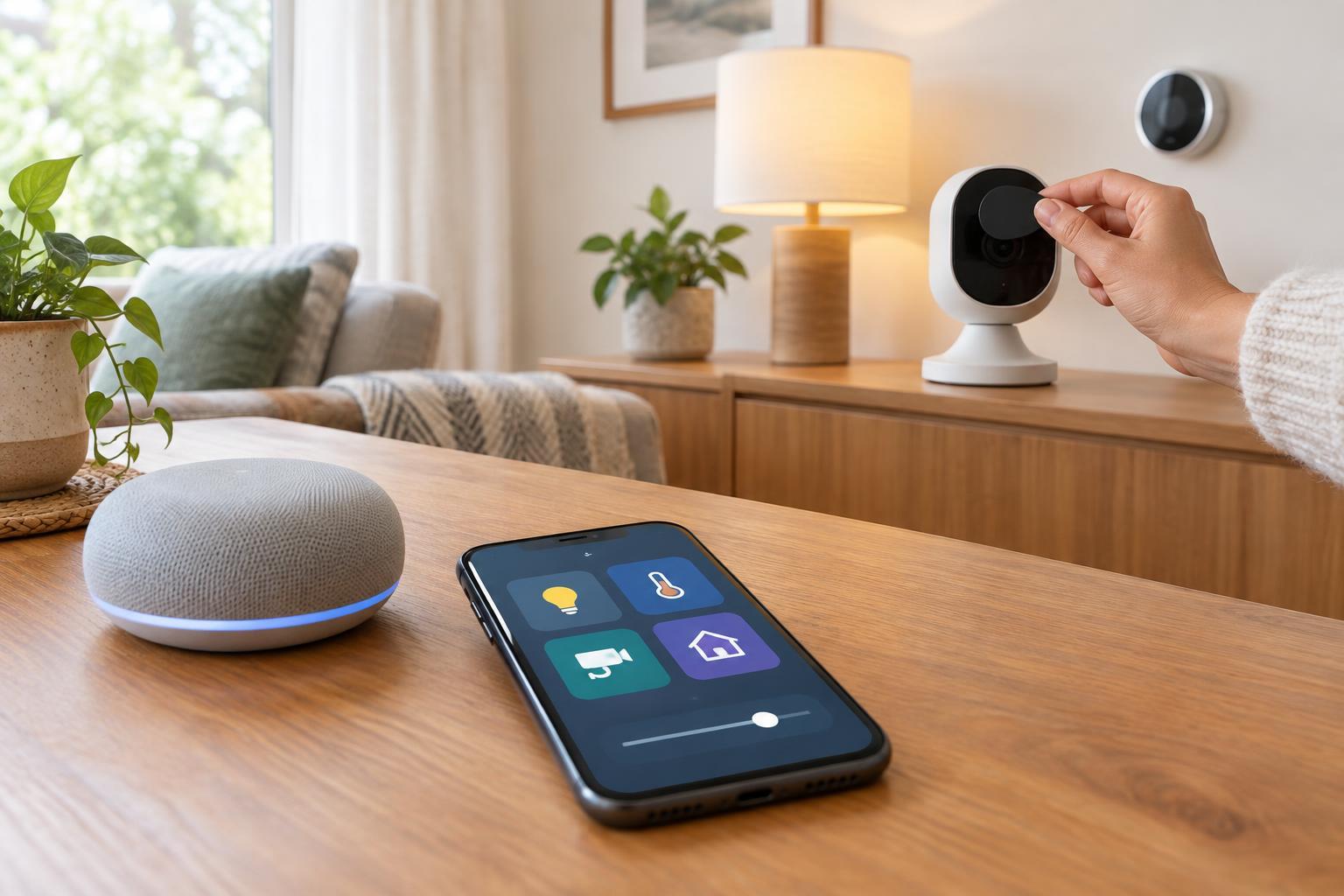
Before buying, decide how you want to control devices. Some connect directly to your home Wi-Fi; others use a separate hub, and some offer more than one option. Direct Wi-Fi can be straightforward for a few products, while a hub may help coordinate sensors and controls as a system grows. Either approach can be renter-friendly if the equipment is yours and can be unplugged when you move.
Read the product requirements rather than assuming that devices labeled “smart” will work together. Check support for your preferred phone, voice assistant or home-control platform, and whether a hub or paid service is required for the feature you want. If local control matters to you, look specifically for what still works when the internet is unavailable. A schedule stored in an app or cloud service may behave differently from one handled within the home. Keeping your first setup within a compatible group of devices can make troubleshooting easier.
Protect your network and your household’s privacy
Connected devices add accounts and settings to look after. Give your home Wi-Fi a strong password, use unique passwords for device accounts and enable multifactor authentication where available. Install updates when offered and review what each app can access. Before placing a microphone or camera, consider whether its benefits outweigh the extra privacy decisions it creates. A motion or contact sensor can sometimes answer the same practical question without recording sound or video.
Smart devices should also remain usable by people who do not have the app. A lamp controlled only by one person’s phone can be frustrating for guests or housemates. Keep a reachable physical control, such as a compatible wireless button, where it helps. Discuss shared schedules and notifications before turning them on, especially in bedrooms and common spaces. Convenience works best when everyone affected knows what will happen.
Plan for interruptions and for moving day
Give each automation a simple fallback. If a scheduled light fails, can you still switch it on easily? If a sensor battery runs low, will the home remain comfortable and safe without it? Use automation for convenience rather than for tasks that depend on uninterrupted operation. Label plugs and keep a short list of which device belongs to which room; those small habits make resets and troubleshooting less mysterious.
When it is time to leave, remove devices carefully, restore any fixtures you were permitted to change and check surfaces for adhesive residue. Unpair equipment, reset it as directed by its manufacturer and remove the old home from your accounts before setting it up elsewhere. A renter-friendly smart home is not defined by how many devices it contains. It is a collection of useful choices that fit your space now and can travel with you later.