Start with what the number measures
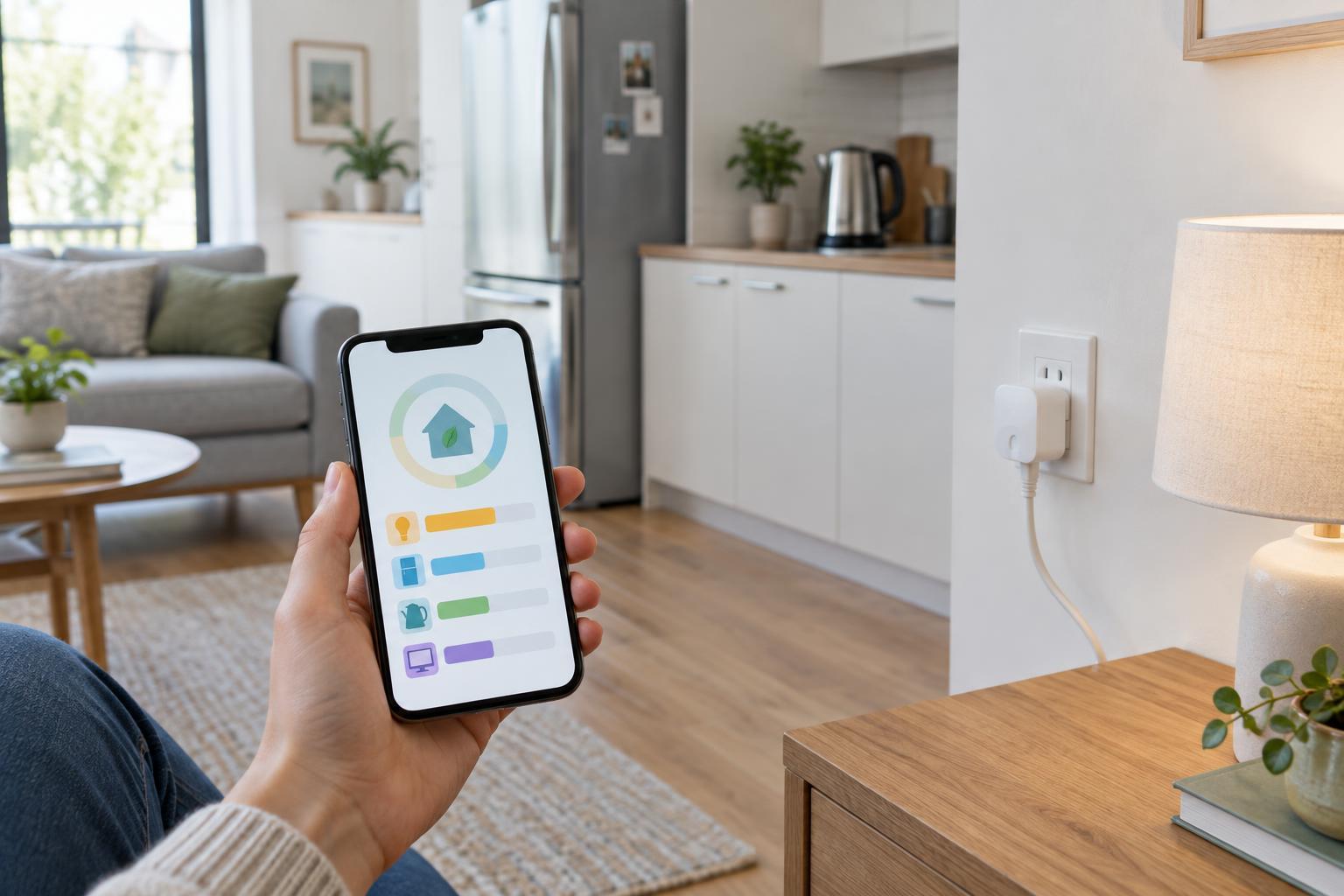
A smart home energy dashboard can make electricity use feel unusually precise. It may display a live wattage, a daily total or a chart for a particular device. Those figures are useful only when you know where they came from. A plug-in monitor measures the electricity passing through that plug. An appliance app may report a value measured inside the appliance, or it may estimate usage from operating time. A whole-home monitor shows a broader total but may not identify individual devices reliably.
Watts describe power at a moment in time; kilowatt-hours describe energy used over time. A high wattage displayed briefly is not necessarily more important than a modest load running for many hours. When comparing screens, check that they cover the same time period and that you are looking at the same unit. If one app reports an estimate and another reports a direct measurement, treat a small difference as a question to investigate, not proof that either device is faulty.
Choose a measurement that matches your question
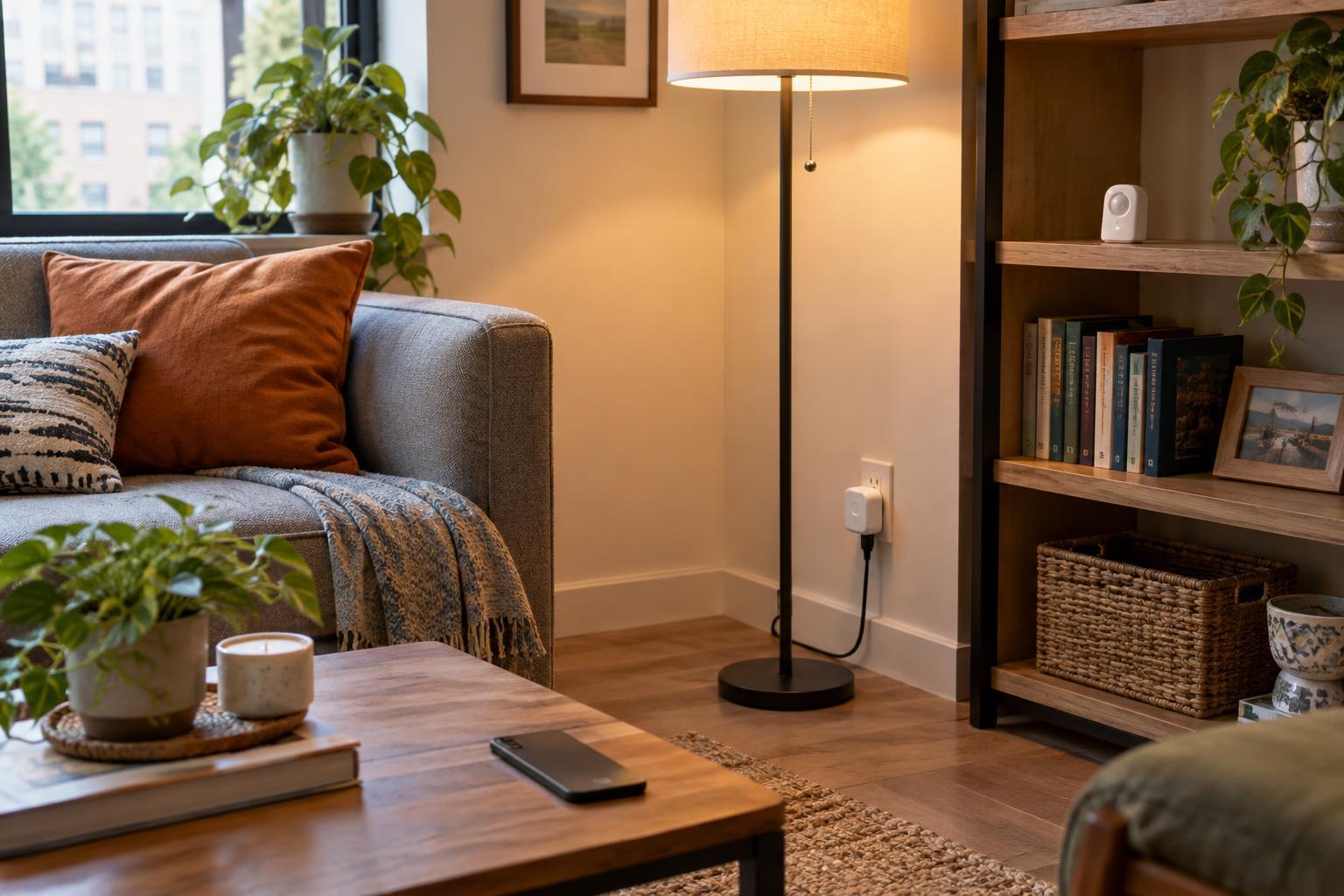
If you want to know whether a desk lamp is being left on, a compatible monitoring plug can provide a clear view of that one outlet. It will not capture other devices sharing the room through different outlets. For a refrigerator or another appliance that switches on and off, a longer view is more informative than a single live reading. For lighting controlled by wall switches, plug-based measurements may not be practical at all.
Whole-home data is better suited to questions such as whether total usage rises at particular times of day. It is less suited to naming the cause without additional checks. Several appliances may run at once, and heating or cooling can change the background pattern. Some dashboards assign estimated usage to device categories; these labels can be helpful clues, but they should not be mistaken for a separate meter on every circuit. Start with one question, then select the narrowest reliable reading that can answer it.
Compare like with like before claiming a saving
Suppose you automate a lamp to switch off when a room is empty. A dashboard might show lower lighting usage afterward, but the automation is not necessarily the only reason. Days vary in daylight, occupancy and routine. A useful comparison looks at similar periods and asks whether the lamp was actually on less often. It also checks whether anyone began switching it off manually or using a different light.
Heating and cooling are harder to judge because weather, open doors, schedules and household activity can all change demand. Rather than announcing a precise saving from a short chart, look for a repeatable change in behavior: fewer hours at an unnecessary setting, for example. Keep a simple note of what you changed and when. If the pattern is unclear, that is still useful feedback; the automation may be convenient without making a noticeable difference to energy use.
Look for opportunities without chasing every spike
Energy charts are most helpful when they reveal a habit you can reasonably change. A device that stays on when nobody needs it may be a better candidate than a brief, unavoidable spike from an appliance doing its normal job. Check whether a standby reading is consistent across several periods before deciding it needs attention. Also consider what an automation would add: a connected plug or hub uses electricity too, and a complicated schedule can cause inconvenience if it interrupts a device at the wrong time.
Do not use monitoring as a reason to exceed a plug’s stated load rating or to put an appliance on a switching device that its manufacturer does not recommend. If you cannot measure an appliance safely with a suitable consumer product, leave it out of the experiment. The goal is a clearer picture of household habits, not a complete device-by-device account at any cost.
Keep the data useful and proportionate
Detailed usage patterns can reveal when a home is occupied or when particular routines take place. Before enabling cloud dashboards or sharing access with housemates, check what data the system stores and who can see it. Agree on the purpose of shared monitoring: spotting waste is different from scrutinizing one person’s routine. A small set of understandable readings often supports better decisions than a dashboard full of alerts.
Review the results after a change, then keep only the automations that make daily life easier or address a pattern you can actually see. For a change of pace from home technology, browse Młode Bemowo for more reading. If you enjoy curiosity-led topics, explore Nauka i ciekawości · Młode Bemowo as well.