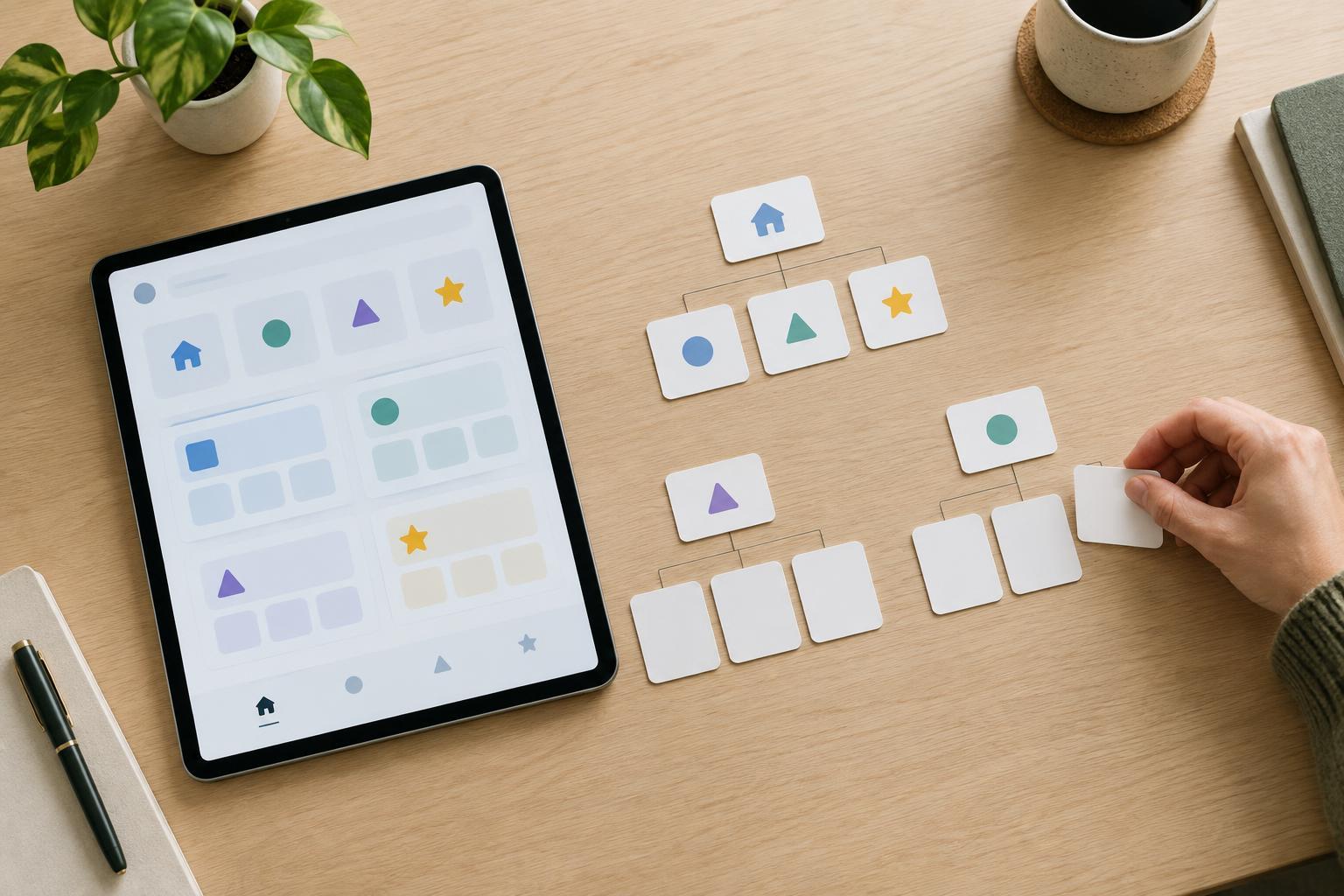
What information architecture does
Information architecture, often shortened to IA, is the way a digital product arranges and names its content and features. It shapes the menus people open, the categories they browse, the search results they scan and the paths they take to complete a task. Good IA does not make every feature visible at once. It helps people form a reliable idea of where to look.
Imagine an app for a home energy system. Someone might want to check today’s electricity use, change a charging schedule or find out why a device is offline. If all three actions sit under a vague menu called “Solutions,” the app asks people to guess. Clearer groups such as “Energy use,” “Schedules” and “Devices” give them a starting point. The labels and layout work together: even a well-named feature is hard to find if it is buried several screens deep.
Start with people’s tasks, not the product’s parts
A team building a product often knows its internal structure: which department owns a feature, which system supplies the data and which features were added together. Visitors usually do not know or care about those divisions. They arrive with goals. They may want to compare two transport options, set up a robot vacuum or understand a charge on a bill.
List the main things people come to do, using ordinary language. Then note what information they need along the way. For a robot vacuum, “clean the kitchen now” might require choosing a room, while “clean the kitchen every weekday” requires a schedule. Those tasks are related, but they are not identical. Mapping them separately can reveal whether the app needs a prominent “Start cleaning” action, a “Schedules” area or both.
Consider different levels of familiarity, too. A returning user may know exactly which setting to change; a new user may first need to learn what a setting means. An organization can provide a direct route for the experienced user while keeping explanations close to unfamiliar controls. The aim is not to predict every possible journey, but to make common ones understandable.
Build groups and labels that make sense
Grouping reduces the number of choices people must evaluate at once. Begin with a small set of broad categories, then place related items beneath them. A smart-home app might group connected equipment under “Devices,” routine actions under “Automations” and past activity under “History.” If a category becomes a miscellaneous drawer, its contents may need to be split or moved.
Labels should describe what people will find, not merely sound appealing. “Charging schedule” is more informative than “Optimize,” and “Help with connection” is more specific than “Support” when the latter contains many unrelated topics. Use the same term consistently: switching between “car,” “vehicle” and “EV” for the same item can make users wonder whether the words mean different things.
Some features belong naturally to more than one task. A charging schedule, for example, relates both to a vehicle and to home energy use. That does not always mean duplicating the underlying feature. A link from each relevant area can lead to the same screen. This gives people more than one sensible way in without creating separate settings that could appear to disagree.
Make the structure visible as people move
Navigation is the visible expression of an information architecture. A useful menu shows major destinations; page headings confirm where someone has arrived; links and controls suggest where they can go next. These elements should reinforce one another. If a menu says “Devices” but its destination is headed “Your ecosystem,” the change in wording may make the route feel less certain.
Put frequent or important actions within easy reach, but avoid crowding the main navigation with every option. Less common settings can live within a relevant section, provided their location is predictable. Search can help people who know what they want, especially in a large product, but it should not be the only way to find an essential feature. Someone may not know the product’s preferred term for what they need.
The structure also needs to hold up across screens. A narrow mobile display may use a different menu layout from a desktop website, yet the category names and relationships should remain recognizable. Changing the presentation is less disruptive than changing the meaning of the categories.
Test the paths and revise them
A structure that seems obvious to its creators may still confuse first-time visitors. Give a few people realistic tasks, such as “Find where to change the overnight charging time,” and ask where they would look first. A simple list of proposed categories can reveal whether they expect a feature under a different heading. Watching someone use a basic prototype can reveal further problems, such as a promising label that leads to the wrong screen.
Pay attention to hesitations and wrong turns rather than treating a completed task as proof that the design works. If several people look for a schedule under “Vehicle” while it lives under “Energy,” a cross-link, a clearer label or a different grouping may help. Change one confusing relationship at a time and check whether the new path is easier to follow.
Information architecture is not a one-time sorting exercise. As features are added, revisit the categories that contain them. A clear structure makes a product easier to learn today and gives future additions a place that people can reasonably expect to find.