An internet outage is not the same as a home network outage
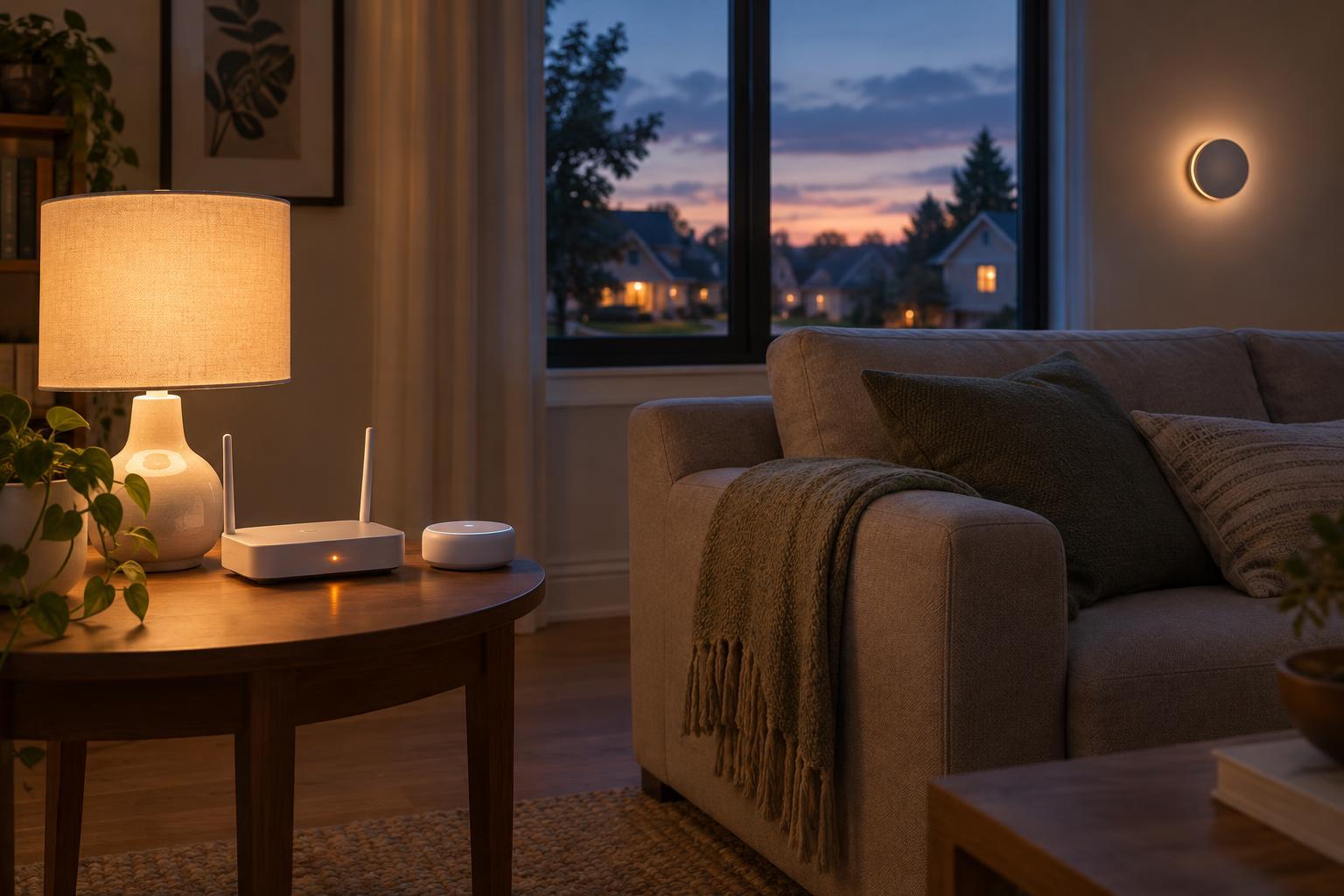
Picture an evening when your internet service stops working. Your phone can no longer load websites, but your router is still on. Can you turn on the living room lights? Perhaps. A smart home contains several connections, and losing one does not necessarily break the others. Your devices may still be able to communicate over your home Wi-Fi, a wired network, or a short-range wireless network such as Thread or Zigbee.
The distinction matters because an internet outage, a router failure, and a power cut have different effects. If the router fails, Wi-Fi devices may lose their route to one another even when the lights and outlets have electricity. If the power goes out, most smart home equipment stops unless it has a battery or backup power. When assessing any device, ask which connection it needs for the particular action you want to perform.
Where does the decision happen?
Local control means a command can be handled within your home. A wall switch might send a command directly to a light, or a phone app might reach a hub on the same home network. If the necessary devices and network equipment remain powered, these actions may work without an internet connection. A locally stored schedule may also keep running, although its behavior depends on where that schedule is stored.
Cloud control sends part of the job to a service outside your home. For example, a device might ask a remote server to process a voice command, run an automation, or relay a tap in its app. Without internet access, that feature cannot reach the service. A device can be local for one task and cloud-dependent for another: a bulb might respond to a physical switch while its voice control and remote access stop working.
What might keep working—and what might not
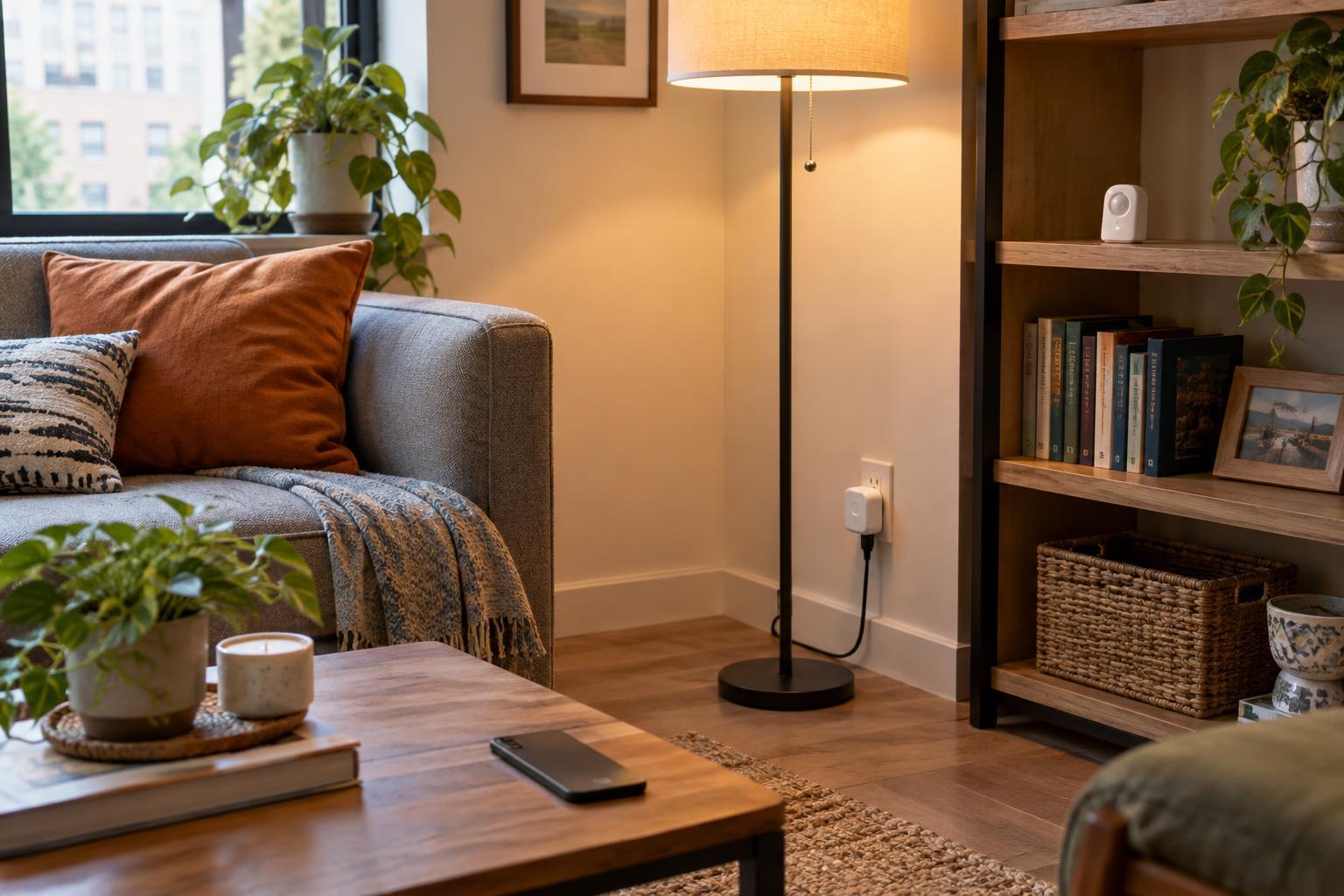
Ordinary physical controls are often the simplest fallback. A conventional light switch can still control power to a light during an internet outage, provided electricity is available. Some smart switches can also operate a connected load directly. But a switch configured only to send commands through a remote service may not behave the same way. Likewise, an app can work offline if it communicates locally with a device or hub; an app that relies on a cloud account may not.
Remote access from outside the home generally needs an internet connection. Voice assistants, camera notifications, video history, and automated routines vary more widely. A camera may record to local storage while uploads and alerts pause. A routine held on a local hub may continue, while one run by a cloud service may not. Labels such as “smart,” “Wi-Fi,” or even “has a hub” do not tell you enough on their own; look for the offline behavior of the specific feature.
A simple way to test your setup
You can learn a great deal without waiting for an outage. Make a short list of the actions you care about: switching lights, adjusting heat, opening blinds, viewing a camera, and receiving an alert. Note whether each action uses a physical control, an app, a voice assistant, or an automation. Then check the product documentation for terms such as “local control,” “offline operation,” and “local storage.” Confirm what those terms apply to rather than assuming they cover every feature.
If it is safe and convenient, test a nonessential feature while leaving your home network powered but temporarily disconnecting its internet connection. Try its physical control and its app while your phone is connected to home Wi-Fi. Restore the connection afterward. Avoid using a test to interrupt equipment you rely on for safety, access, or essential comfort. Testing by turning off the router would answer a different question: whether the feature works without the home network.
Plan for useful fallbacks, not perfect independence
When choosing equipment, prioritize reliable manual controls for everyday essentials. For features you want to work offline, check whether commands and automations run locally, where schedules are stored, and what happens if a hub or router fails. A device supporting a local networking standard may offer more options, but the standard alone does not guarantee that every app feature works without the cloud.
Local control can reduce dependence on an internet connection, but it does not eliminate maintenance. Devices may still need software updates, and connected features may depend on accounts or services over time. Keep track of which features need internet access and choose sensible fallbacks for the ones that matter most. The goal is a home that remains understandable and usable when a connection disappears—not one that never needs a connection at all.