Start with the question, not the finish
A prototype is a way to learn about a design before committing to the finished version. It might be a paper sketch of an app, a cardboard model of a household device, or a working demonstration of a new interface. The best prototype is not necessarily the most realistic one. It is the simplest version that can help answer the question at hand.
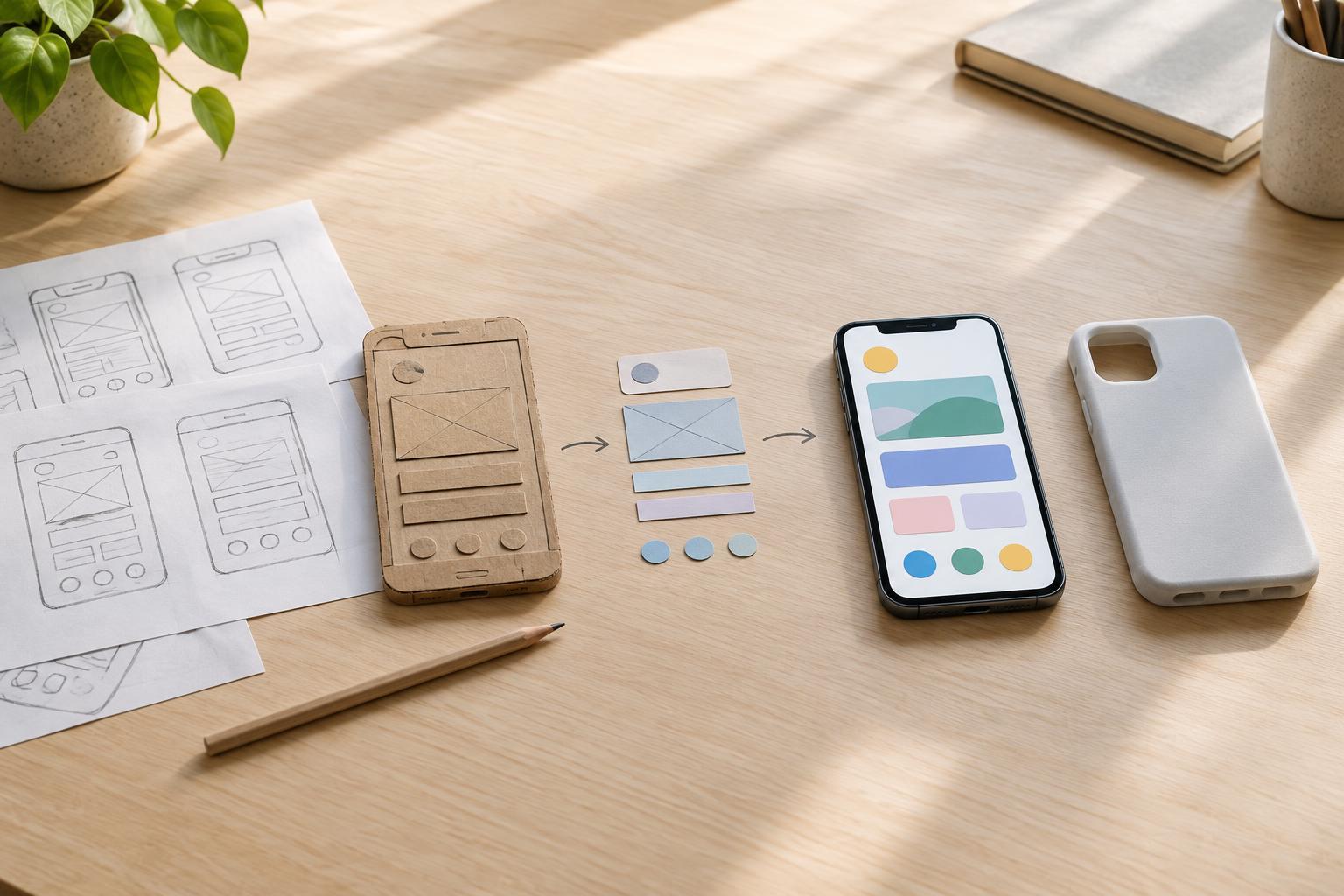
Fidelity describes how closely a prototype resembles the intended product. A low-fidelity prototype leaves many details open; a high-fidelity one presents more of the intended appearance, behavior or physical form. Fidelity is not a single scale, though. A device model can look convincing while none of its electronics work. An unstyled software prototype can have realistic behavior. Be specific about which parts are faithful and which are placeholders.
Use low fidelity to explore possibilities
Low-fidelity prototypes are useful when the main challenge is deciding what to make. Sketches, paper screens, simple diagrams and rough physical models let a team compare alternatives without spending much time polishing any one of them. If you are designing a shared-bike booking screen, for example, paper layouts can help you test whether people can find a bike, understand its availability and spot the next step.
Their roughness can be an advantage. It makes it easier to change direction after feedback and helps signal that the design is still open. You can rearrange a paper interface during a discussion or cut a new opening in a cardboard model. That flexibility is valuable when you are working out the layout, sequence of actions or basic shape.
The limitation is that rough prototypes may not reveal problems tied to precise timing, materials, legibility or physical comfort. Someone might understand a sketched control but struggle to press its eventual button. When testing a low-fidelity version, ask about the concept and the steps people expect to take. Avoid treating a positive reaction as proof that the final experience will be easy to use.
Use high fidelity to test specific experiences
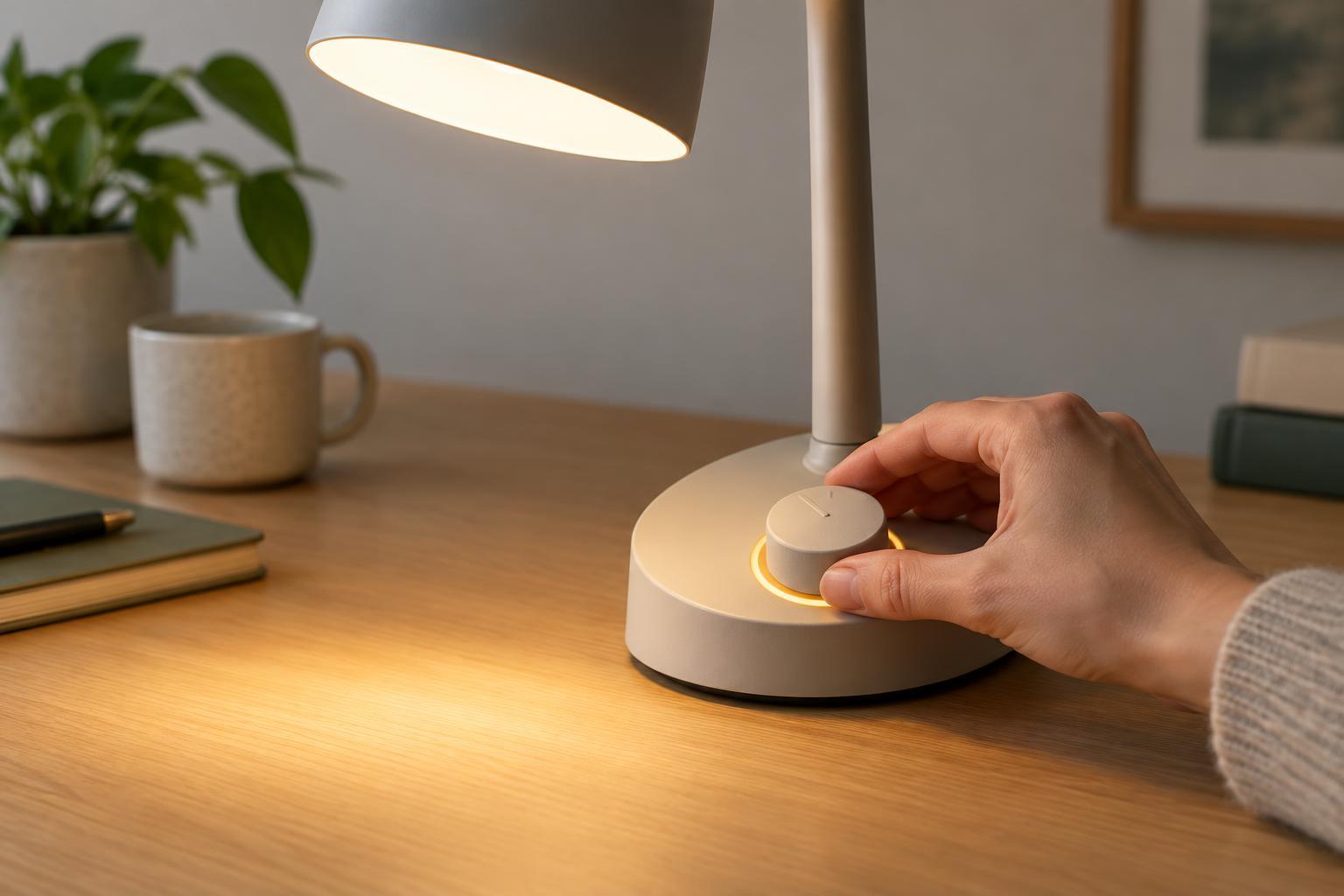
High-fidelity prototypes become useful when details are the question. A clickable interface with realistic text can expose unclear labels or confusing transitions. A full-size physical model can help people judge reach, grip and placement. For a smart-home control, a detailed prototype might show whether a status light is noticeable and whether the device gives enough feedback after a command.
Greater realism can also help people respond to an idea in context. Instead of imagining how a feature might behave, they can try a version of it. That does not mean every component must be functional: a prototype built to test the feel of a handle may not need working electronics. Decide which details matter to the test and make those credible.
High fidelity has costs beyond the time needed to build it. Polished visuals can draw feedback toward color and styling when you need to understand the underlying task. They can also make an idea appear settled, discouraging major changes. Tell participants what is simulated, what works and what you want to learn. A smooth demonstration is evidence about that demonstration, not proof that a product is ready to manufacture or deploy.
Match the prototype to the risk
A useful way to choose fidelity is to name the biggest uncertainty first. If you do not know whether people need a feature, describe or sketch it and discuss the problem it addresses. If you know the feature matters but not where it belongs in an interface, test several rough layouts. If the concern is whether a gesture feels natural, build enough interaction to try the gesture. If a physical product must fit a particular space, make a model at an appropriate size.
You can mix levels of fidelity in one prototype. A realistic dashboard display could sit inside a rough cardboard vehicle cabin to test what a passenger can see. A polished enclosure could contain simulated controls while designers assess its shape and placement. This keeps effort focused on the uncertainty rather than on details that cannot yet teach you much.
Move between fidelities as you learn
Prototyping is not a one-way climb from sketch to finished-looking model. Early tests may reveal a basic misunderstanding that sends you back to paper. A detailed model may uncover two promising alternatives worth exploring with rough versions. Each round should lead to a decision: keep an idea, revise it, compare another option or investigate a new question.
Before a test, write down what the prototype represents and what it cannot show. Watch what people do as well as what they say, and note where the prototype itself limits their response. Then choose the next version based on what remains uncertain. Used this way, low and high fidelity are complementary tools: one makes it inexpensive to explore, while the other helps examine the details that make an experience work.