The compatibility problem Matter addresses
A smart bulb may work well in its maker’s app but refuse to join the home platform you already use. A plug may support one voice assistant but not another. Before Matter, choosing devices often meant checking several separate compatibility lists and hoping a future software change would not disrupt your setup.
Matter is a common standard intended to make that choice simpler. A Matter-compatible device can use a shared language to communicate with compatible smart home controllers from different brands. For an everyday purchase, the practical question becomes less about finding an exact brand pairing and more about checking whether the device, its functions and your chosen platform support Matter.
Matter does not replace every smart home app or make every connected product compatible. It provides a foundation for communication; device makers and platforms still decide which products and features they implement.
What happens when you add a Matter device
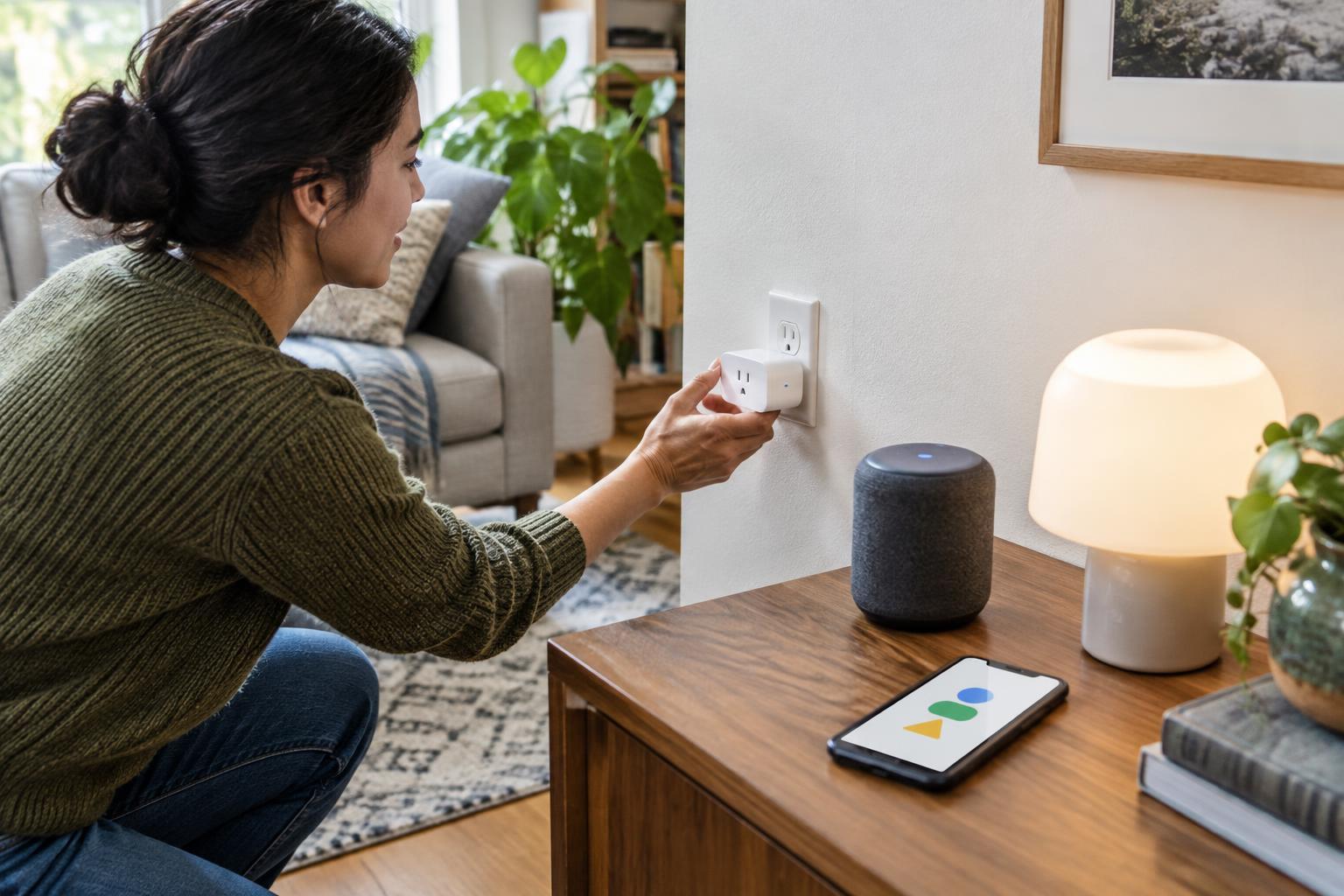
Setting up a Matter device usually involves scanning its setup code with a compatible smart home app. The app connects the device to your home’s Matter setup, often called a fabric. Once added, the device can report its state and accept supported commands, such as turning a light on or off. Bluetooth may help during initial setup, but it is not necessarily the connection the device uses day to day.
Matter runs over IP networks. A device might connect through Wi-Fi, Ethernet or Thread, depending on its design. Thread is a low-power wireless network suited to devices such as sensors and buttons. To connect Thread devices with the rest of a home network, you need a Thread border router. Some smart speakers, displays and other home devices can fill that role, but owning a Wi-Fi router alone does not guarantee you have one.
Matter also supports adding a device to more than one compatible platform through a process commonly called multi-admin. That can be useful when people in one household prefer different apps. It does not mean every platform will display identical controls or run the same automations.
What Matter can simplify
Matter’s clearest benefit is a more predictable starting point. If you buy a Matter-certified device in a category your platform supports, you have a stronger basis for expecting basic controls to work than you would with a product that names only its own app. A compatible smart plug, for example, may be switchable from several home platforms without needing a separate integration for each one.
The standard can also reduce dependence on cloud-to-cloud connections for supported functions because compatible devices and controllers can communicate on a local network. That may help basic controls remain responsive when an internet connection is unavailable. Actual behavior still depends on the device, the controller and how the home network is set up.
Some manufacturers can make existing products available through a Matter bridge. The bridge translates between Matter and the products’ original connection method. This can extend the usefulness of certain older devices, but it is a feature the manufacturer must provide; Matter cannot automatically upgrade a device that lacks support.
Where compatibility still has limits
A Matter logo is not a promise that every feature in a product’s own app will appear elsewhere. A light’s basic brightness control might work across platforms while a special effect, detailed schedule or advanced setting remains exclusive to the maker’s app. Platforms can also differ in which Matter device categories and functions they support. Before buying, check both the product’s listed Matter capabilities and the platform features you expect to use.
Matter does not guarantee that a home needs no additional equipment. A Thread device needs access to a Thread border router, and you still need a compatible controller for the app or platform you want to use. Bridges may be necessary for some older devices. If your network or controller is unavailable, particular controls may stop working even if the device itself has power.
Nor is Matter a blanket privacy guarantee. It includes security measures for adding devices and communicating with them, but an app or product may still use an online account or cloud features. Voice assistants, remote access and camera services can have requirements beyond Matter’s basic device controls. Review the product’s account requirements and settings if those distinctions matter to you.
A practical buying and setup checklist
Start with the task you want to accomplish: switching a plug, reading a sensor or controlling a light. Confirm that the specific product supports Matter, then check whether your preferred platform supports that device type and the controls you need. If the device uses Thread, identify a Thread border router in your intended setup. If it relies on a bridge, check that the bridge is included or available and that it supports the particular product.
When setting up the device, keep its setup code somewhere secure and follow the instructions for your chosen controller. Test the everyday actions you care about before building complex automations. Matter can make mixing brands easier, but the smoothest smart home is still one planned around specific devices, features and network requirements—not a logo alone.