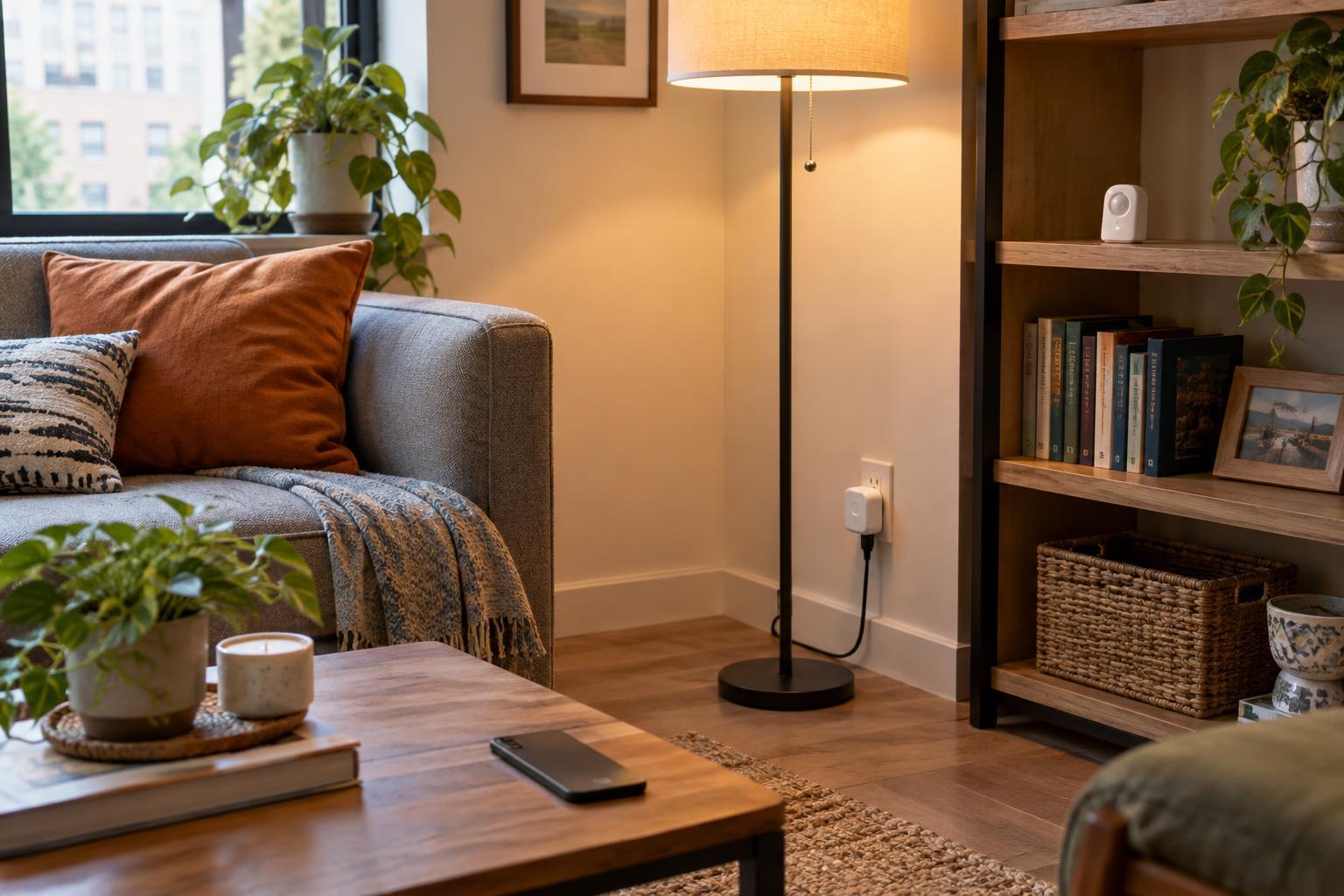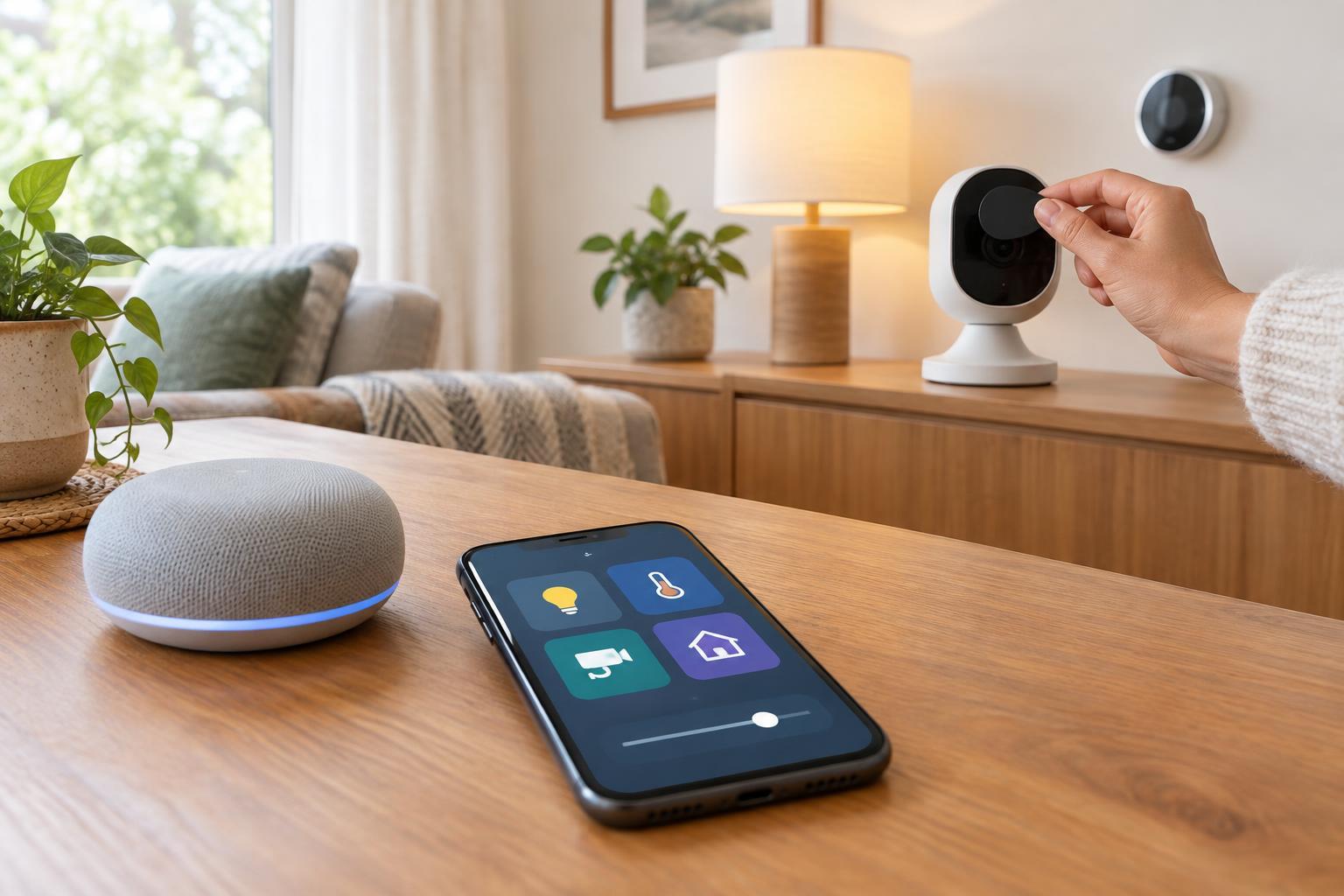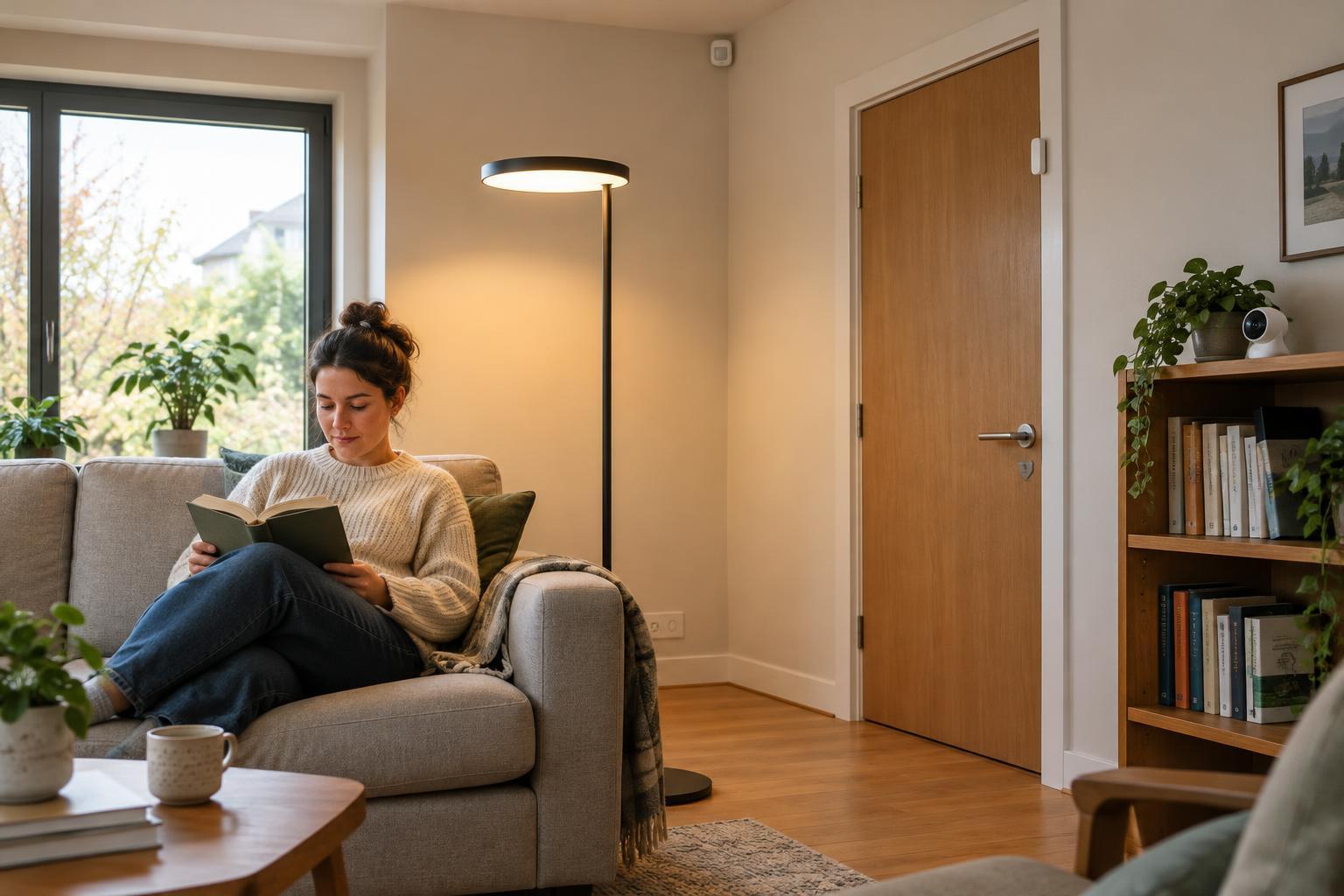
Start with the event you need to detect
A good automation begins with a specific question: Has someone walked into the hall? Did the front door open? Is anyone still sitting at the desk? These sound similar, but they call for different sensors. Motion sensors detect movement, contact sensors detect whether two parts have separated, and presence sensors attempt to detect someone who may be relatively still.
None of these devices understands intent. A door opening does not prove someone has arrived, and movement in a room does not prove its occupant wants the lights on. Choosing a trigger means matching what a sensor can observe to the action you want, then deciding what should happen when its reading is incomplete or misleading.
Motion sensors: useful for activity, not stillness
Many common smart-home motion sensors use passive infrared, or PIR, sensing. They respond to changes in heat patterns across their field of view. That makes them useful for a hallway light, where someone is likely to move through the space. They can also start a bathroom fan or send a notification when an area that is usually empty becomes active.
Their weakness is that a person reading, watching a film or working quietly may stop registering as moving. If a light is set to turn off shortly after the last detected motion, the room can go dark while it is occupied. A longer off-delay helps, but may leave the light on after everyone has gone. Placement matters too: a sensor pointed toward the path people take is generally more useful than one aimed at a rarely crossed corner.
PIR sensing is established, widely used technology, but individual devices vary. Check their detection area and settings rather than assuming that every motion sensor will cover an entire room. Pets, heating changes and nearby activity can also complicate a setup, depending on the device and placement.
Contact sensors: a clear answer to a narrow question
A contact sensor usually has two parts: one attached to a door or window and the other to its frame. When they separate, the sensor reports an open state; when they come back together, it reports closed. This simple distinction makes contact sensors well suited to a cupboard light, a reminder that a window is open, or an automation that begins when a front door opens.
The reading is precise, but its meaning is limited. An open front door does not reveal whether someone entered, left or was simply collecting a delivery. A closed door does not mean a room is empty. For a wardrobe light, though, that distinction may not matter: open turns the light on, and closed turns it off.
Before installing one, check that both pieces can be mounted securely and align when the door or window is shut. Also decide what the automation should do if the door is left open. A time limit can prevent a cupboard light from staying on indefinitely, while a notification may be more appropriate for a window.
Presence sensors: better for occupied rooms, with trade-offs
Presence sensors are designed to address the still-person problem. Some consumer models use radar to detect small movements, such as those associated with a person sitting at a desk. This can make them a better trigger for keeping an office or living-room light on while a space is occupied. Features and performance differ between products, so “presence” should not be treated as a promise that a device will identify every occupant in every position.
Sensitivity can be a challenge. A sensor may pick up movement beyond the area you intended, or fail to detect someone behind furniture. Some models offer detection zones or sensitivity controls, which can help after testing in the actual room. Think about where the sensor points, what lies beyond the room, and whether the automation needs an immediate response or can tolerate a short delay.
Presence detection also raises a privacy question, even when a device does not use a camera: the household is still recording when a space appears occupied. Review what data the device and its connected system retain or share, and consider whether the convenience justifies that information.
Combine signals, then plan for mistakes
The most dependable trigger is sometimes a combination. A contact sensor can turn on an entryway light as soon as the door opens, while a motion sensor keeps it on as people move inside. In an office, a motion sensor might switch the light on quickly and a presence sensor might keep it on until the room has been unoccupied for a while. The two sensors serve different purposes rather than competing to give the same answer.
Start with one simple rule and test it during normal use. Notice false triggers, missed detections and inconvenient off-times before adding more conditions. Give people a way to override the automation with a switch or app, and consider what the light should do if a sensor, battery or connection fails. A smart home feels most useful when its behavior is predictable—not when every action requires a complicated guess about who is where.