Start with how you use the room
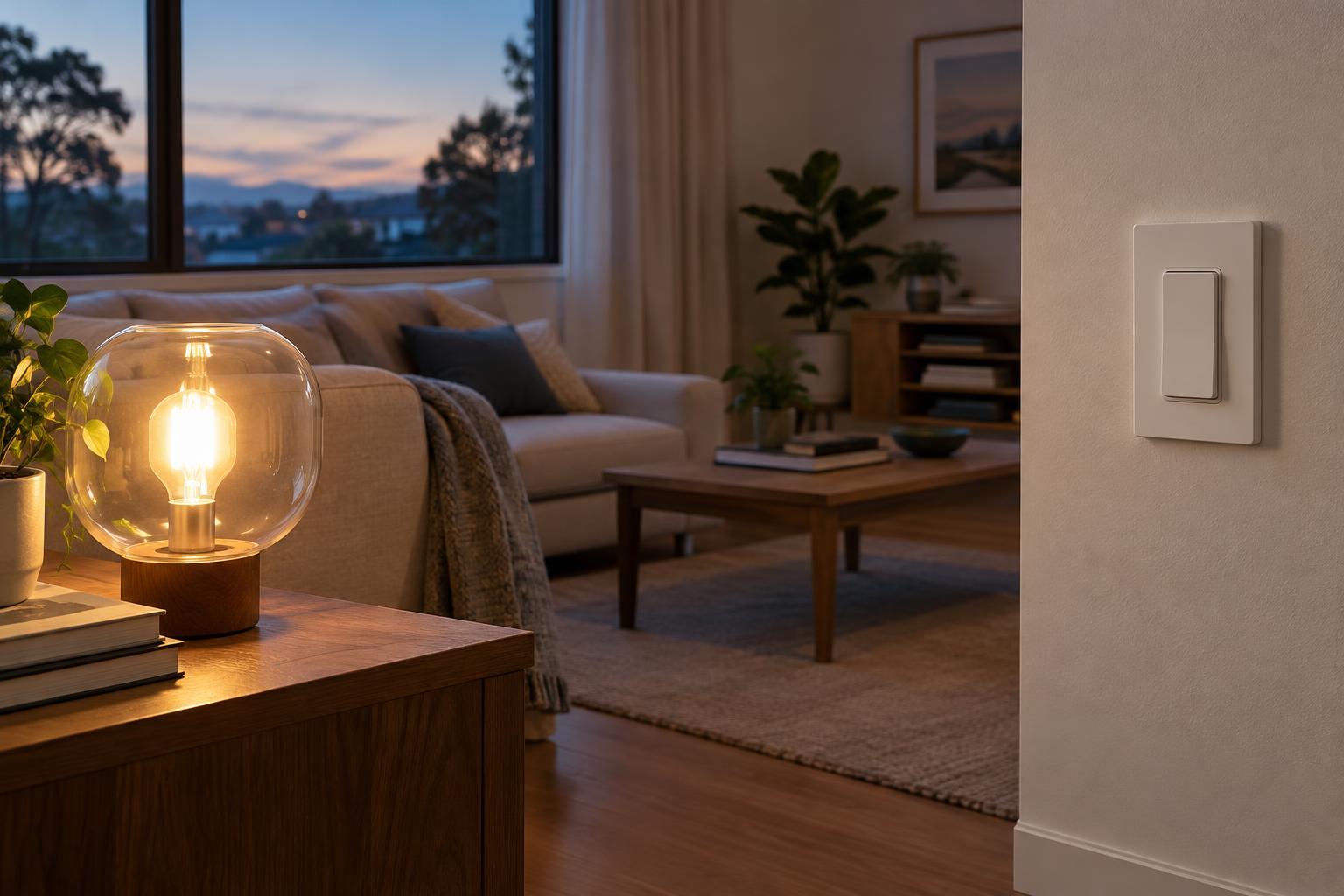
A smart bulb puts the controls inside the bulb. A smart switch puts them at the wall, where a conventional switch would be. Both can offer schedules, remote control and automation, depending on the products and setup. The important difference is what happens when someone enters the room and reaches for the switch.
Think first about the lights you use every day. Is the room lit by one table lamp, or by several ceiling fixtures on the same circuit? Does everyone need an obvious wall control? Do you want adjustable color, or simply lights that turn on at the right time? Those questions are more useful than starting with a list of app features.
Where smart bulbs work best
Smart bulbs are a straightforward way to add control to an individual lamp or fixture. Many can dim without a separate dimmer, and some offer adjustable white light or colors. That makes them appealing for a bedside lamp, a reading corner or a room where different lighting moods matter. They can also be a practical option when you do not want to change wiring.
Their main limitation is power. If someone turns off a conventional wall switch supplying a smart bulb, the bulb usually cannot respond to an app or schedule until power returns. A wall control designed to work with smart bulbs can help preserve familiar physical controls, but compatibility varies. Bulbs also have to match the fixture’s base, size and permitted use. If a room has many bulbs, buying a connected version of each one can add up.
Where smart switches make more sense
A smart switch controls the lighting circuit rather than a particular bulb. One switch can therefore be a convenient choice for a bank of compatible ceiling lights. It keeps the familiar habit of using the wall control while adding features such as schedules or app control. For shared spaces, that simple physical interface may matter more than color-changing light.
Installation needs more planning. A replacement switch must suit the wiring and switch arrangement in the home; some models require a neutral wire, and multi-location controls need particular attention. A smart dimmer must also be compatible with the lamps it controls. Renters or anyone unsure about electrical work may prefer a plug-in option or help from a qualified installer. A switch can control the circuit, but it generally cannot give ordinary bulbs individual colors or independent control within that circuit.
Check what happens when the app is not available
Neither product type guarantees the same experience in every home. Some devices connect directly to Wi-Fi; others use a compatible hub or border router. Features such as voice control, remote access and automations can depend on the wider system you choose. A compatibility label is a useful starting point, but it is worth checking the specific functions you want across your chosen devices and controllers.
Consider ordinary interruptions, too. A switch may still provide basic wall control when an internet connection is down, but its smart features may behave differently. A bulb may return to a configurable brightness after power is restored, or it may use a default setting. These behaviors vary by product. Before buying for an entire home, test one room and make sure everyone can operate its lights without opening an app.
Choose room by room, not all at once
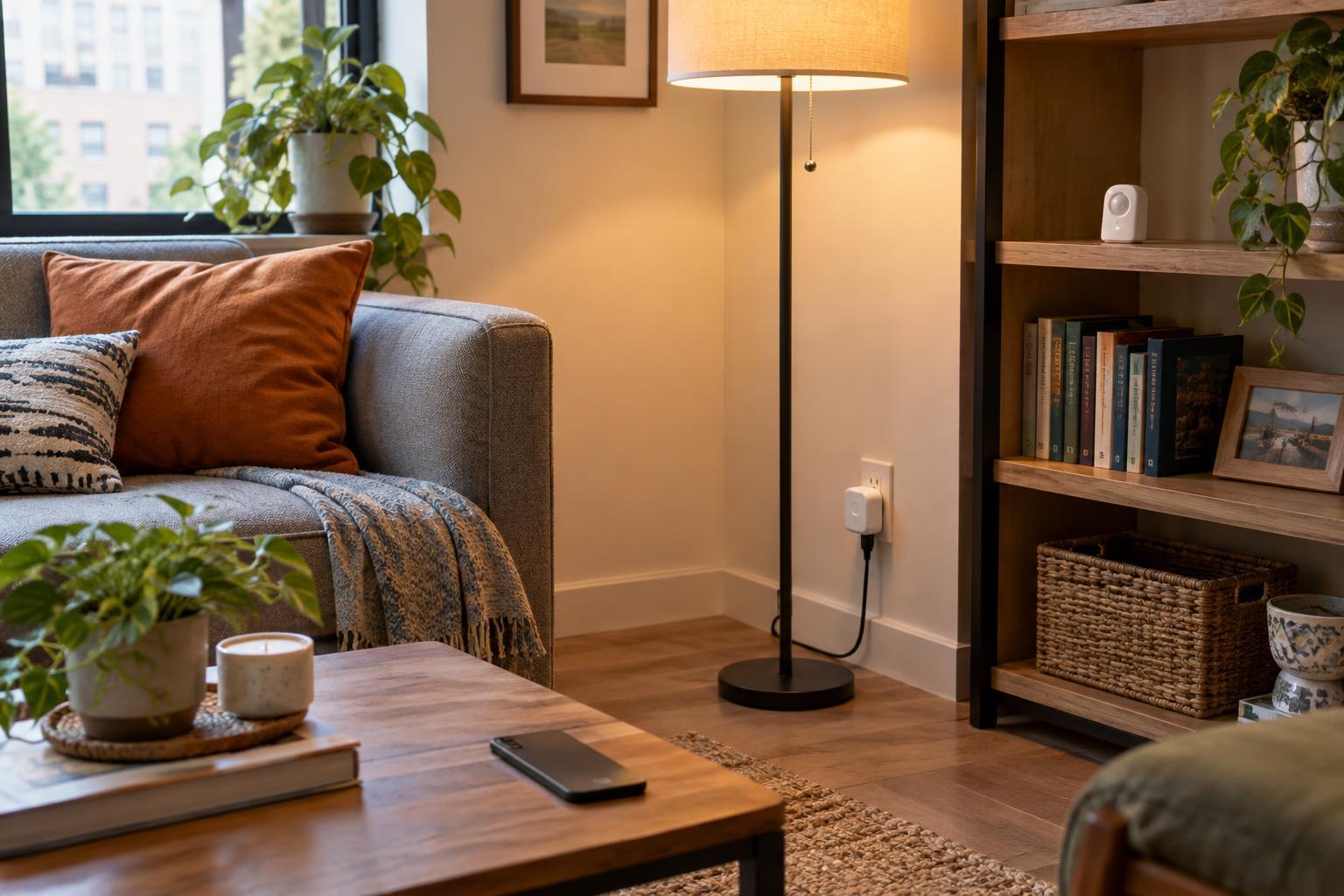
For a single lamp where adjustable white light or color is the goal, start by considering a smart bulb. For a group of ceiling lights that people expect to operate at the wall, a compatible smart switch may be the simpler fit. A plug-in smart outlet can be another option for a lamp that only needs on-and-off scheduling, provided the lamp works as expected when power is restored.
You can mix approaches across a home. The key is to avoid accidentally pairing a smart bulb with a switch that regularly cuts its power, unless the controls are designed to work together. Make a short list of each room’s fixtures, existing controls and must-have features, then check installation requirements before purchasing. A good smart-lighting setup should make the ordinary action of turning on a light easier, not turn it into a troubleshooting task.