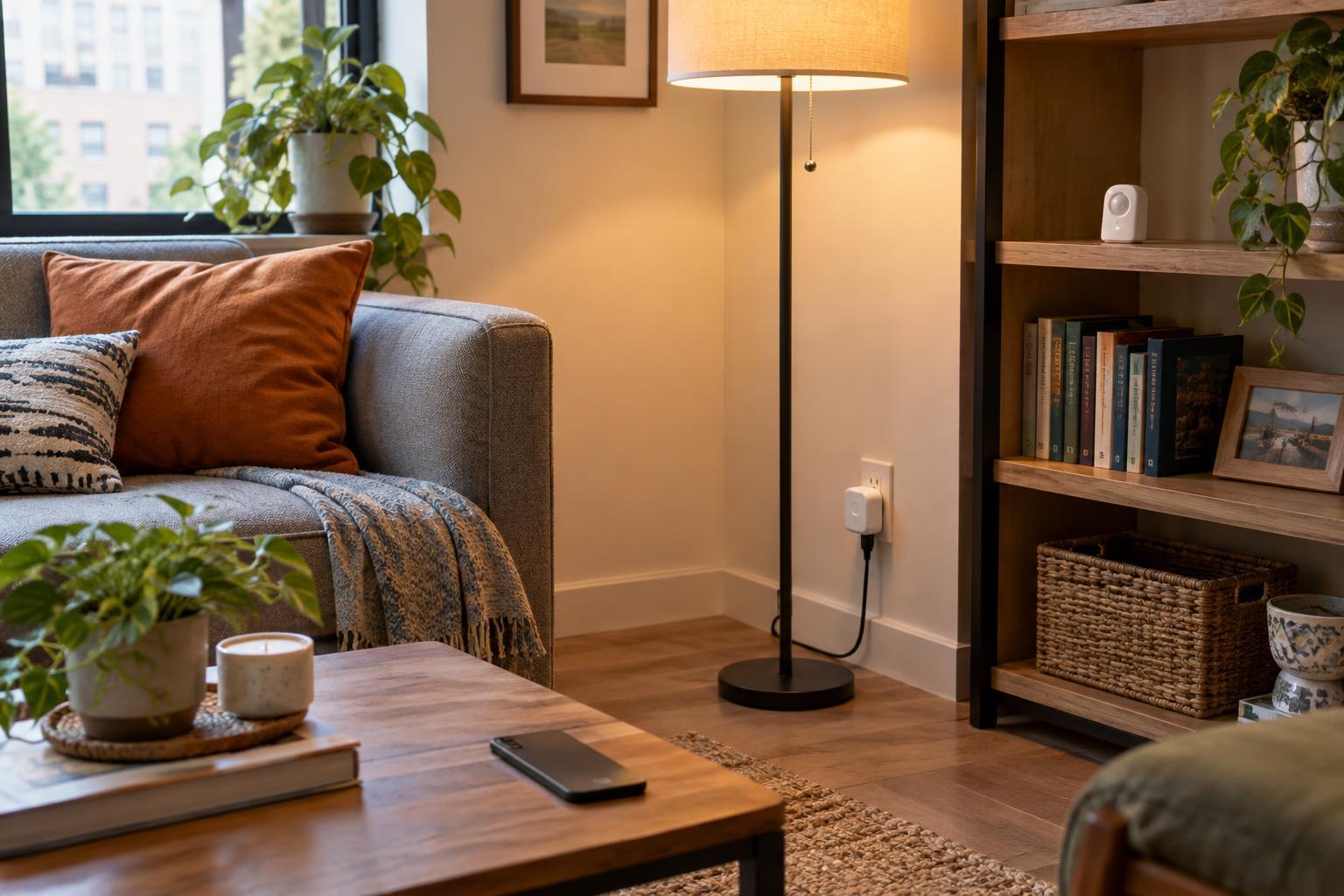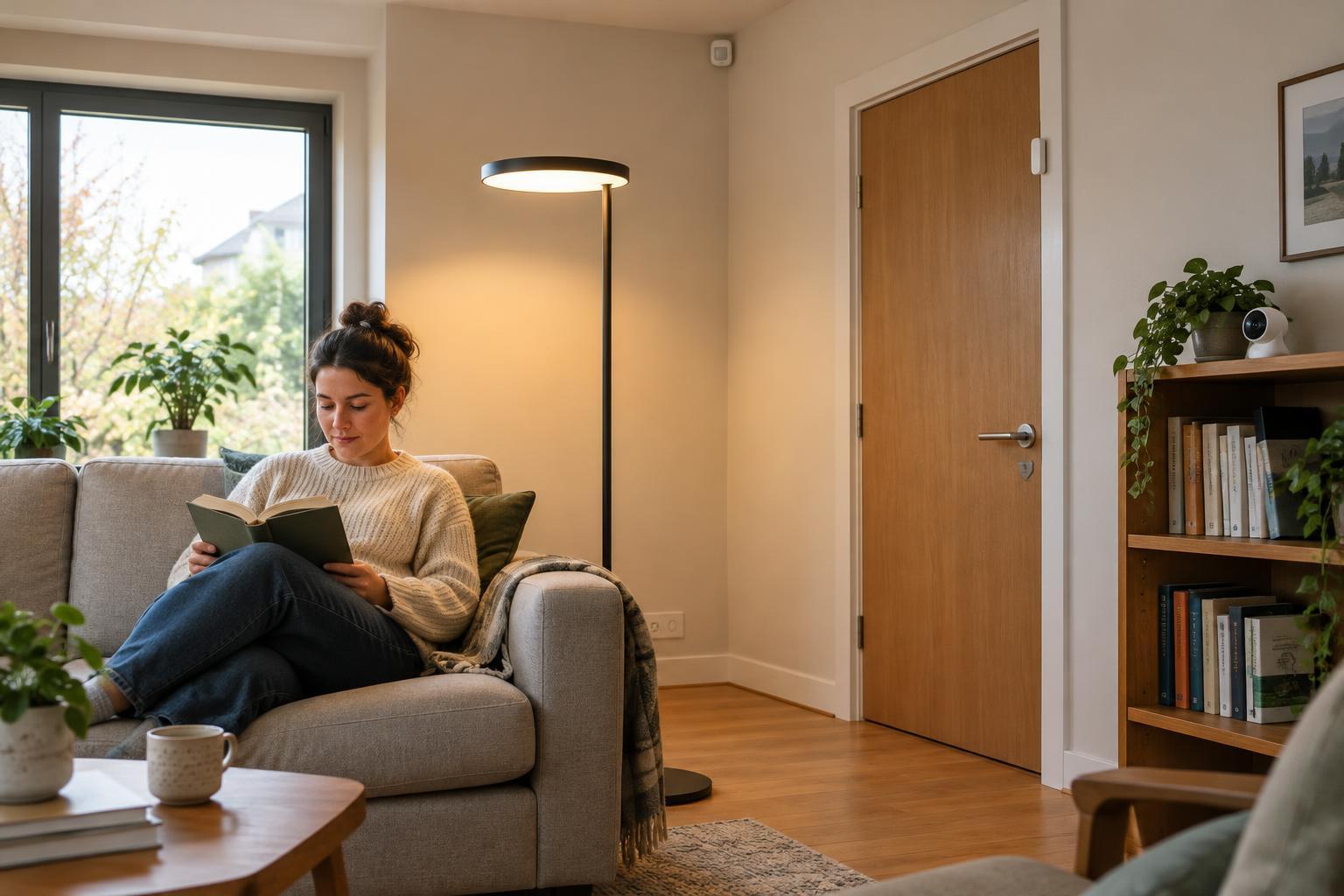
The three parts of an automation
A smart home automation connects an event to a response. Its basic structure is: when a trigger occurs, check any conditions, then perform an action. For example, when a motion sensor detects movement, if it is after sunset, turn on the hallway light. The motion is the trigger, the time check is the condition and switching on the light is the action.
A trigger starts the rule. It might be a button press, a door opening, a temperature reaching a set point or a scheduled time arriving. A condition is an optional test that decides whether the rule should continue. An action is what the system does, such as adjusting a lamp, sending a notification or changing a thermostat setting. Thinking in these three parts makes it easier to build a routine and to work out why one did not run.
Choose a trigger that matches the real event
The best trigger is usually the one that closely represents what you want to respond to. A door sensor can tell you that a door opened, but not necessarily that someone arrived home; someone already inside might have opened it. Likewise, a motion sensor can detect movement in a room without knowing who is there. If the distinction matters, a single sensor may not be enough.
Triggers can also behave differently from what their names suggest. A temperature trigger may fire when a reading crosses a threshold rather than continuously while the room stays warm. A scheduled trigger fires at a particular time, regardless of whether anyone is home. Before building a rule, ask: what exact change will start it, and could that change happen for another reason? This helps prevent lights, alerts or other devices from responding at the wrong moment.
Use conditions to make a routine selective
Conditions narrow the circumstances in which an automation runs. A motion-triggered light might turn on only when the room is dark. A reminder about an open window might be sent only when the heating is running. Without those checks, the same actions could become repetitive or wasteful.
Conditions are usually checked when the trigger occurs. If a condition is false at that moment, the rule may do nothing; it may not wait and try again when the condition becomes true. For instance, a rule triggered by opening a door at noon will not necessarily switch on a light at sunset if the door remains open. To get that result, sunset could be the trigger, with the door’s open state as a condition. When a routine seems inconsistent, check not just what its conditions are, but when they are evaluated.
Make actions useful, predictable and easy to reverse
An action can change one device or several. A bedtime routine, for example, might dim selected lights, lower a thermostat set point and switch off a plug connected to a lamp. The sequence matters if one action depends on another, although the controls available vary between smart home systems. Start with a small number of actions so it is clear which part caused an unexpected result.
Think about what should happen afterward. If a light turns on when motion is detected, should it turn off after a delay, when motion stops or only when someone presses a switch? Each choice has trade-offs: a short delay can leave a still person in the dark, while a long delay can leave the light on in an empty room. Where possible, keep a manual way to control important devices. Automations should help with everyday tasks, not make a room difficult to use when a sensor or connection fails.
Build and test one routine at a time
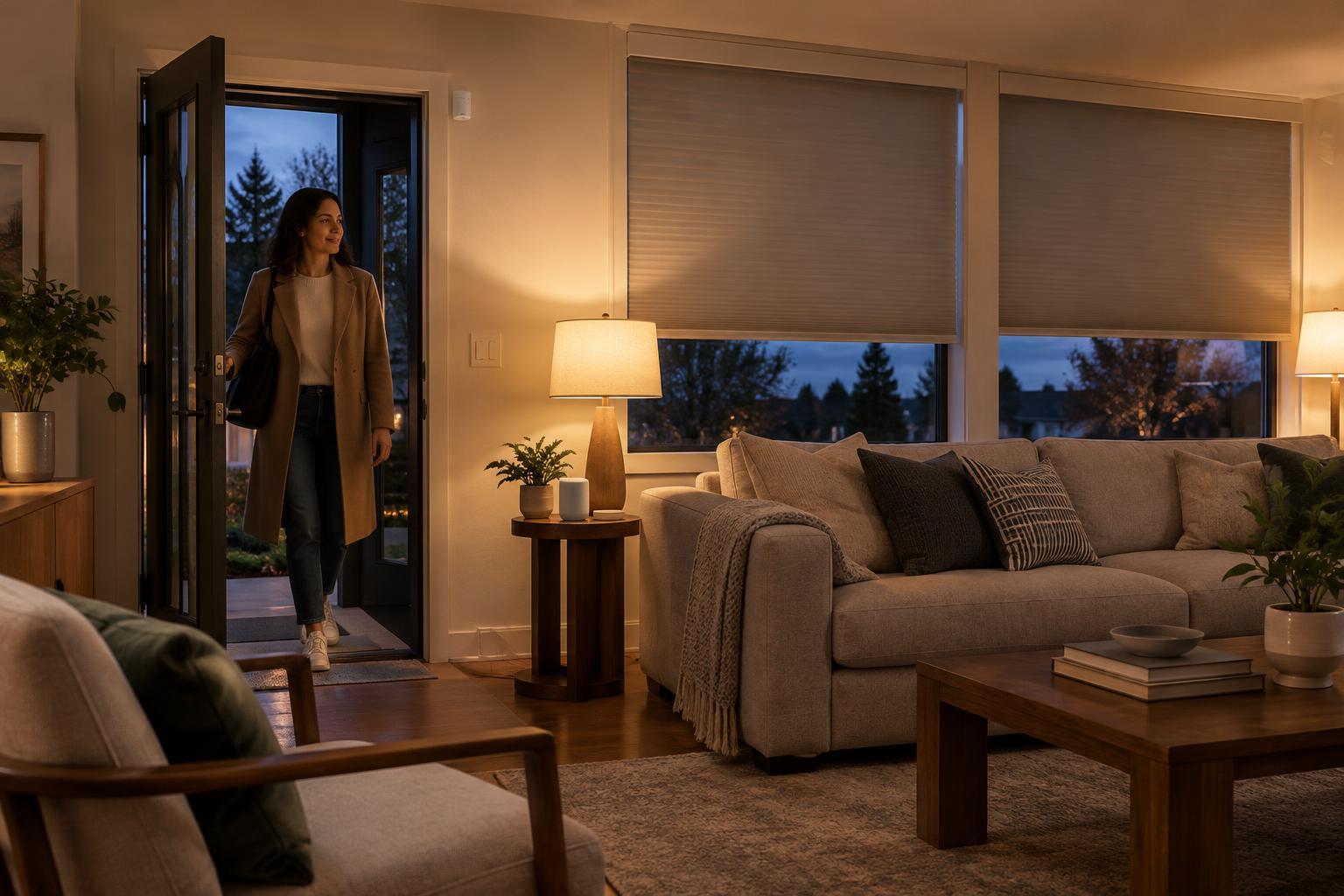
A good first project is modest: turn on an entryway light when the door opens, but only after dark. Set up the trigger, add the condition and choose the light as the action. Then test the routine in circumstances where it should run and where it should not. If it misfires, inspect each part in order: did the trigger occur, was the condition satisfied and did the device receive the action?
Also consider who shares the home. A notification that is helpful to one person may be distracting to another, and a schedule that suits weekdays may not suit weekends. Use only the sensors and access permissions a routine needs, especially for cameras, location-based triggers and shared devices. Smart home systems differ in what they support and how they handle interruptions, so treat an automation as a practical convenience rather than a guarantee. A clear, limited rule is often more useful than an elaborate one nobody can easily explain.