What changes when you add a hub?
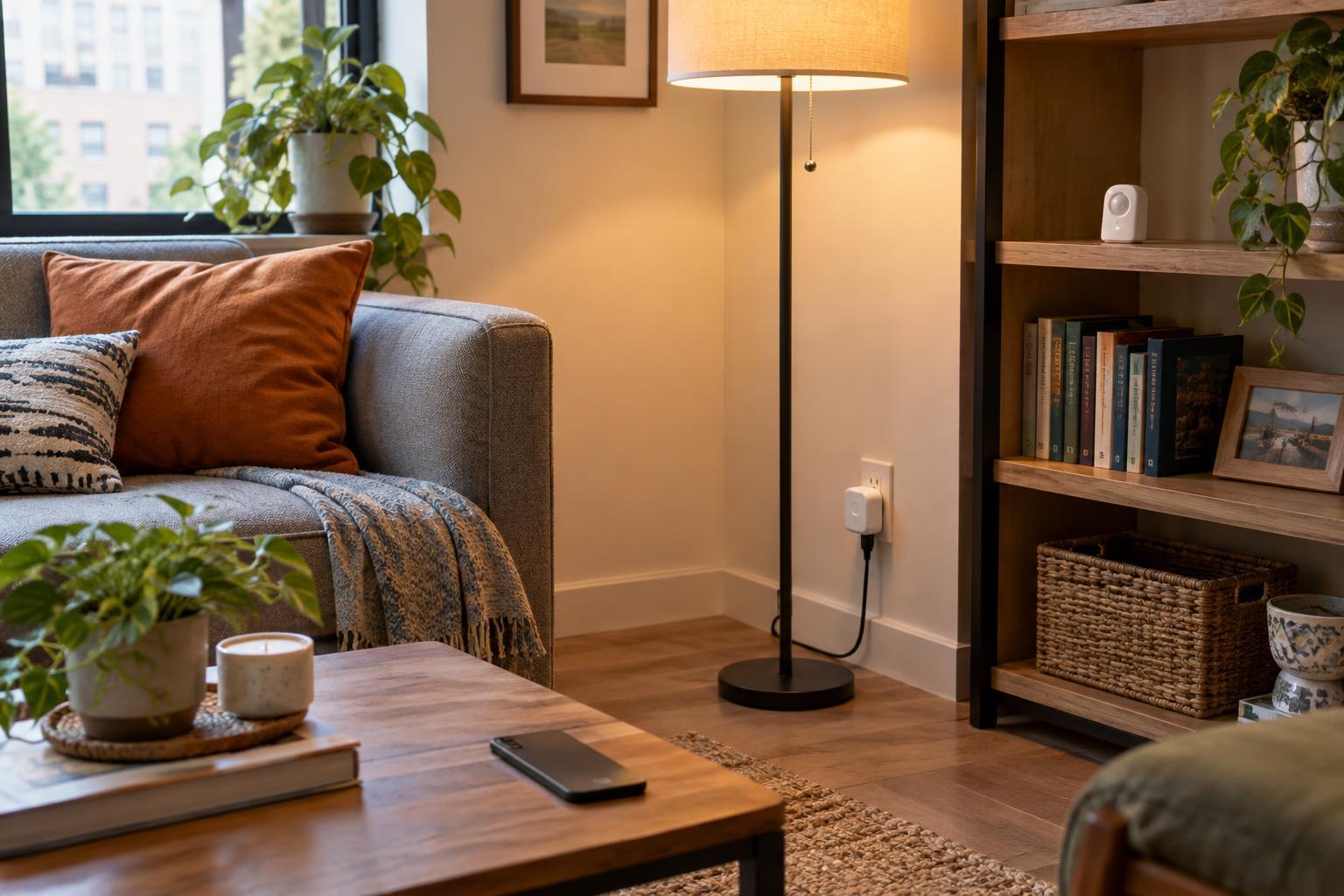
With direct app control, you set up a smart device in its maker’s app and use that app to operate it. A smart plug might need only an account, your home Wi-Fi and a phone. If you have a few devices from one brand, this can be a straightforward way to get started. You can learn what each device does without first configuring a separate system.
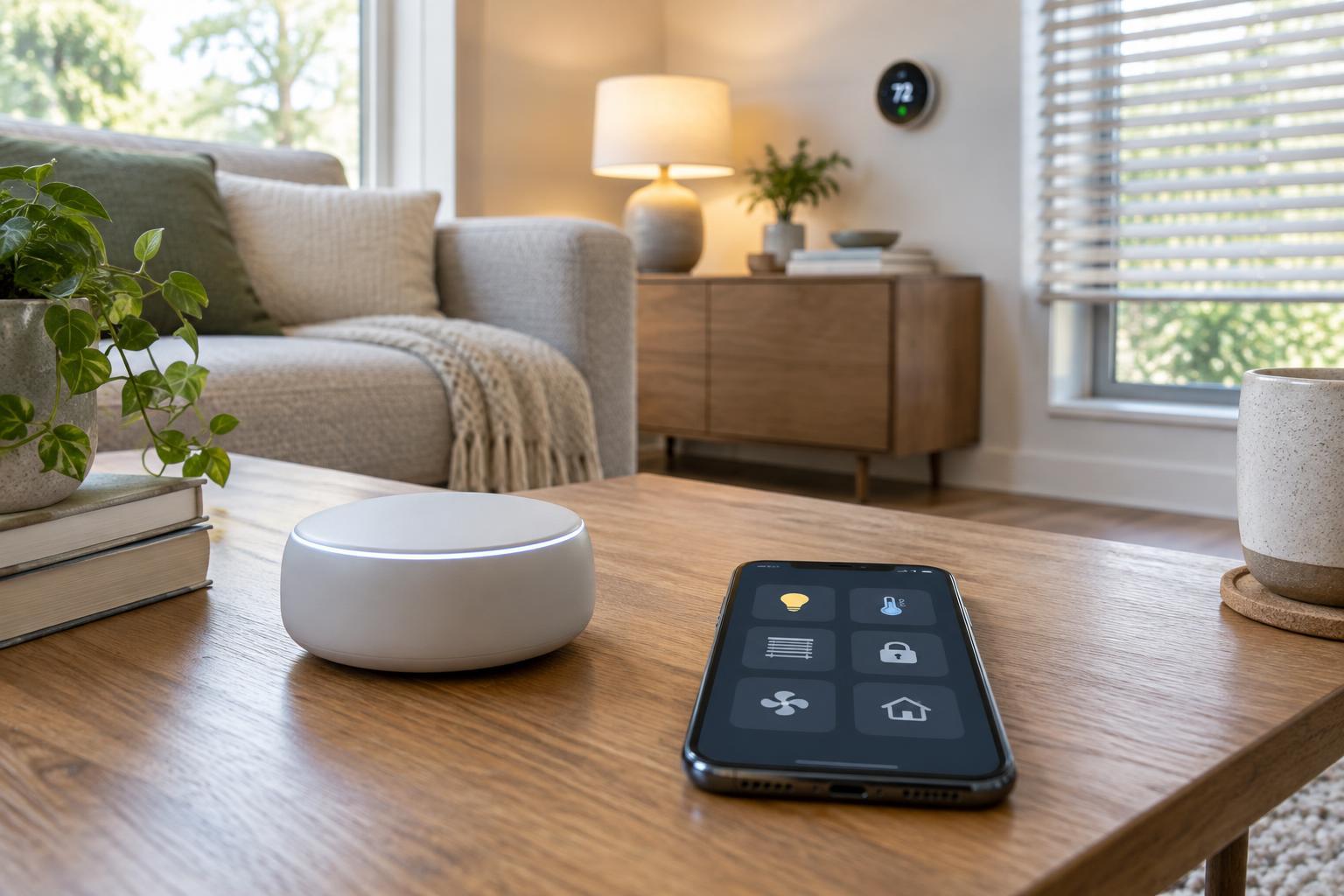
A hub acts as a shared control point for supported devices. Depending on the product, it may be a small box, a smart speaker, a display or software running on another device. It can put lights, sensors and plugs in one interface and let them work together. Some devices require a particular hub; others offer both hub-based and direct control. A hub does not automatically replace every manufacturer app, since initial setup, updates or specialized settings may still live there.
Choose for the devices you have, not the number of apps you hope to delete
Compatibility is the first practical test. Make a list of the devices you own or plan to buy, then check whether your proposed hub supports their specific models and the functions you care about. A light may be compatible for on, off and dimming but not for every effect available in its own app. Similarly, a sensor may appear in a hub without being available as a trigger for every automation you have in mind.
Connection labels are useful clues, not guarantees. Wi-Fi, Zigbee, Thread and Matter describe different ways devices can connect or work across systems, but actual support depends on the device, hub and software involved. If a product requires a separate bridge, include that in your plan. If you are buying one smart lamp for a bedside table, its direct app may be enough. If you want several brands to respond to one button or routine, a compatible hub becomes more valuable.
Compare everyday convenience with setup work
Direct apps can make each device easy to understand on its own. The trade-off appears when simple household tasks require switching between apps. Turning off lights, checking a door sensor and adjusting a thermostat may feel fragmented if each task has a different interface and set of notifications. Shared household access can also be awkward when every brand has its own account and invitation process.
A hub can offer one place for common controls and routines. For example, an evening routine might dim supported lights and turn on a plug with one tap. Setting that up takes work: you may need to name rooms, pair devices, resolve duplicate controls and decide who in the household can edit automations. Before building a complicated routine, try one useful action and check whether everyone can operate the home when your phone is unavailable. Physical switches and ordinary controls remain helpful, especially for guests.
Look closely at reliability, privacy and cost
Neither approach is inherently more reliable. Some hubs can run certain controls locally, so those actions may continue when an internet service is unavailable. Other hub features depend on the cloud. Direct-app devices vary too: some can be controlled on a local network, while others need a remote service for routine operation. Check what happens if the internet goes down, the hub loses power or an account cannot be accessed. A working light switch is a useful fallback regardless of your setup.
Privacy also depends on the products and settings you choose, not simply on whether there is a hub. Consider which devices need microphones or cameras, what data their services store and who can access the household account. Review permissions, enable available account security features and keep device software updated. A hub adds an upfront purchase and another device to maintain, but it may simplify management. Direct apps avoid that purchase while potentially spreading devices across multiple accounts and services.
A mixed setup may be the most practical answer
You do not have to move every device to one system at once. Start with direct control if you have one or two devices and their apps meet your needs. Consider a hub when you want shared routines, simpler household controls or devices that require one. If you already have a collection of smart products, test a hub with a few before committing the rest. Keep the maker’s app where it remains useful for updates or advanced features.
The best setup is the one that makes ordinary tasks easier without making the home harder to use when something fails. List three things you actually want to do, such as turning off downstairs lights from bed or giving a guest access to a lamp. Then check compatibility, try those tasks and keep a fallback for essential controls. That small test will tell you more about your home than the promise of a single app for everything.