What makes a thermostat smart?
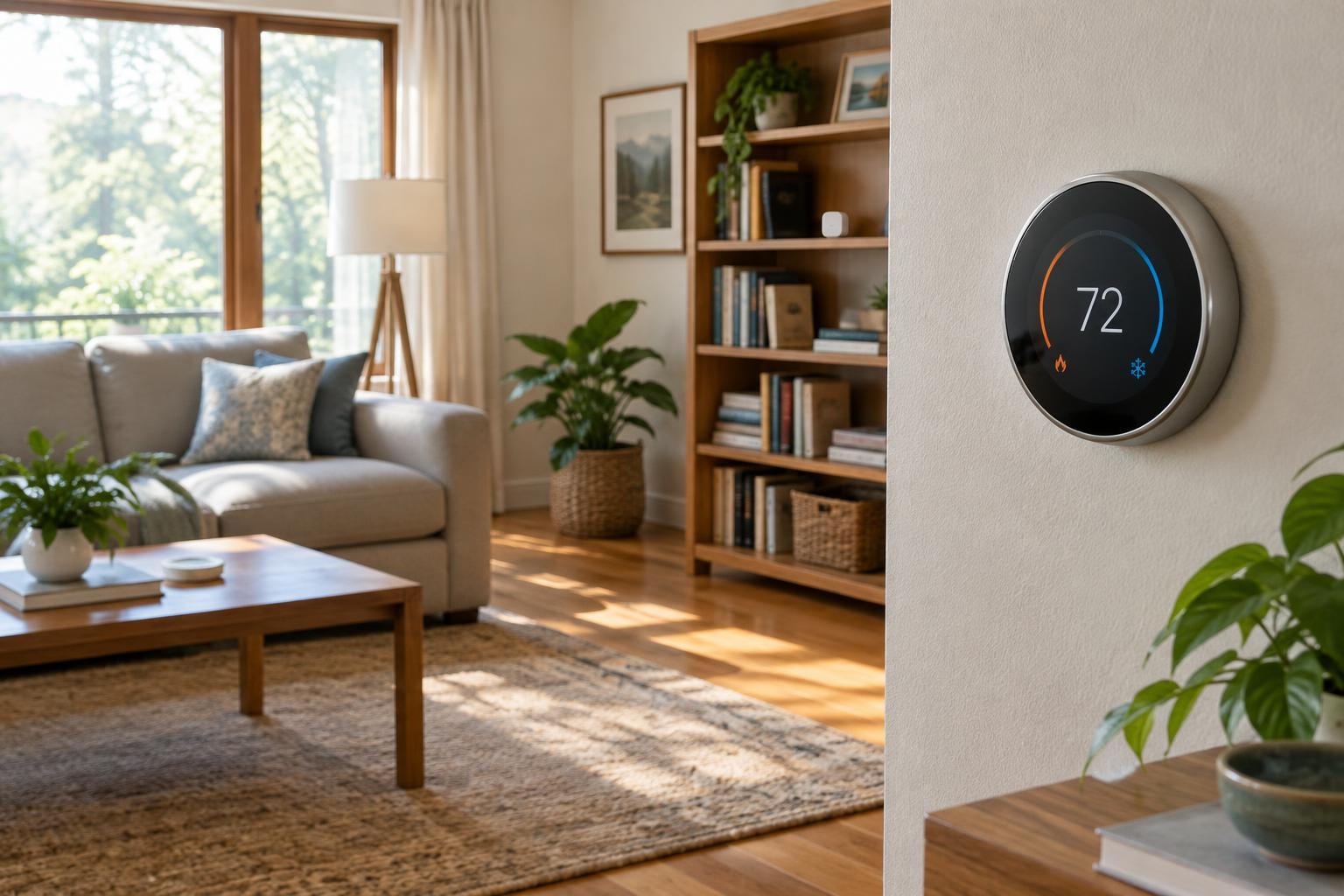
A basic thermostat turns heating or cooling on and off to maintain a selected temperature. A smart thermostat does that too, but may also offer app controls, programmed schedules, occupancy detection and information about how often the system runs. Those features give you more ways to decide when the home should be comfortable and when it can use a less demanding setting.
The thermostat still depends on the heating and cooling equipment connected to it. It cannot make an undersized system heat a room faster or fix poor insulation. Features also vary by model: some thermostats support remote room sensors, while others measure temperature only at the thermostat. Before buying, check compatibility with your equipment, wiring and any sensors you want to use.
Start with a schedule you can understand
A schedule sets different target temperatures for predictable parts of the day, such as waking, leaving home, returning and sleeping. For example, someone who works outside the home on weekdays might choose a more relaxed setting while the house is empty, then return to a comfortable setting before arriving. The useful schedule is the one that reflects your household’s routine, not a preset that everyone has to work around.
Start with a few broad time periods rather than adjusting the temperature every hour. Live with the schedule for several days and note when rooms feel uncomfortable. Many thermostats allow a temporary override, so a late evening at home need not require rebuilding the whole plan. If your routine changes often, a simple schedule can still provide a baseline while other features handle exceptions.
Avoid assuming that a bigger temperature setback always produces a better result. How the system responds depends on the home, the equipment and the weather. Some heating systems may need more time to recover from a large change. Make adjustments gradually and pay attention to comfort as well as energy use.
What occupancy detection can—and cannot—tell
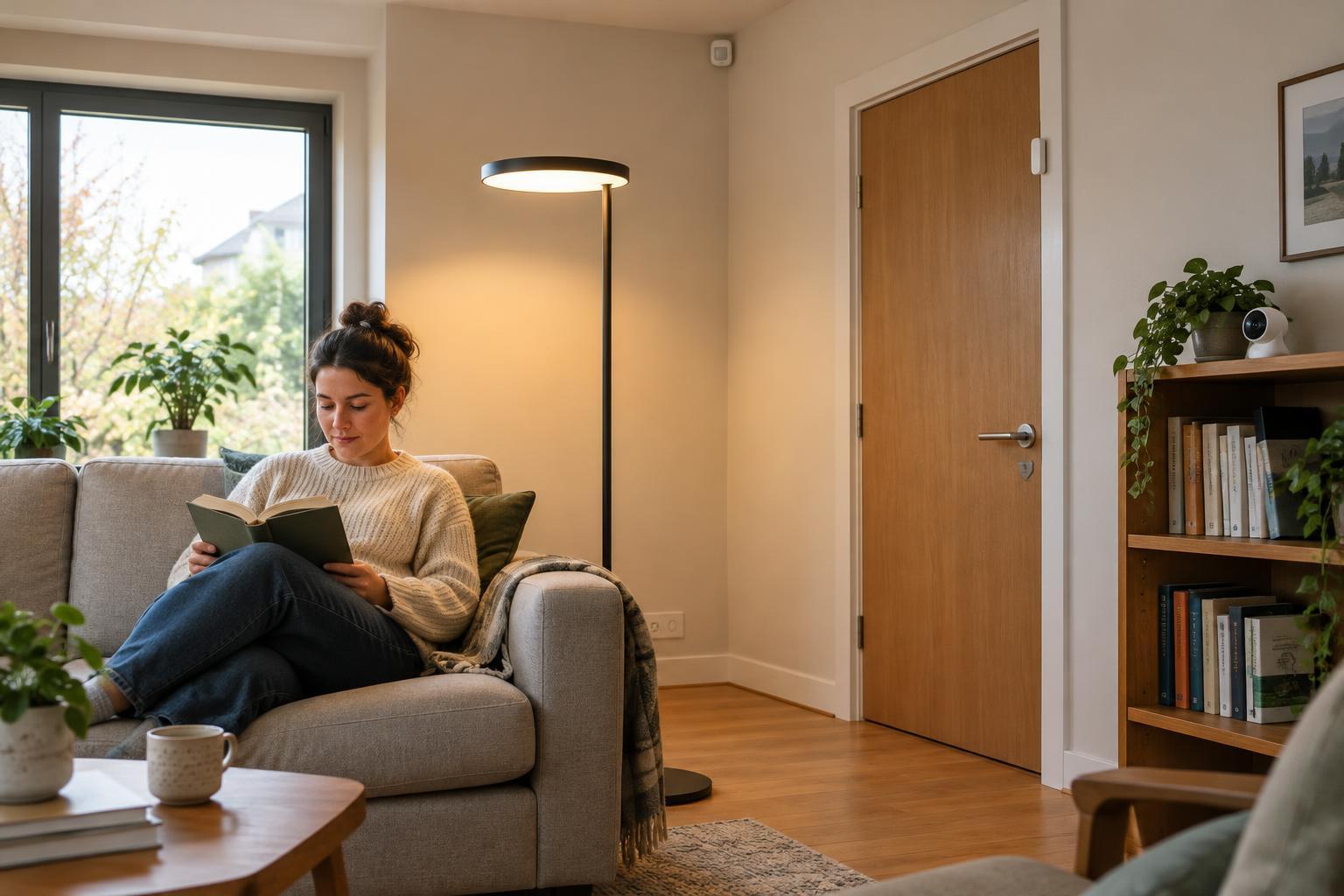
Occupancy features try to identify whether someone is home, sometimes using motion detected by the thermostat or sensors, and sometimes using the location of household members’ phones. Depending on the model and settings, the thermostat may switch to an away temperature when it believes the home is empty and restore a comfort setting when someone returns. This can help when departures and arrivals do not follow a fixed timetable.
An occupancy signal is an estimate, not a head count. A person reading quietly may not trigger a motion sensor, and a phone-based feature may be misleading if someone leaves their phone behind or has location access turned off. Visitors, children and pets can also complicate the picture. If the thermostat changes settings at the wrong times, review which devices and sensors it uses rather than assuming the household needs a stricter schedule.
It is worth checking the privacy settings before enabling phone-location features. Find out which household members must opt in, what information the app collects and whether basic thermostat controls remain available without that feature. Occupancy automation should make the home easier to manage, not make one person’s phone the only way to keep it comfortable.
How room sensors change the picture
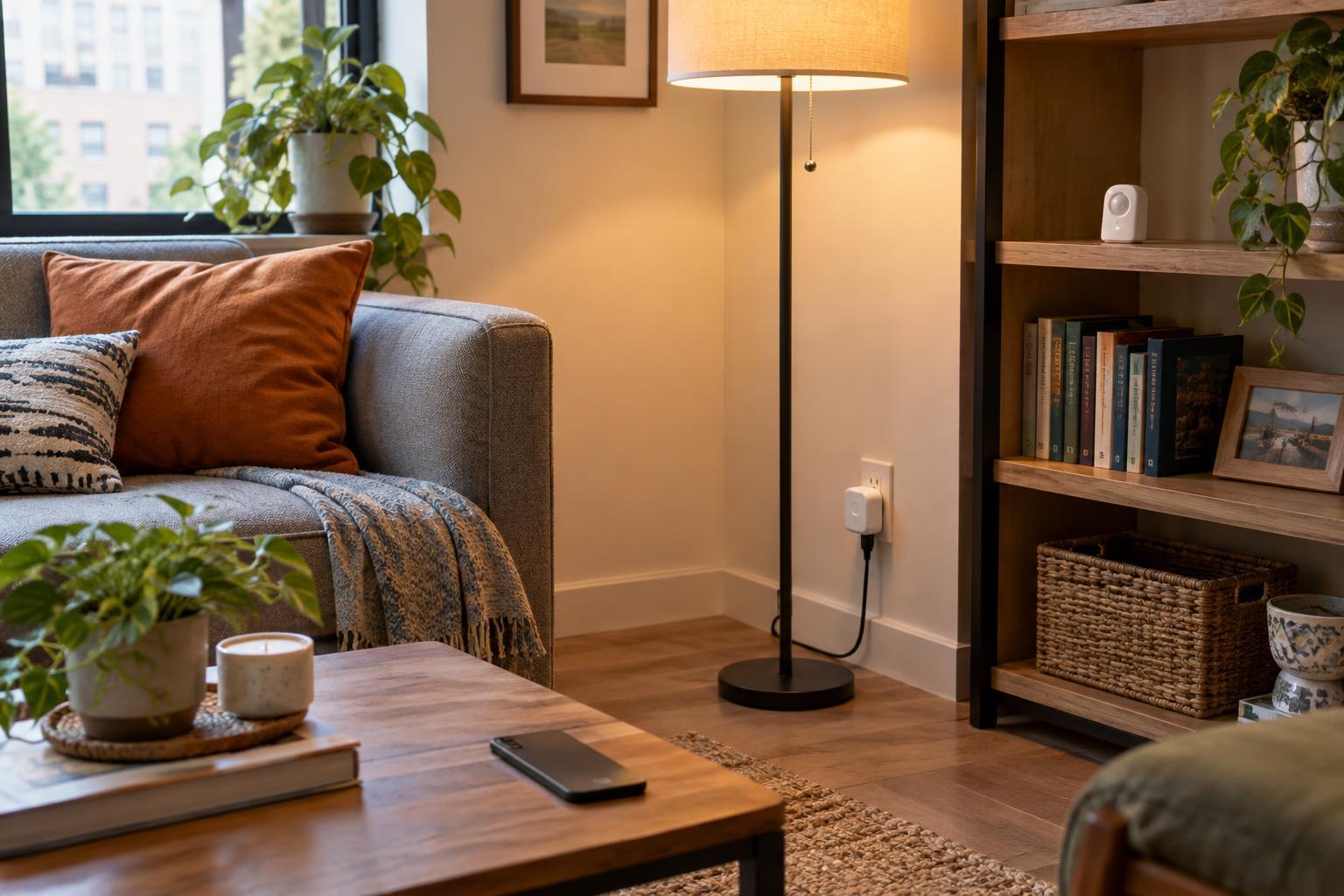
A thermostat in a hallway may report a comfortable temperature while a sunny bedroom feels warm or a distant living room feels cool. A compatible room sensor measures conditions where it is placed, giving the thermostat another reference point. Some systems let you select which sensor matters during a particular time period—for instance, a living-area sensor in the evening and a bedroom sensor overnight. Others combine readings or use sensors to help detect activity.
A sensor does not usually provide independent temperature control for each room. If one heating or cooling system serves the whole home, it still responds as a whole unless separate zones and compatible controls are installed. Choosing a bedroom sensor as the priority may improve that room while making another area less comfortable. Place sensors where people spend time, away from direct sun, vents and other sources of misleading readings, then test the result.
Build a setup that is easy to live with
Begin by confirming that the thermostat supports your system, including any special requirements for power, multi-stage equipment or heat pumps. Once installed, set a straightforward schedule and check whether the displayed temperature matches how the occupied rooms feel. Add occupancy automation or room sensors one at a time. That makes it easier to tell which feature helped—and which setting caused an unwelcome change.
Review the setup when household routines change. A new work pattern, a frequently used room or a shift in sleeping hours may call for different priorities. Smart controls are useful because they can adapt to those choices, not because they can predict every need. A good result is a home that feels comfortable without requiring constant thermostat adjustments.