Two ways to show a robot what to do
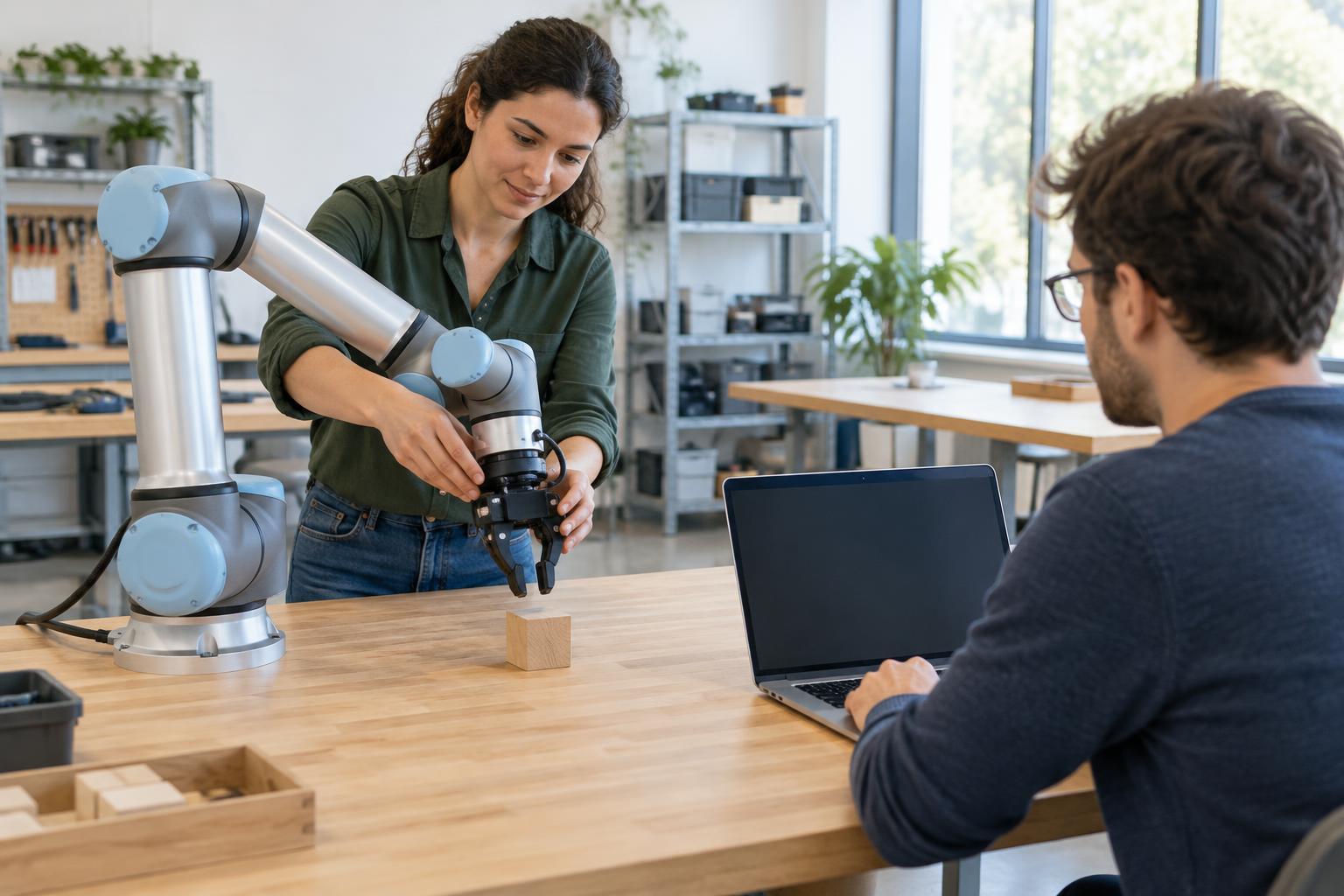
Imagine a robot arm placing cups into a tray. One approach is to program its movements: move to a known position, close the gripper, lift, travel to the tray and release. Another is to demonstrate the task, perhaps by guiding the arm through the motion or controlling it while it records what happens. The robot then uses that example to help perform the task again.
Both approaches need more than a list of positions. The robot must know where it is, detect or locate the cup, and respond if something goes wrong. The key difference is how the desired behavior is specified. Programming makes the steps explicit. Demonstration starts with examples that the system must interpret and turn into repeatable behavior.
What programming gives you
A programmed movement is useful when the workspace and task are predictable. If cups arrive in the same orientation and the tray stays put, an engineer can define positions, speeds and conditions for each step. Sensors can add rules: pick up a cup only when one is detected, and stop if the gripper fails to close as expected.
This makes the sequence relatively easy to inspect and test. If the arm consistently misses the tray, the team can check its measurements, calibration or movement commands. Explicit programming also helps with tasks that have firm boundaries, such as keeping an arm out of a restricted area.
The trade-off is setup effort. A small change in cup size, tray position or surrounding equipment may require new measurements and adjustments. Programming every possible variation by hand can become cumbersome, even when each individual movement is straightforward.
What a demonstration teaches—and what it does not
Demonstration can provide a quicker starting point for a motion that is hard to describe step by step. A person might guide a robot arm as it lifts a cup without tipping it, or remotely control the arm while its cameras and sensors record the action. The system can use the recorded examples to reproduce a path or learn how to choose actions in similar situations.
But showing a robot one successful attempt does not necessarily teach it the whole task. A copied path may fail when the next cup starts a few centimeters away. To handle variation, the system may need multiple examples, reliable sensing and a way to relate what it sees to the actions it takes. It also needs a clear goal: copying a person’s hand motion is not the same as understanding that the cup must end up upright in the tray.
The amount a robot can learn from a demonstration depends on its hardware, sensors and learning method. In a controlled setting, teaching a repeatable motion this way is practical. Learning a broadly useful skill from casual observation alone is a much harder problem.
Why the approaches often work together
The choice is rarely all or nothing. A team might demonstrate the smooth path for lifting a cup, then program limits on the arm’s speed and working area. They might also program a check that the cup is held securely before allowing the arm to move toward the tray. The demonstration supplies an example of how to perform the motion; programmed rules define when that motion is allowed.
Testing matters with either approach. Before running at full speed, operators can try the task with different cup positions, check for collisions and observe what happens when a cup is missing or slips. A successful run shows that the robot handled that particular situation, not that it will handle every variation. Repeated tests help reveal where the system needs better sensing, more examples or clearer rules.
Choosing a method for the job
For a fixed, repetitive task, explicitly programmed movements may be the simplest way to get dependable results. For a task whose motion is easy to show but awkward to specify, demonstration may save setup time. If objects vary or the workspace changes, either method will need feedback from sensors rather than relying on a fixed sequence alone.
A useful question is not whether the robot was taught or programmed, but what it can detect, what changes it can handle and how it behaves when conditions differ from those expected. Demonstration can make robot setup more approachable. Programming can make constraints and checks more explicit. Combining the two gives designers a practical way to build on the strengths of each.