Start with what a smart plug actually does
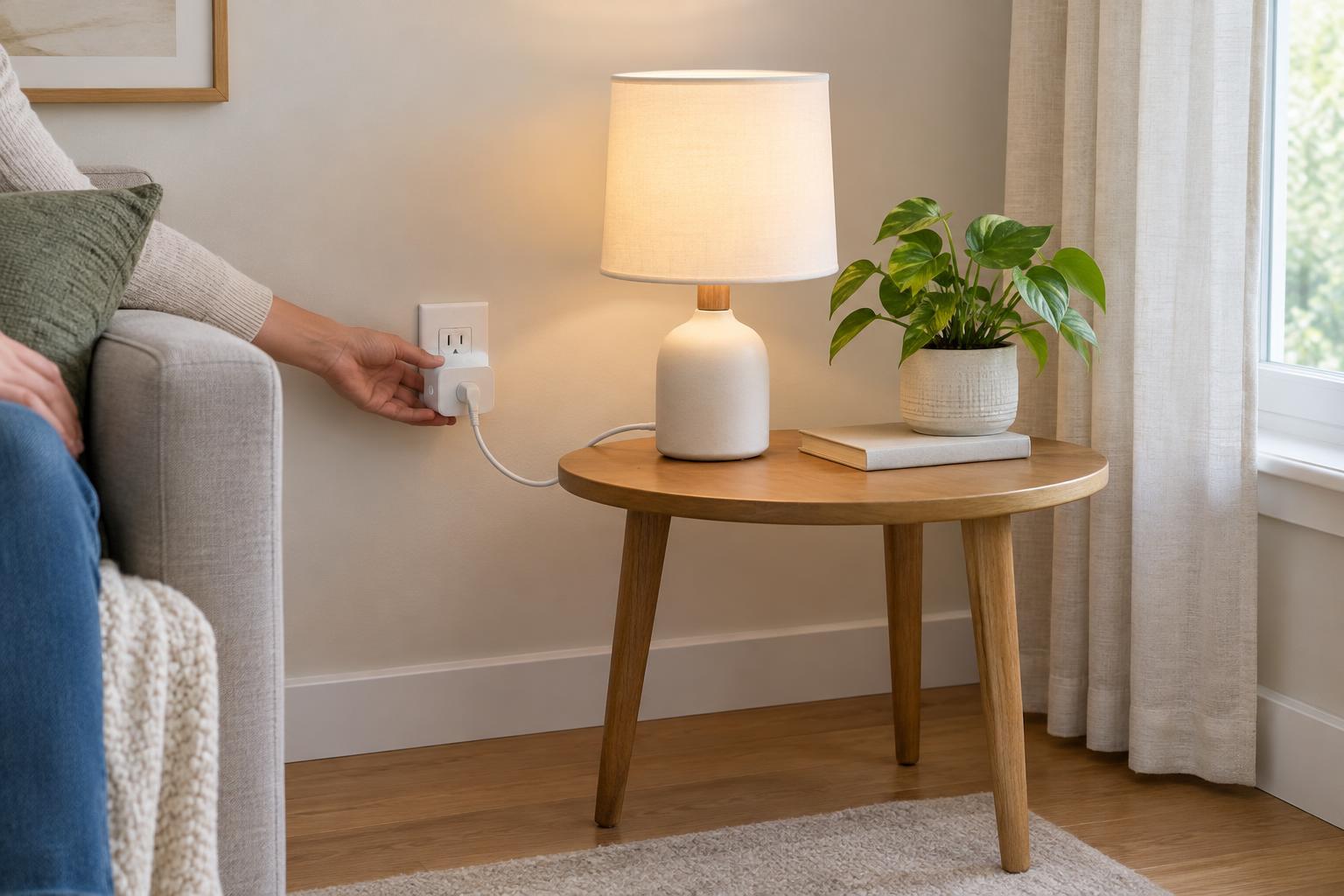
A smart plug sits between a wall outlet and an appliance. Depending on the model, it can switch power through an app, follow a schedule or report energy use. Those features are useful for a lamp, fan or other device that can safely resume operation when power is restored. They do not change the electrical capacity of the outlet or the appliance plugged into it.
Before automating anything, try a simple test: switch the appliance on, unplug it, then plug it back in. Does it restart, stay off or require a button press? More importantly, would an unexpected restart be safe? A schedule or voice command can activate a plug when no one is beside the appliance, so the answer matters more than whether the device is technically compatible.
Read the ratings on both the plug and the appliance
Check the smart plug’s label or instructions for its supported voltage, maximum current and maximum power. Check the appliance’s nameplate for the same information. Both must be compatible with your local supply. If an appliance lists watts rather than amps, dividing watts by the supply voltage gives an approximate current for a simple comparison. Do not treat that calculation as a substitute for the manufacturer’s compatibility guidance.
A rating is a limit, not a target. Some devices, particularly those with motors or compressors, can draw a brief startup current greater than their normal running current. A plug that appears adequate based only on running watts may not be suitable. Look for explicit guidance about the type of load you intend to connect, and leave capacity to spare rather than choosing a plug that barely meets the printed number.
Keep the limits of the whole connection in mind. The wall outlet, any adapter and the smart plug all need to be suitable for the load. Avoid stacking adapters or plugging a smart plug into a power strip simply to make an awkward setup fit. If a plug, outlet or appliance cord becomes unusually warm, shows discoloration or has a damaged casing, stop using it and have the problem assessed.
Choose appliances that are sensible to switch remotely
Lamps and some small electronics are often straightforward candidates, provided they fall within the plug’s rating and can tolerate power being cut and restored. A smart plug can also switch certain fans or decorative lights, but check the device’s instructions first. For electronics that need an orderly shutdown, cutting power at the wall may be inconvenient or could interrupt an update or saved work.
Be especially cautious with portable heaters, kettles, irons, cooking equipment and other heat-producing appliances. A high wattage rating alone does not make unattended or remote operation appropriate; an appliance may also be unsafe to restart near fabric, paper or other combustible materials. Follow the appliance and smart plug manufacturers’ instructions, and do not use a smart plug to bypass an appliance’s built-in controls.
Refrigerators, freezers and air conditioners present different concerns: compressors can have demanding startups, and an accidental switch-off may go unnoticed. Equipment that supports health or essential safety should not depend on a general-purpose smart plug remaining connected, online or correctly scheduled.
Give the plug space and use the right location
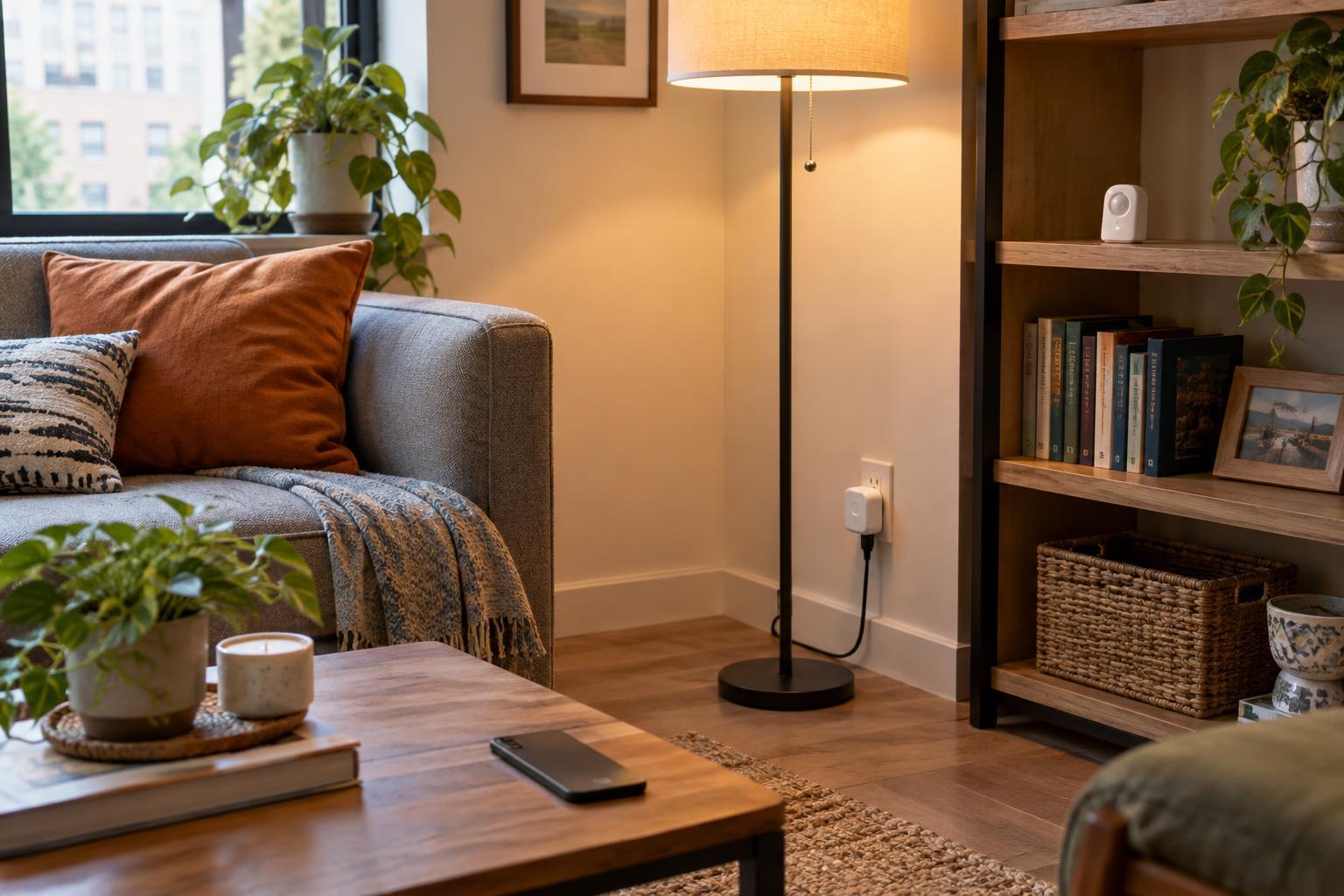
Plug the unit firmly into a sound outlet where its casing and cord connection remain visible and accessible. Do not hide it under a rug, behind tightly packed furniture or where bedding and curtains can cover it. Avoid positions where someone might strike it or pull on the appliance cord. If the plug blocks a neighboring socket, forcing another plug beside it is not a good solution.
Use indoor-rated products indoors and keep them away from splashes, damp areas and outdoor weather. For an outdoor location, choose equipment specifically rated for that environment and follow its placement instructions. Where outlets are near water, the appropriate protective outlet arrangement depends on the location and local electrical requirements; a smart plug is not a replacement for those protections.
Plan for what happens when automation fails
Smart plugs vary in how they behave after a power cut, router outage or app failure. Some restore their previous state; others stay off or follow a configured setting. Check your model’s behavior, then decide whether that outcome is acceptable for the connected appliance. A lamp failing to turn on is different from a heater turning on unexpectedly or a freezer remaining off.
Give each plug a clear name, review schedules after changing clocks or routines, and remove automations you no longer use. If the device supports firmware updates and account security settings, keep them maintained. The safest smart-plug setup is deliberately unremarkable: a suitable appliance, a comfortably matched rating, a clear outlet and a predictable response when the network is unavailable.