Start with the place you want to see
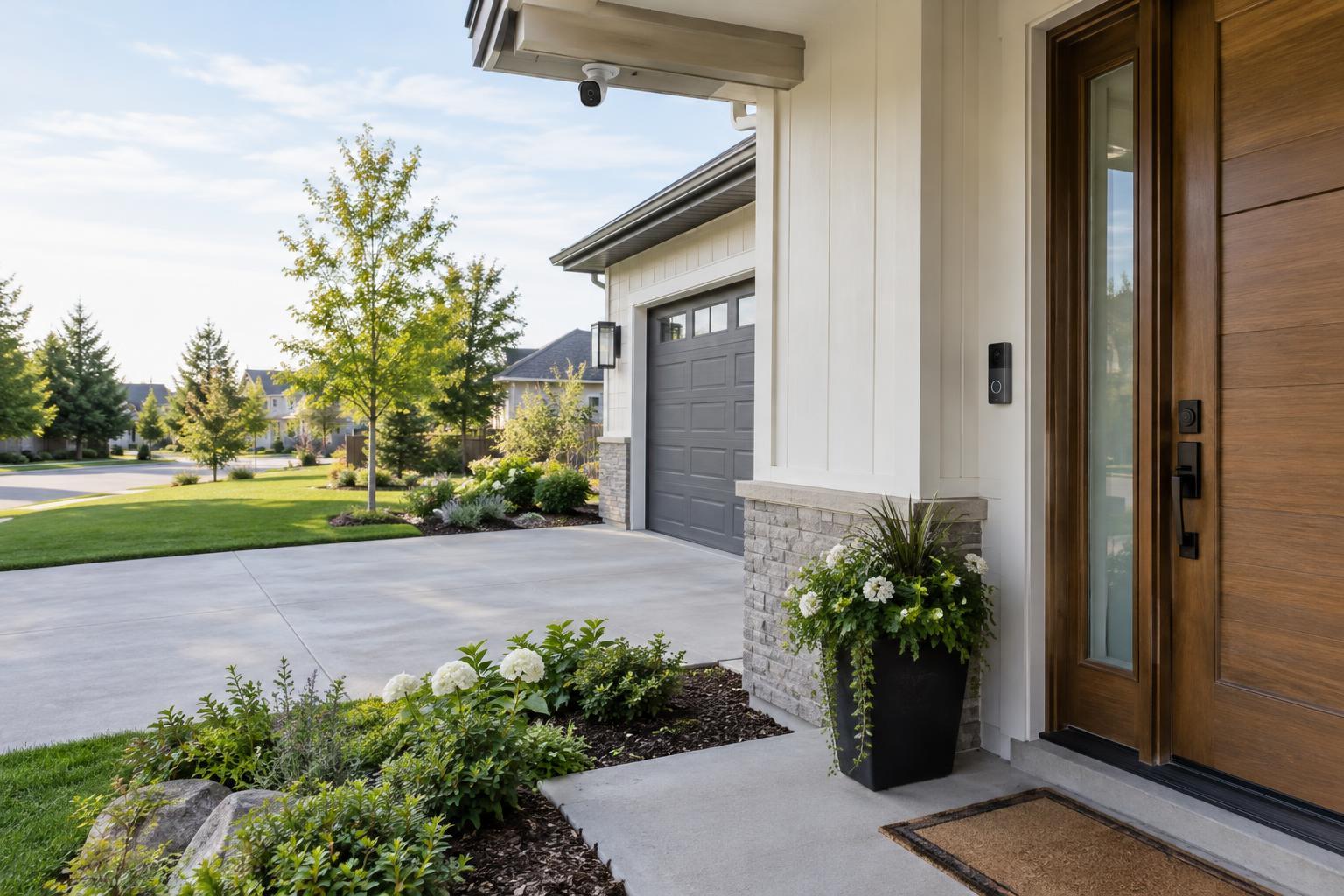
A video doorbell is a camera built around one event: someone arriving at your door. It typically provides a live view, sends an alert when its button is pressed, and lets you speak to a visitor through an app. Many models also detect motion before anyone rings. That makes a doorbell useful for seeing visitors and deliveries, but it does not automatically give you a complete view of the front of your home.
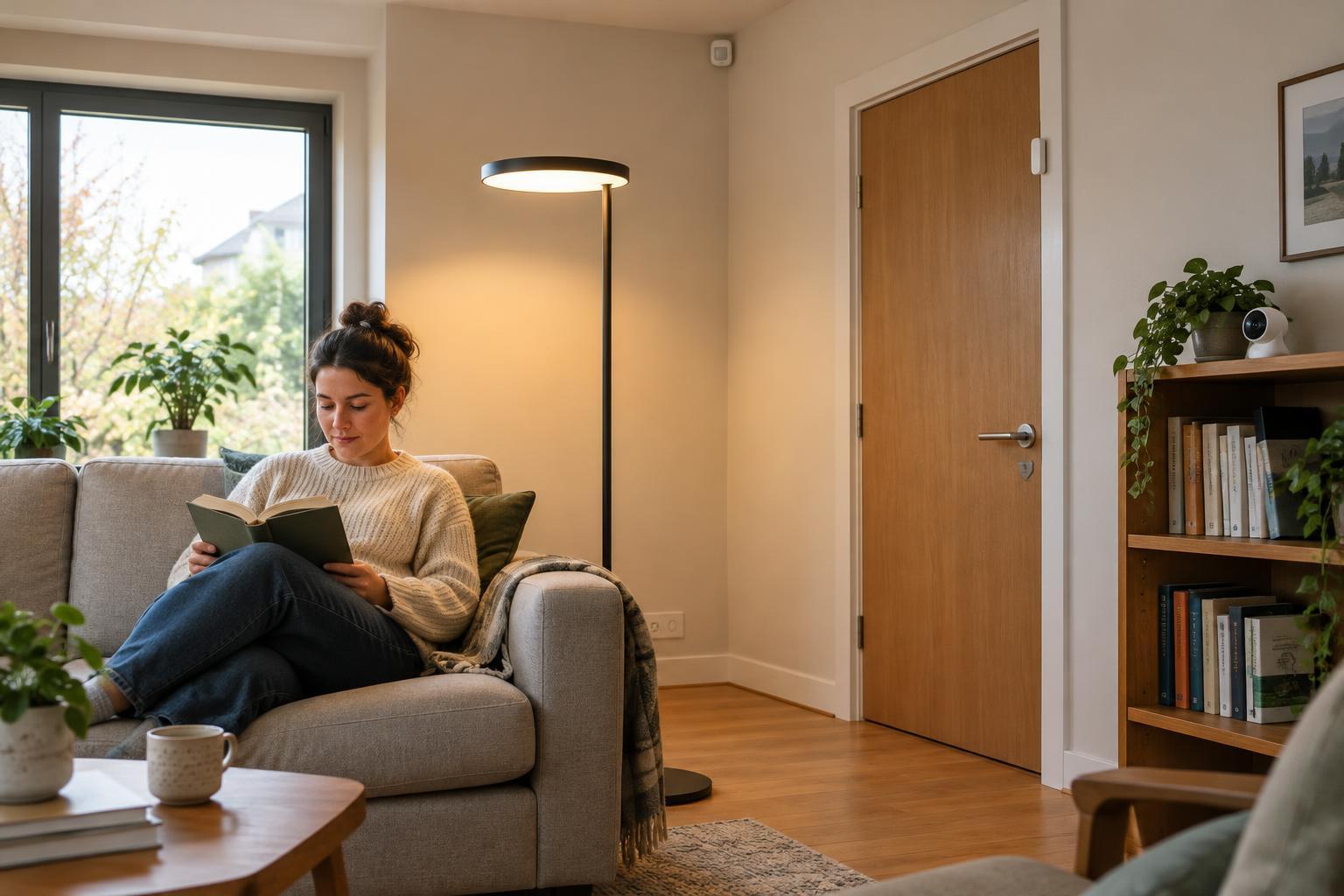
A security camera is the more flexible option for watching a specific area. Depending on where you place it, an outdoor camera might cover a driveway, side path, gate, or back patio. An indoor camera might watch an entryway while you are away. The key question is not which device has the widest advertised angle of view, but whether its position lets you see the activity you care about without leaving important blind spots.
Compare coverage, not just picture quality
Doorbells are usually mounted beside a door, at a height convenient for visitors. That position can give you a useful view of faces, but a porch wall, railing, or the doorframe may block part of the scene. Some models offer a taller picture that shows more of the space near the doorstep; others emphasize a wider view across the entry. Either way, check whether the camera can see where a parcel would actually be left.
A separate camera gives you more freedom to aim from above or across an area. That can help you follow movement along a path rather than catching only the final few steps to the door. Greater coverage is not always better, though. If people appear too small or distant in the image, a broad view may provide less useful detail. Before mounting a device permanently, test the view in daylight and after dark, and look for glare from lights or bright surfaces.
Decide which alerts and recordings matter
A doorbell press is a clear signal that someone wants your attention. Motion alerts are less specific: passing pedestrians, moving branches, pets, or vehicles may trigger notifications, depending on the location and settings. Many devices let you adjust sensitivity, define activity zones, or choose which kinds of detected events produce an alert. Those features can make notifications more useful, but their availability and accuracy vary by model.
Recording is another important distinction. Some products save short clips when motion is detected, while others support longer or continuous recording. Continuous recording generally requires a suitable power source and storage arrangement; it is not a feature to assume from a camera's appearance. Check whether recordings are stored on the device, on a local hub, or in a cloud service, and whether viewing older clips requires a subscription. A live view alone may not help if you discover an event hours later.
Account for power, connections, and everyday use
Battery-powered devices can be easier to place, especially where wiring is unavailable, but they need periodic charging or battery changes. Wired devices avoid that routine when compatible wiring or a suitable power outlet is available. Installation requirements vary, so check what your home can support before choosing a model. A security camera's flexible placement is only helpful if you can power it and keep it connected reliably.
For either type, consider the experience after installation. Can household members get the alerts they need without everyone receiving every notification? Is it straightforward to find and save a recording? Will the device still serve its basic purpose if you cancel a paid plan? If you use other smart-home devices, check compatibility rather than assuming products with similar app features will work together.
Choose a setup that respects your space and your neighbors
A doorbell is a sensible starting point when your main goal is answering the door or checking what happened on the doorstep. Choose a separate camera when you need to watch an approach, a side entrance, or another area outside a doorbell's view. Using both can make sense when each covers a distinct location; placing two cameras on nearly the same scene may add alerts without adding much useful information.
Aim cameras at the areas you need to monitor and avoid recording more of neighbors' windows, shared spaces, or public areas than necessary. Indoor cameras deserve particular care because they may capture private household moments. Review who can access live video and saved clips, use strong account security, and set retention options that fit your needs. Rules about recording, especially audio, can vary by location, so check the requirements that apply where you live. The best setup is one you can maintain, understand, and use without creating unnecessary intrusion.