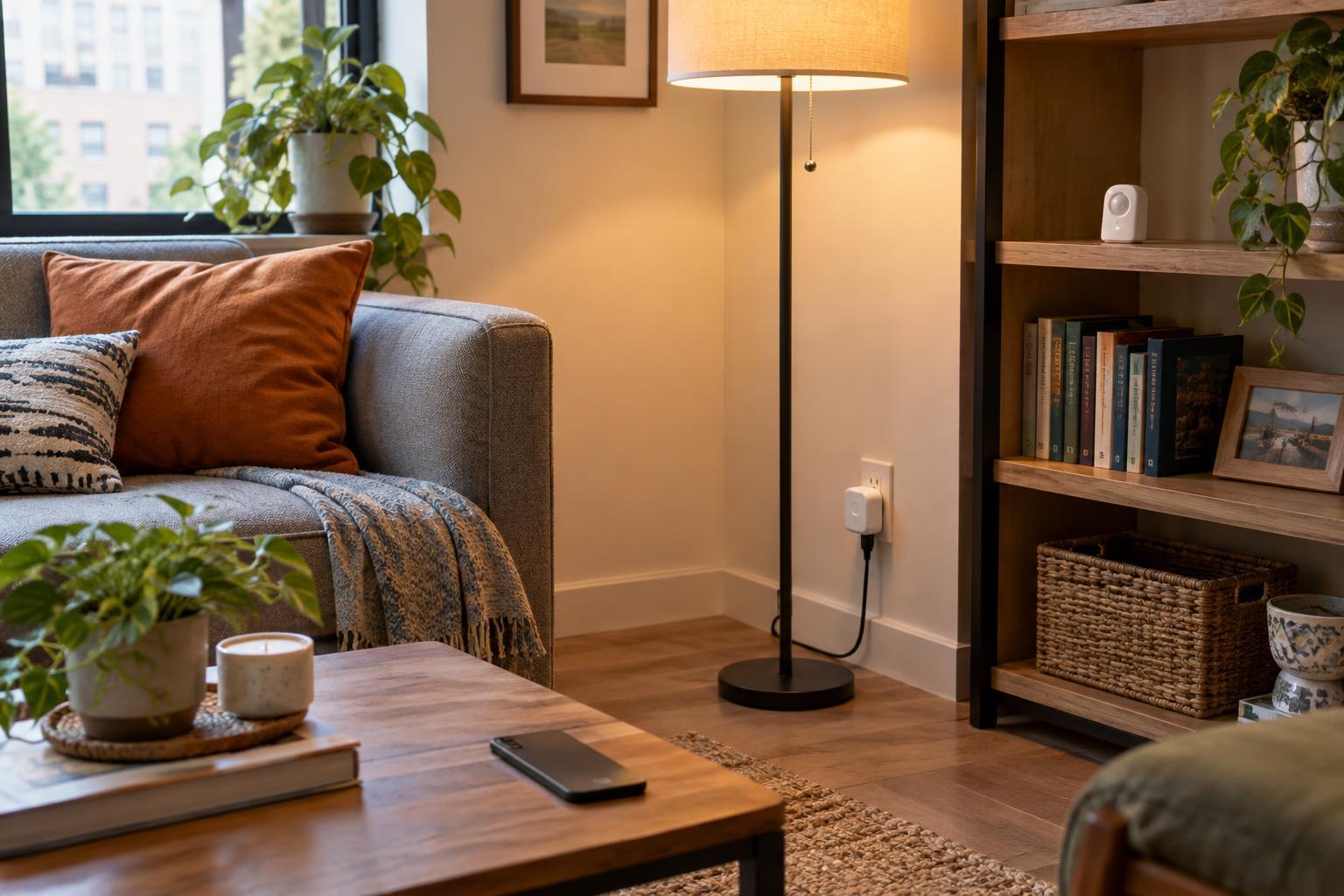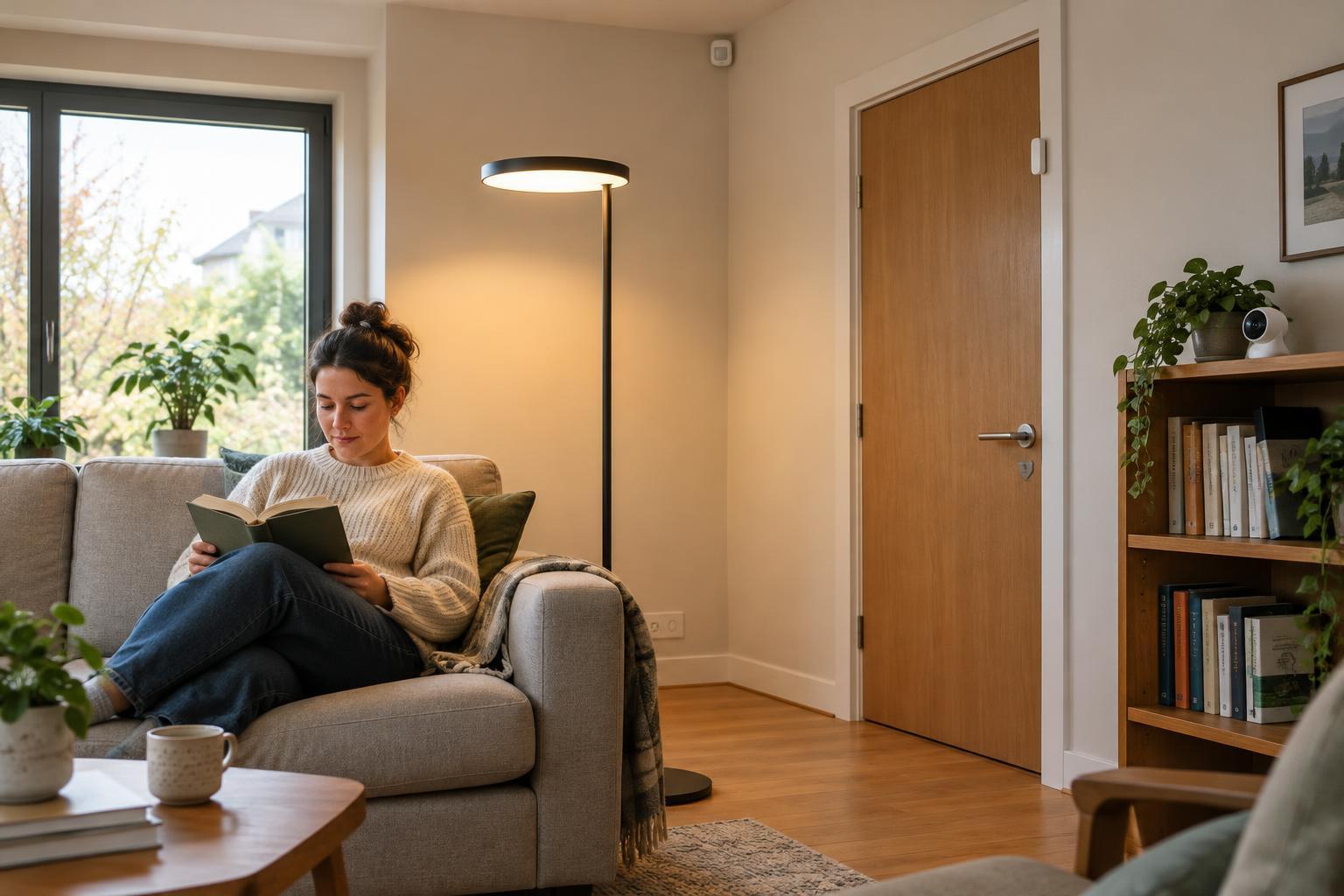
Smart means more than connected
A lamp you can switch on from your phone is connected, but its behavior is much like that of an ordinary lamp: it waits for a command. Add a motion sensor and a rule that turns it on when someone enters a dark hallway, and it can respond to its surroundings. That combination of sensing, decision-making and action is what makes many home devices feel smart.
Not every smart device needs all three parts built into one object. A separate sensor might detect movement, a hub might apply the rule, and a bulb might provide the light. Nor does smart mean fully autonomous. A scheduled plug or a thermostat with programmable settings can be useful without learning anyone’s habits. The practical question is what information a device uses, what it can do with that information, and how much control you retain.
Sensors give devices a view of the home
Sensors turn physical conditions into signals a device can use. A thermostat measures temperature; a leak detector looks for water where it should not be; a door sensor reports whether a door is open or closed. Motion and light sensors can work together so a lamp responds to someone entering a room only when the room is dim.
A sensor’s signal is not the same as a complete understanding of what is happening. Motion in a room does not necessarily mean someone needs the lights on, and a single temperature reading may not represent every corner of a home. Good automation accounts for such limits. For example, a hallway light might turn off a few minutes after motion stops rather than immediately, giving someone time to stand still or move out of the sensor’s view.
Sensor placement matters as much as sensor type. A light sensor behind a curtain may misread the room, while a temperature sensor near a sunny window may respond differently from one in a shaded area. Simple adjustments to placement and timing can make an automation more useful than adding another device.
Connectivity lets devices work together
A connection allows a device to receive commands, send status updates or cooperate with other devices. Some products connect directly to a home Wi-Fi network; others use a separate hub or a lower-power wireless connection. An app may offer remote access, while a local switch or hub may let you control certain devices even when the internet is unavailable. What keeps working during an outage depends on the product and how it is set up.
Connectivity is useful when it solves a specific problem. A leak sensor that alerts you when you are away serves a different purpose from a bulb that only needs to respond to a wall switch. Before buying, consider whether you need remote alerts, whether the device must work with equipment you already own, and what happens if its connection drops. A basic function that remains easy to use without an app can be valuable in a busy household.
Control turns signals into useful actions
Control is the set of choices that connects an input to an action. You might tap a button, set a schedule or create a rule such as “turn on the entry light after sunset when the door opens.” Some devices also adjust settings based on patterns they detect. Those features can reduce repetitive tasks, but they are not automatically better than a clear rule you can understand and change.
The best controls fit the people who use the space. A guest should not need your phone to turn on a lamp. A household member should be able to override an automation that switches off a light too soon. Physical switches, clear app settings and sensible defaults help a device remain convenient when routines change. Start with one simple action, see whether it works as expected, and add complexity only if it offers a clear benefit.
Choose the right level of smart
A useful smart home starts with a need, not a collection of features. If you often return to a dark entryway, a sensor-controlled light may help. If you worry about an appliance being left on, a controllable plug may provide a convenient way to check it, though it cannot make an unsuitable appliance safe to leave unattended. Match the device to the task, and check its instructions and compatibility before relying on an automation.
Also consider what information a device collects and where it is processed. A device that responds locally may have different connectivity needs from one that sends information to an online service. Review its privacy controls, update options and account security settings, especially for cameras and microphones. For most homes, “smart” works best when the technology is understandable, dependable and easy to switch off or override.