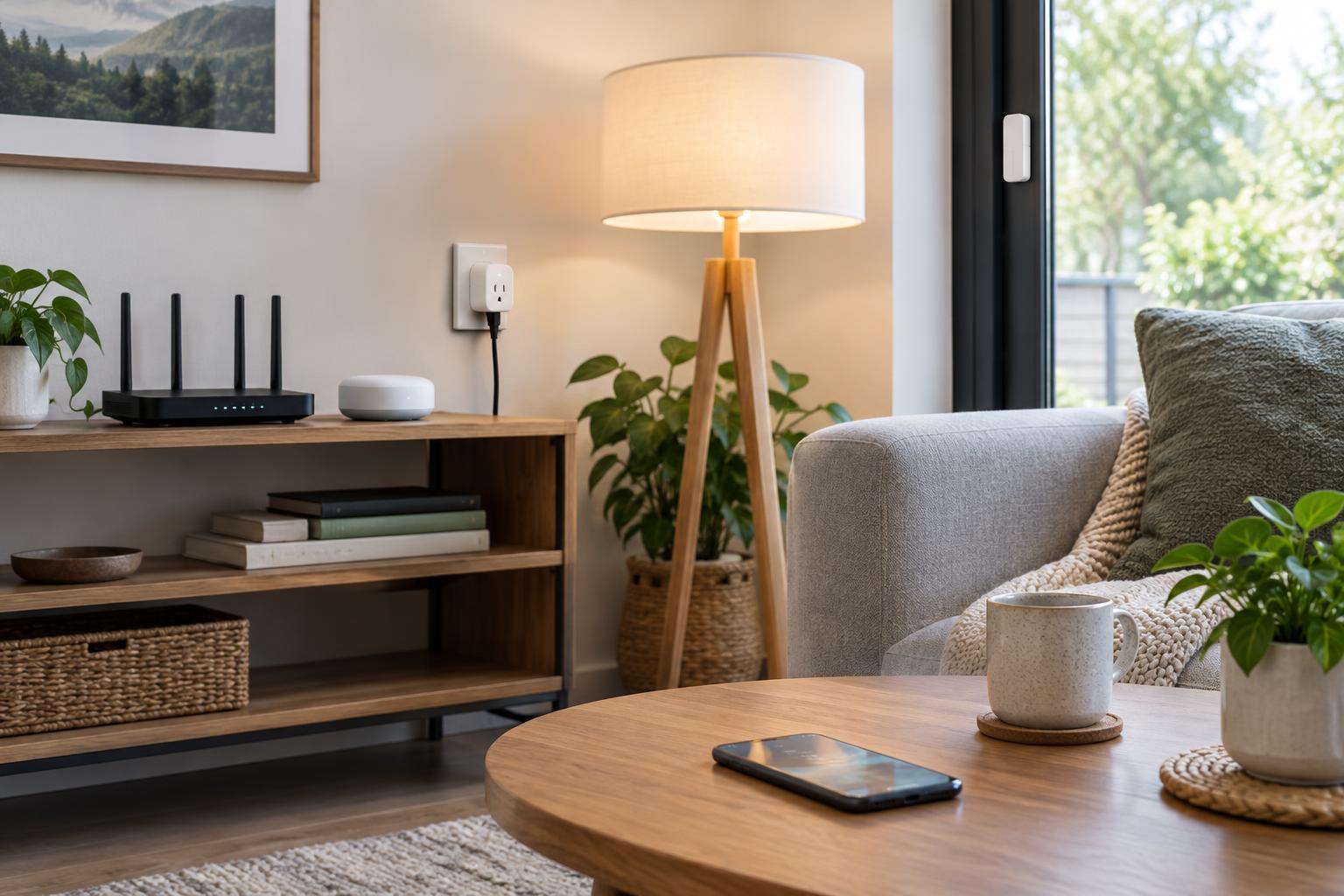
Start with the device, not the wireless name
A connected home might use Wi-Fi for a camera, Thread for a door sensor and Zigbee for a group of bulbs. None of these connections is the best choice for every device. They differ in how much power they use, how they reach across a home and what equipment they need to work.
It helps to separate a device’s wireless connection from the system that controls it. An app, voice assistant or automation platform may work with products using several kinds of wireless technology. Matter, for example, is a smart home standard that can work over Wi-Fi or Thread; it is not a fourth wireless network competing with them. The details still matter: a product’s label and specifications tell you more about compatibility than its wireless name alone.
Wi-Fi: familiar and useful for data-heavy devices
Wi-Fi connects a smart device to a home network through a router or access point. Its chief convenience is familiarity: many homes already have the network equipment, and a Wi-Fi plug or camera may not need a separate smart home hub. Wi-Fi can also carry the larger amounts of data needed by devices such as cameras and displays.
That convenience has trade-offs. Staying connected to Wi-Fi generally uses more power than the low-power connections commonly used by small sensors. For a mains-powered camera or plug, that may be unimportant; for a tiny battery-powered contact sensor, it can be a deciding factor. A crowded or weak Wi-Fi network can also make devices less reliable, especially at the edges of a home.
A Wi-Fi product is not automatically dependent on a cloud service, nor is it automatically able to work locally. Those behaviors depend on the product and its control software. Before buying, check what happens to its everyday functions if the internet connection is unavailable.
Thread: a low-power mesh with an IP foundation
Thread is designed for low-power devices and uses a mesh network. Some mains-powered Thread devices can pass messages along for other devices, extending coverage beyond the reach of a single radio. Battery-powered devices usually conserve energy rather than acting as repeaters. Thread is built on IP networking, which helps it fit into systems that communicate across different kinds of home networks.
To connect a Thread network with the rest of a home network, you need a Thread border router. That function may be built into a compatible smart speaker, display or other device, but it is worth checking the exact model. A border router does not, by itself, guarantee that every app or platform can control every Thread product: the device’s supported standard and ecosystem also matter.
Thread can be a good fit for battery-powered sensors and other small devices, provided the home has compatible border-router support. As with any mesh, placement matters. A few well-positioned mains-powered devices may help reach a distant room, while adding more battery devices alone may not.
Zigbee: an established mesh with a hub
Zigbee is another low-power mesh technology commonly found in bulbs, sensors, buttons and plugs. Typically, a Zigbee network has a coordinator, often sold as a hub. Mains-powered Zigbee devices can often relay messages, while battery-powered devices generally do not. That makes the mix and placement of devices relevant to coverage.
Zigbee’s long history gives shoppers many product options, but sharing the Zigbee name does not mean every product will work with every hub. A hub’s supported-device list is more useful than a general compatibility claim. Some hubs can also present Zigbee devices to other smart home systems, but which controls and features carry across depends on the hub and device.
If you already own a reliable Zigbee hub and compatible devices, there may be little reason to replace them merely because another wireless option exists. Expanding the system can be simpler than starting over, especially when the hub supports the particular sensors or controls you want.
How to choose without building three separate homes
Begin with the job. For a video camera or display, look at Wi-Fi products. For a small battery sensor, compare Thread and Zigbee options, along with their required border router or hub. For a bulb or plug, more than one connection may be practical; compatibility with your preferred controls may be the deciding factor.
Next, check the entire path from device to app. Does the product need a hub or border router you already own? Will it work with your chosen automation platform? Which features remain available when the internet is down? If a device is meant to strengthen a mesh, verify that it can relay messages on the network you intend to use.
A home does not need one wireless technology everywhere. A sensible setup may combine Wi-Fi for high-data devices with a low-power mesh for sensors and lights. Choose products around specific tasks, confirm their compatibility before purchase and add devices where coverage needs them. The aim is not to win a protocol debate; it is to have the lights, sensors and controls behave as expected.